THE LIBRARY

Explore image prompts.

Browse images and open the prompts behind them.

Burning Red Cliffs Night Battle

Burning Red Cliffs Night Battle

Illustration / Comics

Read full prompt

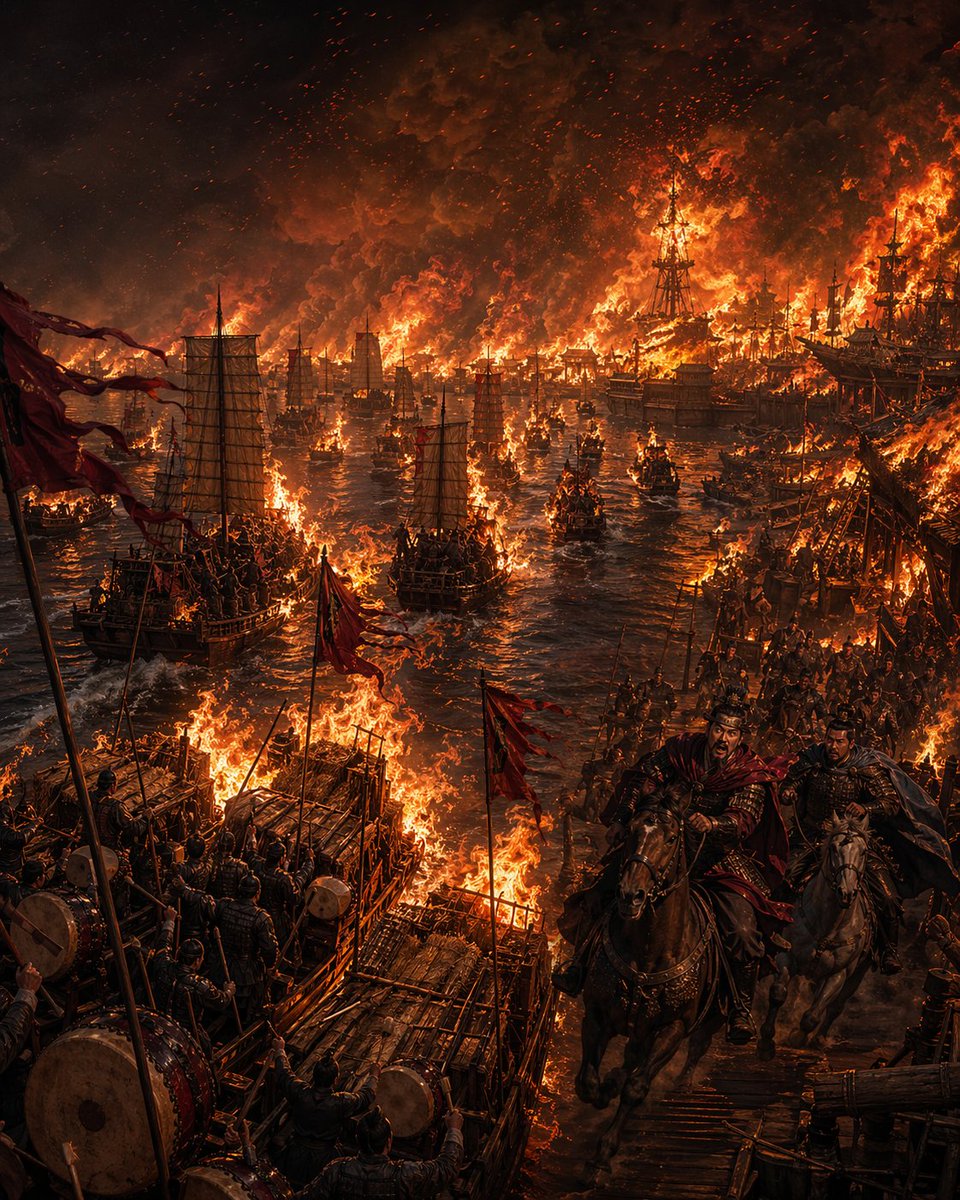
A monumental cinematic historical painting of the Battle of Red Cliffs at night, showing an entire ancient Chinese river fleet consumed by fire. The composition is a tall vertical frame viewed from a slightly elevated dockside angle, with the river running deep into the center distance and packed with burning warships. Count exactly 3 dominant foreground raft-like platforms or deck structures on the lower left and center foreground, each made of rough timber and engulfed in flames, with soldiers standing shoulder to shoulder among drums, poles, and red battle flags. Count exactly 2 mounted commanders in the lower right foreground galloping toward the viewer along a wooden pier or bridge: the front rider is sharply visible, wearing dark lamellar armor and a wind-whipped deep red cloak, shouting with urgency; the second rider beside him is darker and partially obscured. Across the middle ground, count dozens of ancient Chinese sail warships and smaller boats, many already burning, with traditional battened sails, wooden hulls, siege-like superstructures, and collapsing masts. The far shoreline and fleet form a continuous inferno, with towering sheets of orange flame, black-red smoke clouds filling the sky, and countless sparks and embers blowing through the air. The water reflects molten orange firelight with streaks of black shadow between ships. Fill the image with dense soldiers, rigging, banners, drums, weapons, and chaotic battlefield detail, but keep the overall readability centered on the river of fire. Use a dark, dramatic palette of black, ember red, burnt orange, and bronze, with intense high-contrast firelight, volumetric smoke, epic scale, ultra-detailed textures, dynamic motion, and the grandeur of a legendary Three Kingdoms scene. Historical Chinese warfare aesthetic, grim, heroic, catastrophic, painterly realism, no modern elements, no text.
Borrowing Arrows with Straw Boats

Borrowing Arrows with Straw Boats

Illustration / Comics

Read full prompt

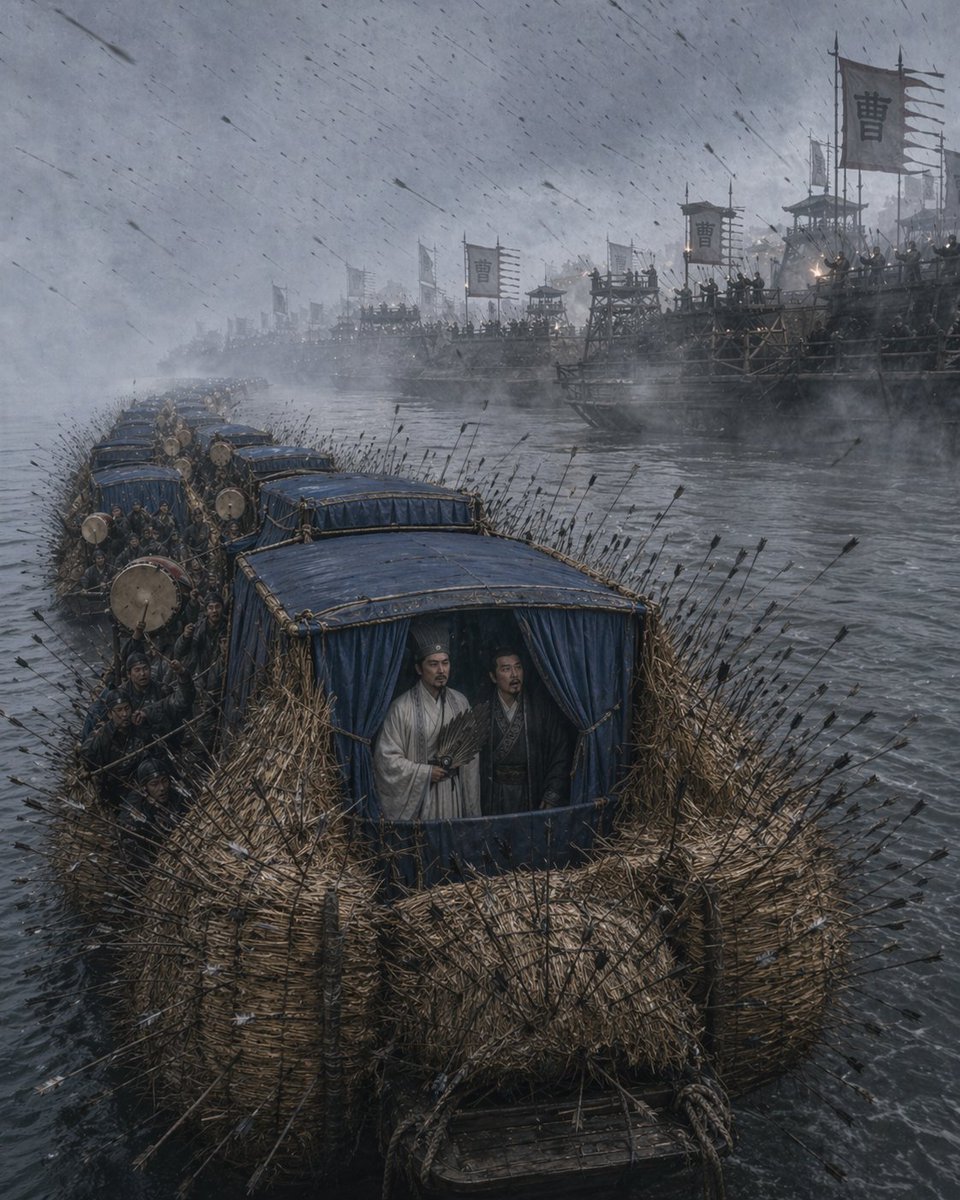
A cinematic historical war scene from Romance of the Three Kingdoms depicting the straw boat borrowing arrows on a wide gray river during a violent rainstorm, viewed from a slightly elevated front angle. In the foreground, a convoy of 6 narrow wooden boats is lashed together in a line, each boat wrapped thickly with dense bundles of straw along the sides and bow, creating rough protective walls. Hundreds of black-feathered arrows are embedded all over the straw armor, sticking out in every direction, with more arrows flying diagonally through the air in heavy wind and rain. The lead boat dominates the frame; its cabin is covered with dark blue fabric curtains and blue roof panels. Standing calmly inside the front cabin are 2 robed ancient Chinese strategists, one in a pale white robe holding a feather fan and one darker-robed companion beside him, both composed and unhurried amid the chaos. Along the left side of the boats are clustered oarsmen and soldiers in dark period clothing, with several large war drums visible on the decks. In the background across the river, a massive enemy river fleet fills the misty distance: dozens of tall wooden warships, watchtowers, and platforms crowded with troops and archers. Multiple military banners bearing the single large Chinese character "曹" rise above the fleet, indicating Cao Cao's forces. The atmosphere is cold, desaturated, and epic, with fog, smoke, rain streaks, rough water, low contrast blue-gray lighting, and highly detailed realistic textures in wet wood, straw, fabric, and river spray. Ultra-detailed, photorealistic ancient Chinese battlefield tableau, dramatic scale, moody historical realism, vertical composition.

Peach Garden Oath Cinematic Scene

Peach Garden Oath Cinematic Scene

Editorial / Poster

Read full prompt

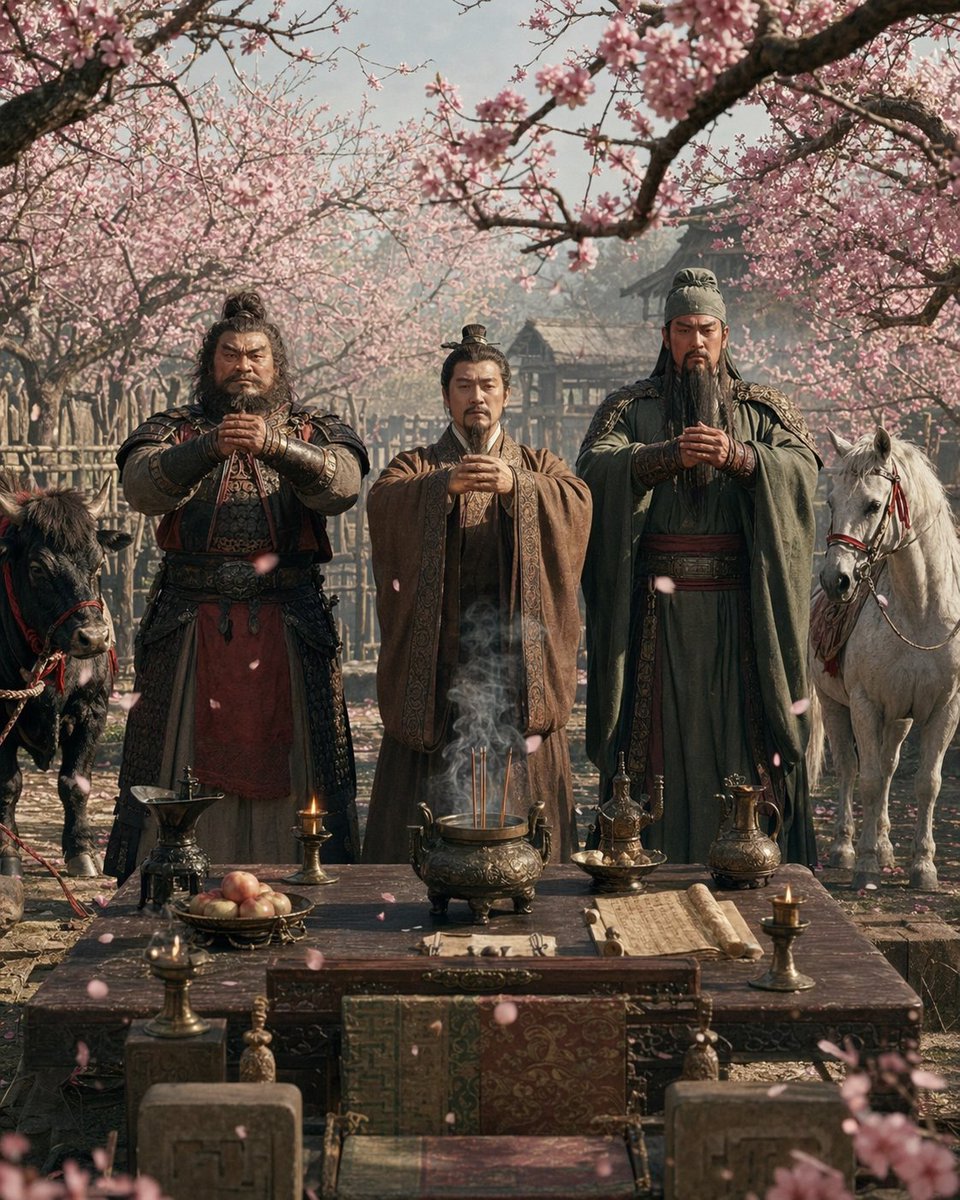
A cinematic historical scene from Romance of the Three Kingdoms showing the {argument name="scene name" default="Peach Garden Oath"}. Three ancient Chinese men stand side by side behind a ceremonial altar table in a blooming orchard of pink peach blossoms, each holding a respectful fist-and-palm salute at chest height. The man on the left is broad and heavily built, wearing dark lamellar armor with a deep red robe panel and rugged warrior styling; the man in the center is shorter and slimmer, wearing layered brown scholar-official robes and a simple topknot; the man on the right is tall and imposing, wearing flowing dark green robes with armor details, a long black beard, and a noble commanding presence. In front of them is one large carved wooden altar table arranged with exactly 10 ritual elements: 1 bronze incense burner in the center with three lit incense sticks and visible curling smoke, 4 bronze candlesticks with small flames placed near the corners, 1 fruit plate with peaches, 1 ewer or wine vessel on the left, 2 bronze pouring vessels on the right, and 1 open scroll laid across the tabletop. Pink petals drift through the air and scatter on the ground. The orchard forms a tunnel of flowering branches overhead, with rustic wooden fencing and traditional buildings softly visible in the background through light spring haze. Include exactly 2 horses flanking the group: a dark horse on the far left and a white horse on the far right, both saddled and calm. Composition is symmetrical, eye-level, centered on the oath ritual, with rich period textures, realistic faces and fabrics, soft natural morning light, shallow atmospheric depth, and an epic, reverent, painterly-cinematic realism in the style of a prestige historical drama.

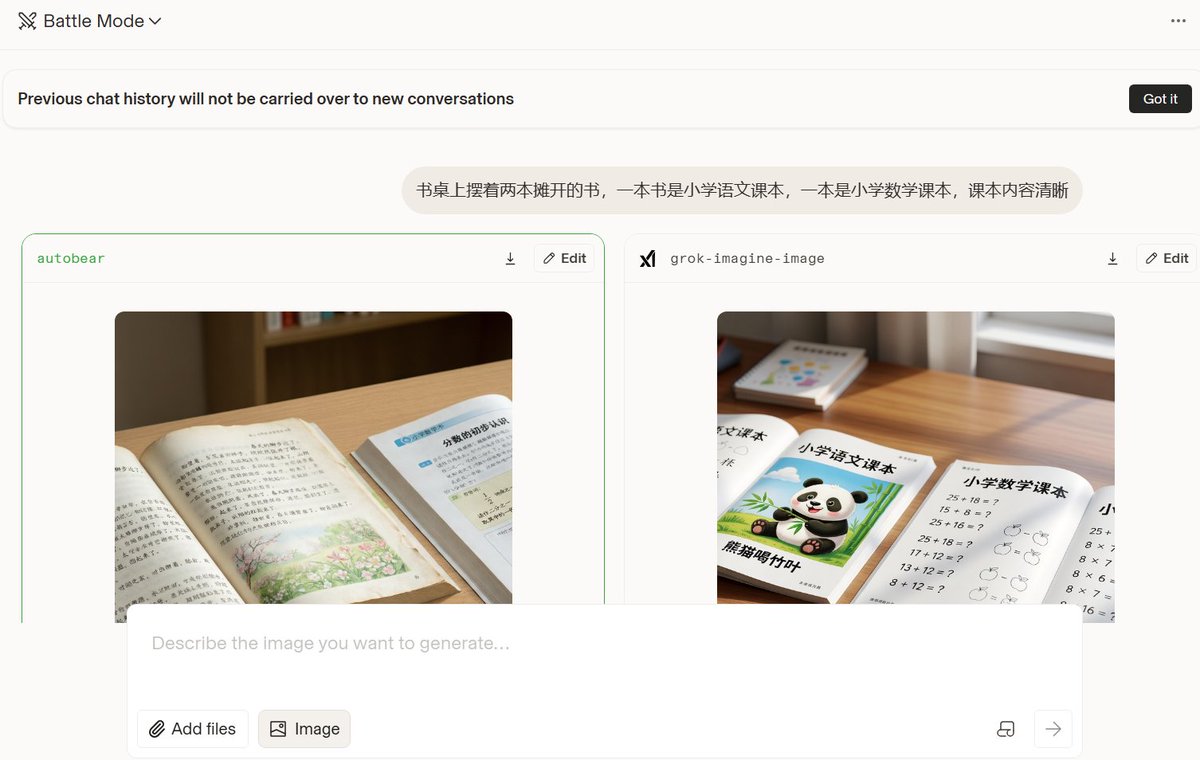
Realistic Textbook Desk Scene

Realistic Textbook Desk Scene

Lifestyle / Food

Read full prompt

Two open books are placed on a desk, one is {argument name="first textbook" default="an elementary school Chinese textbook"} and the other is {argument name="second textbook" default="an elementary school mathematics textbook"}, with the content of the books being clear.

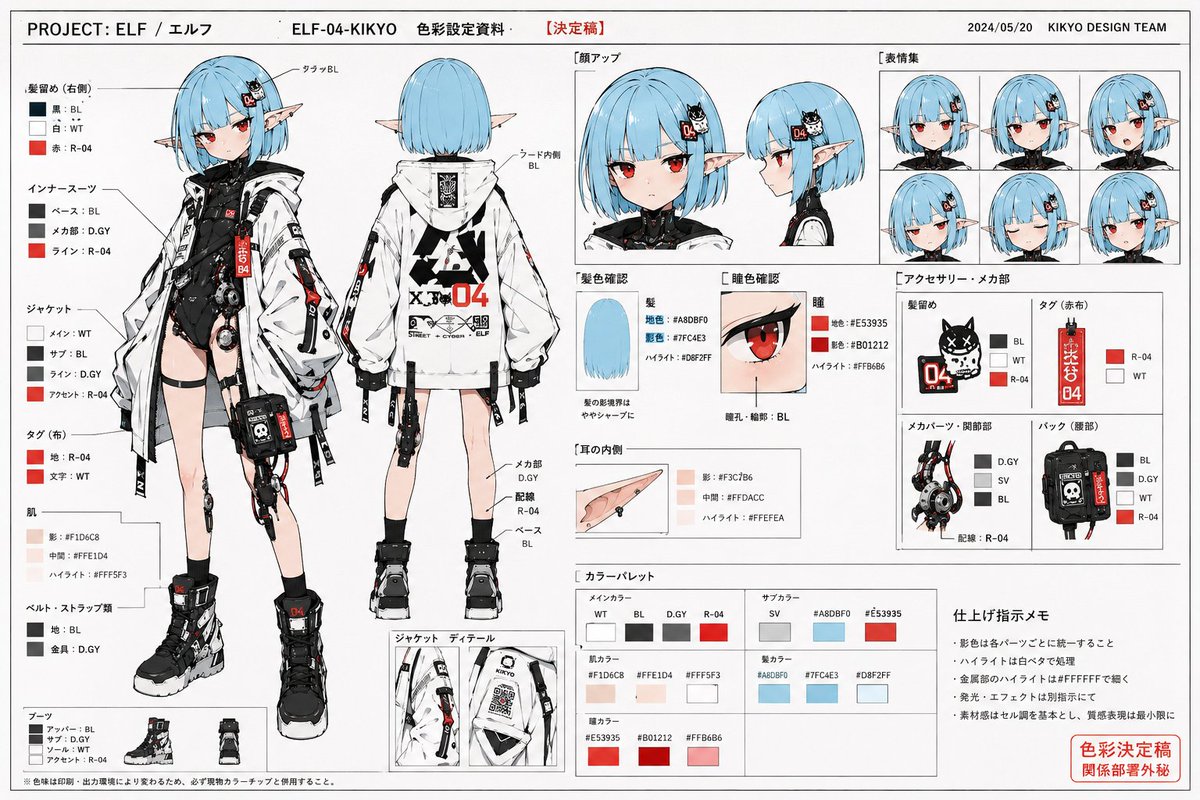
Anime Character Color Setting Sheet

Anime Character Color Setting Sheet

Illustration / Character

Read full prompt

Use the reference image as a base for character design to draw 'professional-spec character color setting materials used in commercial anime production sites.' Maintain the character's face, hairstyle, hair color, eyes, contour, body type, silhouette, costume design, color scheme, and overall impression accurately. Never break the character's identity. Do not redraw as a different character. This is not a finished illustration, not a poster, and not concept art. The purpose is setting materials for color sharing aimed at animators, colorists, finishing staff, and photography staff. The screen is a white background-based Japanese anime setting material layout. Arrange multiple color setting cuts as a organized material page. Include the following: Full-body color front, full-body color back, face close-up, facial expression variations, hair color confirmation, eye color confirmation, costume color scheme confirmation, accessory color specifications, shoe color scheme, small item color settings, partial enlarged views, color palette column, color-coded arrows, handwritten-style color specification notes, and finishing instruction notes. The character should be depicted with clean anime cel-shading. No thick painting. Excessive gradients are prohibited. Cinematic lighting is prohibited. Social game-style rendering is prohibited. Excessive effects are prohibited. Shadow colors are organized and designed to be simple and easy to read, like color specification materials at an anime production site. Saturation is slightly organized, with natural colors like those in a printed setting collection. Naturally add color numbers, simple annotations, arrows, part names, and color-coding instructions within the screen. As a material page, prioritize visibility and structural understanding. The layout has an atmosphere like Japanese anime setting collections from the 90s to the 2000s. High information density but organized and easy to read. Allow natural margins as a page. The entire page has an atmosphere like an actually printed and scanned setting collection. Naturally add minor paper texture, a slight sense of printing, copy paper feel, and scanning feel. Prioritize looking like 'actual production site materials' rather than a completed artwork.

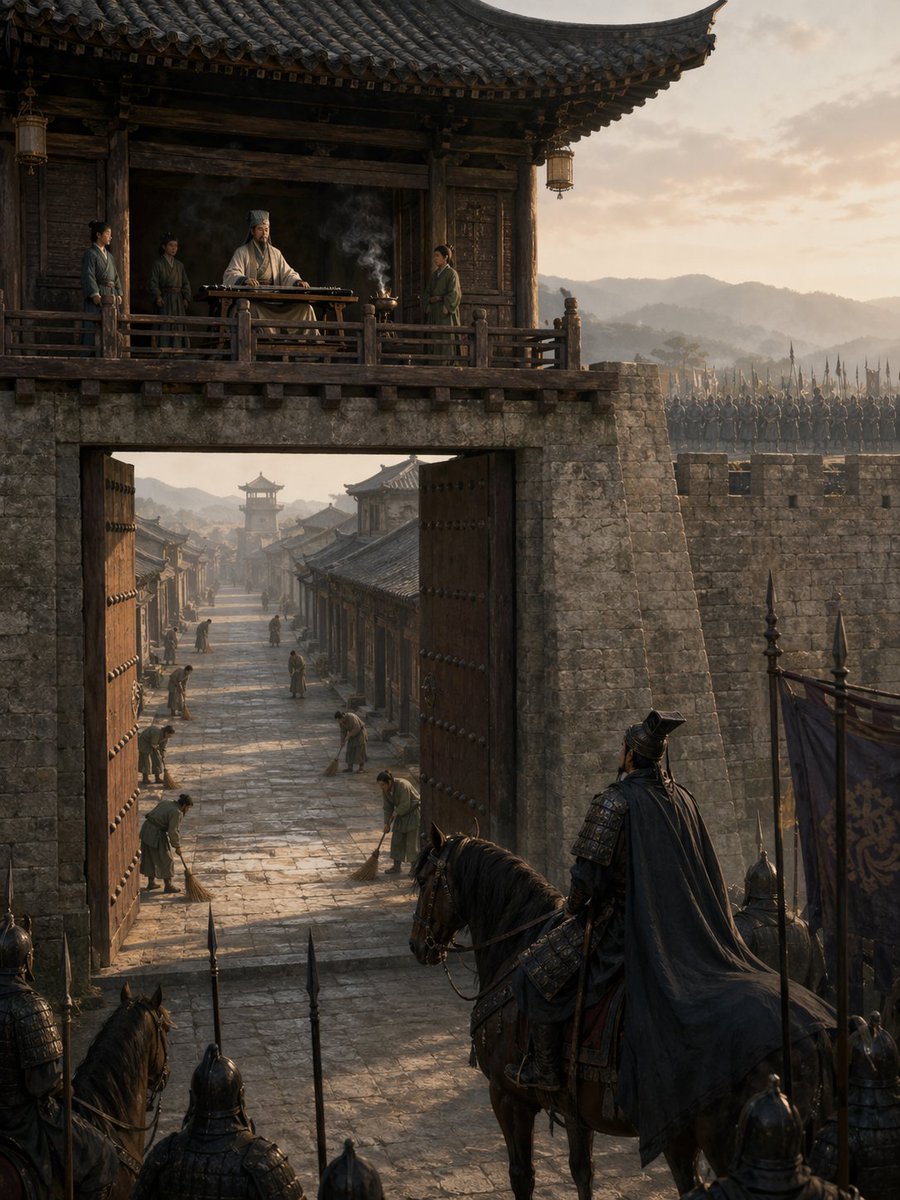
Empty Fort Strategy at the City Gate

Empty Fort Strategy at the City Gate

Illustration / Comics

Read full prompt

A cinematic historical Chinese scene depicting the Empty Fort Strategy at dawn, viewed from outside a massive ancient city gate. In the foreground, a dark armored general on horseback, seen from behind in a flowing black cape, pauses with several spear-bearing soldiers and banners, facing the open gate in suspicion. The huge wooden gate doors stand fully open, revealing a long stone-paved street inside the city. Exactly 6 townspeople are visible inside, calmly sweeping the street with brooms, spaced along the road, creating an eerie sense of normalcy. Above the gate, on a timber balcony of a traditional tiled gatehouse, a calm strategist in white robes and a tall scholar’s headdress sits behind a guqin table, with a small incense burner sending up thin smoke. Exactly 3 attendants stand around him on the balcony. The city walls are built of aged gray stone, and ranks of soldiers with upright spears line the battlements in the background. Use authentic Three Kingdoms era architecture, weathered wood, layered roof tiles, muted earth tones, soft golden morning light, distant misty mountains, long shadows, atmospheric haze, ultra-detailed textures, dramatic vertical composition, epic historical realism, cinematic framing, and a tense, quiet mood.

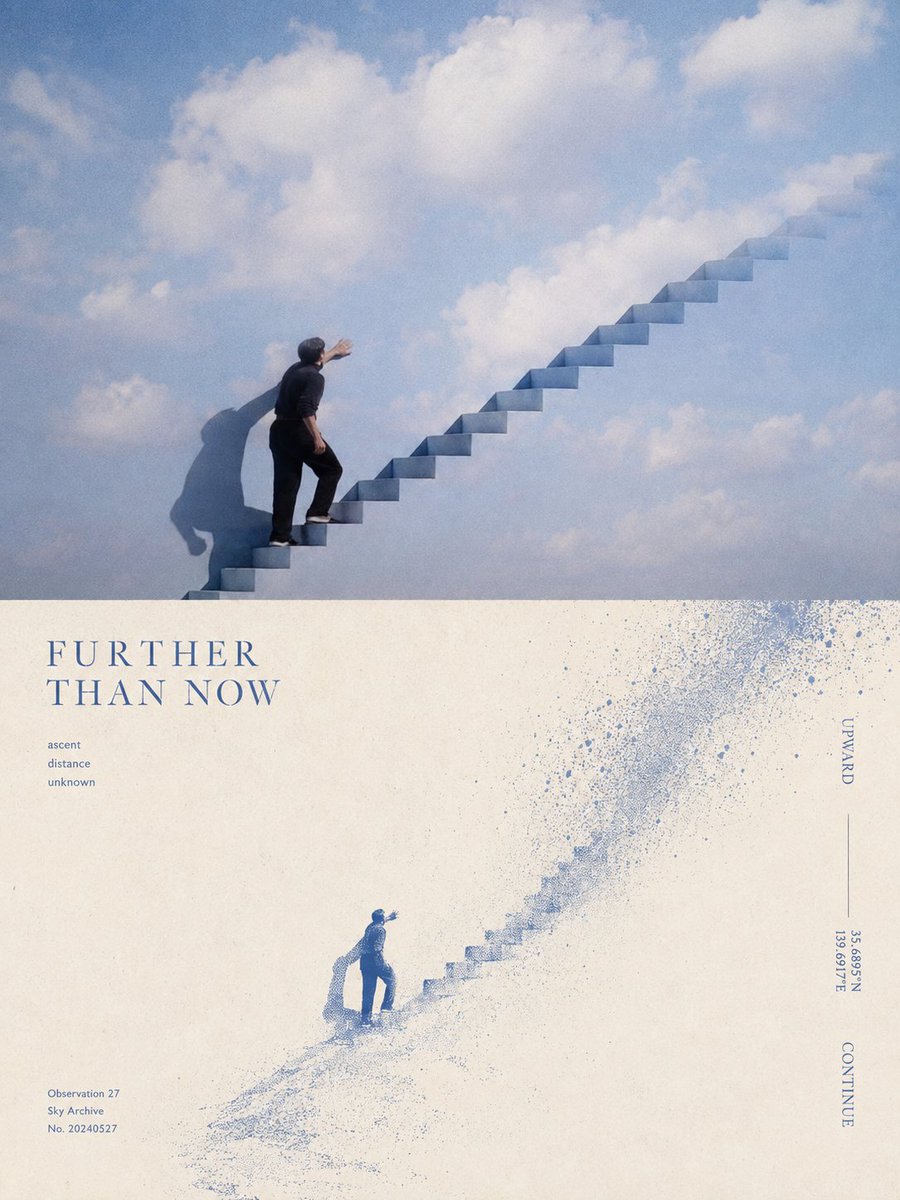
Split-Screen Surreal Printmaking Design

Split-Screen Surreal Printmaking Design

Editorial / Poster

Read full prompt

Please turn {argument name="input" default="each photo I upload"} into a separate, high-end design poster. Do not create multi-image collages; output one standalone poster for each photo. Use an overall {argument name="aspect ratio" default="3:4"} vertical format, divided into two sections of strictly equal height, with the upper and lower halves each occupying exactly 50% of the composition. The upper half should retain the original photograph. Preserve the subject’s structure, authentic texture, natural lighting, and original color atmosphere. Apply only subtle, sophisticated photographic color grading to give it the visual quality of an art magazine, independent publication, or exhibition photograph. To adapt the image to the required aspect ratio, you may naturally extend the sky, ground, or surrounding environment, but do not stretch, distort, or alter the subject. The lower half should extract the most recognizable subject, silhouette, pose, and narrative relationship from the photograph and reinterpret them as a surreal, minimalist printmaking composition. Compress the subject into a clear, restrained visual anchor, usually rendered at a relatively small scale within a large field of negative space, preserving only the most essential silhouette and posture. Do not reproduce complex details. Instead, transform the original image’s movement, direction, light and shadow, or spatial relationships into a dynamic field that unfolds around the subject. For the dynamic field, naturally choose one primary motion logic based on the characteristics of the subject: it may fall from top to bottom, rise vertically, flow in a specific direction, radiate outward from a central point, or form irregular ripples and echoes. Use numerous fine lines, broken trajectories, rough halftone patterns, and variations in grain density to express movement. The field should be denser and more intense near the core, then gradually become sparser, more fragmented, and eventually disappear into the surrounding negative space. Avoid stacking multiple visual effects at once. Let one subject, one type of movement, and one vast spatial relationship define the composition. For the color palette, extract one {argument name="primary color" default="highly distinctive, energetic signature color"} from the photograph in the upper half, and combine it with warm white, ivory, or natural paper tones, plus a small amount of black, creating a strict 2–3 color palette. The primary color may be slightly purified and intensified so that it feels vivid and powerful without becoming overly digital. Create tonal variation through halftone density, layered ink coverage, and exposed paper rather than conventional gradients. Preserve the tactile qualities of screen printing, Risograph printing, coarse grain, paper fibers, uneven ink coverage, and slight registration misalignment. Avoid CGI, 3D effects, realistic digital lighting effects, and smooth digital illustration.

Pastel Teen Character Design Sheet

Pastel Teen Character Design Sheet

Illustration / Character

Read full prompt

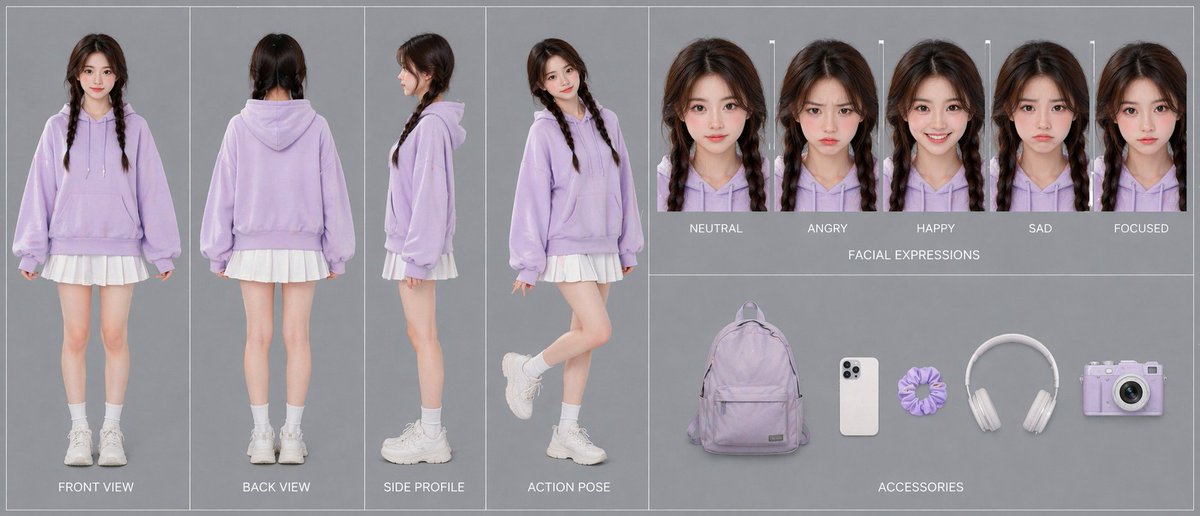
{"type":"advanced character card","style":"clean fashion character design sheet, photorealistic studio catalog aesthetic, soft even lighting, minimal shadows, muted gray background, thin white panel dividers, polished single-canvas layout","subject":{"gender_presentation":"teen girl","age_appearance":"young teenager","identity":"face intentionally obscured and de-emphasized","hair":{"color":"dark brown","style":"center-parted long hair in two braids"},"outfit":{"count":5,"pieces":["oversized pastel lavender hoodie with drawstrings and kangaroo pocket","short white pleated skirt visible below hoodie hem","white crew socks","chunky white sneakers","no visible jewelry"]},"overall_look":"cute casual pastel streetwear, soft youthful styling"},"layout":{"sections":[{"title":"turnaround views","position":"left half","count":4,"labels":["FRONT VIEW","BACK VIEW","SIDE PROFILE","ACTION POSE"],"details":"full-body character shown in four separate vertical panels; front standing straight with arms relaxed, back standing straight, side profile standing neutrally, and playful action pose with one leg bent backward and body turned slightly toward camera"},{"title":"FACIAL EXPRESSIONS","position":"top right","count":5,"labels":["NEUTRAL","ANGRY","HAPPY","SAD","FOCUSED"],"details":"five tightly cropped head-and-shoulders portraits in a horizontal row, each with the same hairstyle and hoodie, subtle expression changes, face area softly blurred"},{"title":"ACCESSORIES","position":"bottom right","count":5,"labels":["lavender backpack","white smartphone","lavender scrunchie","white over-ear headphones","lavender compact camera"],"details":"accessories evenly spaced on gray background like product cutouts"}],"centerpiece":"the 4-view full-body outfit turnaround dominates the composition"},"color_palette":{"count":4,"colors":["pastel lavender","white","soft gray","dark brown"]},"prompt":"Create a single-canvas advanced character card for {argument name=\"character name\" default=\"a teen girl\"} in a photorealistic studio fashion-sheet style. Show a consistent young girl with {argument name=\"hair color\" default=\"dark brown\"} hair in two braids, wearing an oversized {argument name=\"hoodie color\" default=\"pastel lavender\"} hoodie, a short white pleated skirt, white crew socks, and chunky white sneakers. Use a clean gray background with thin white dividers and neatly organized panels. On the left half, include 4 full-body turnaround panels labeled FRONT VIEW, BACK VIEW, SIDE PROFILE, and ACTION POSE. On the top right, include 5 headshot expression panels labeled NEUTRAL, ANGRY, HAPPY, SAD, and FOCUSED. On the bottom right, include 5 accessory items arranged horizontally: a lavender backpack, a white smartphone, a lavender scrunchie, white over-ear headphones, and a lavender compact camera. Keep lighting soft and even, composition symmetrical and professional, emphasizing 100% character consistency across all views. Preserve the minimal pastel aesthetic and use {argument name=\"background color\" default=\"soft gray\"} as the backdrop."}

Cinematic Character Identity Board

Cinematic Character Identity Board

Illustration / Character

Read full prompt

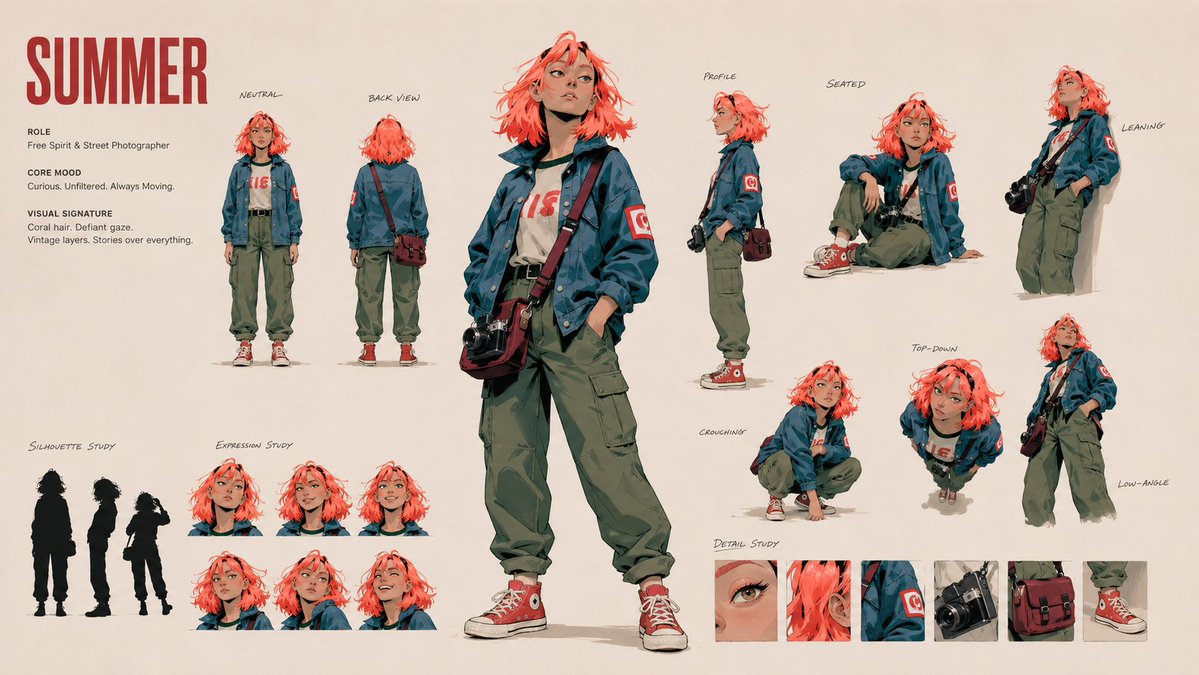
Create an artistic 16:9 CHARACTER IDENTITY BOARD. Use Image A as the subject and the visual medium. Name: {argument name="name" default="Clara"}. {argument name="correction" default="Fix headphones"}. (just change this line as your needs.) Soft off-white background. No environment, no logo, no watermark. DESIGN DIRECTION: Do not create a standard character reference sheet. Create a cinematic identity board that feels like a high-end animation studio character study mixed with an artbook layout. The layout should be asymmetrical, elegant and visually memorable. Use large empty space, varied image scale and intentional imbalance. Avoid grids, blueprint design, catalog layout and repetitive turnaround presentation. IMPORTANT LAYOUT RULE: Do not overlap any character images. Every view must have clear separation and breathing room. Keep all bodies, portraits, silhouettes and detail studies visually distinct. No cropped faces, no hidden limbs, no stacked figures, no merged poses. MAIN COMPOSITION: Place one large hero full-body view slightly off-center as the visual anchor. Around it, arrange smaller supporting studies with clean spacing: neutral full-body view, back view, profile view, seated pose, leaning pose, crouching pose, top-down body angle, low-angle body angle, expressive portrait studies. Each view should feel like a separate clean character study, not a frame from one scene. IDENTITY LOCK: Preserve strict identity consistency across all views: same face, same facial proportions, same hairstyle, same outfit, same body proportions, same posture language, same visual personality. USEFUL REFERENCE DETAILS: Make the character readable for future image and video generation: clear face shape, clear hair silhouette, clear outfit silhouette, clear body shape, clear hands, clear posture, clear expression range. ARTISTIC SECTIONS: Include a small silhouette study area with 2-3 simplified black character silhouettes. Include a small expression study area with subtle emotional variations. Include a small detail study area showing key visual features of the face, hair and outfit. TEXT DESIGN: Add one stylish CHARACTER ID block. Keep it minimal, bold and art-directed. Use only: NAME ROLE CORE MOOD VISUAL SIGNATURE Use small handwritten-style labels only where helpful. Subtle editorial arrows and annotation marks are allowed, but keep them minimal and elegant. STYLE: minimal, cinematic, premium, artbook-like, clean, expressive, useful for production. The final image should feel like an artistic character identity board designed

Avant-garde Fashion Advertisement

Avant-garde Fashion Advertisement

Product / Advertising

Read full prompt

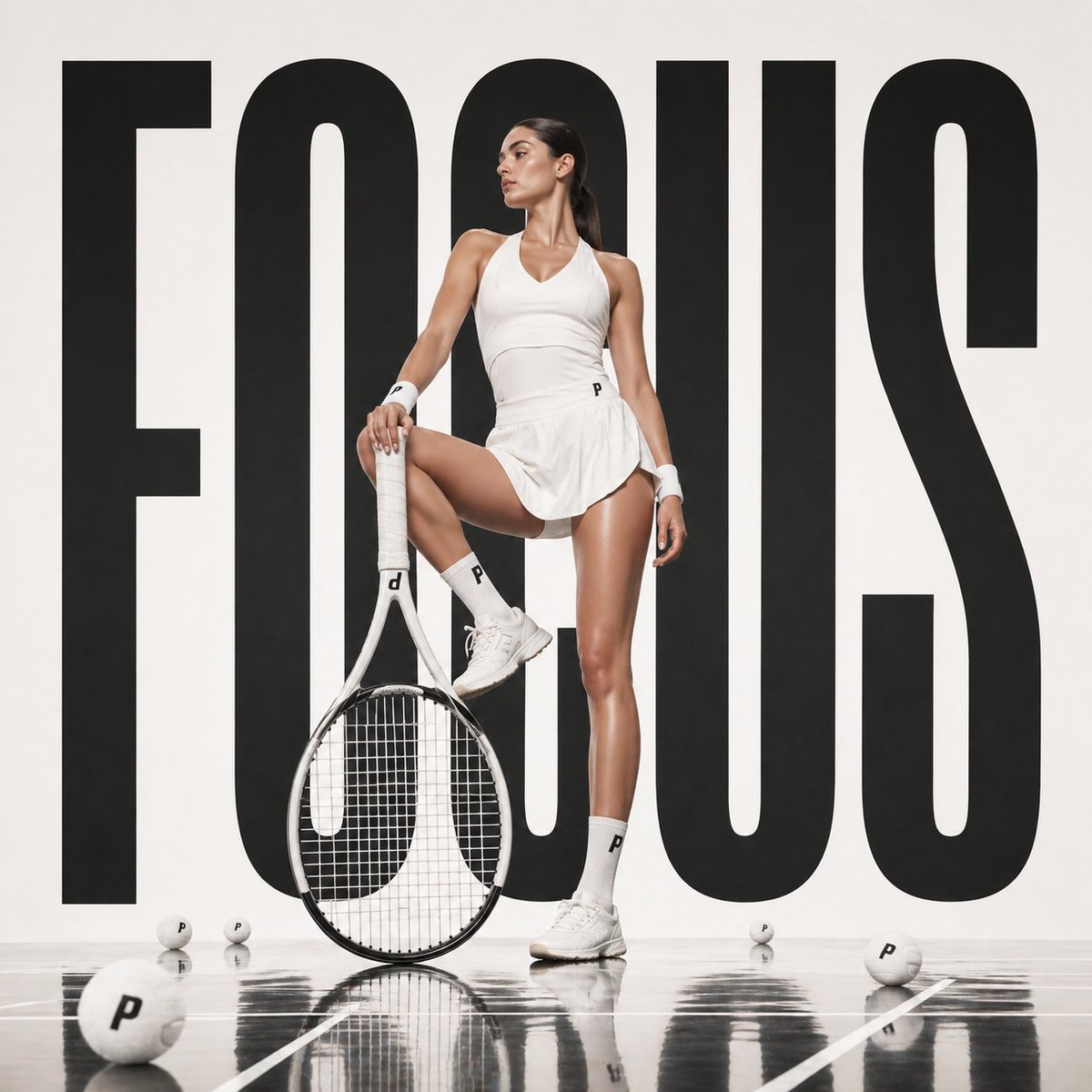
Avant-garde sports fashion advertisement, oversized {argument name="prop" default="tennis racket"} positioned like monumental sculpture, {argument name="subject" default="female athlete"} seated casually on the strings as if a suspended lounge, giant word “{argument name="text" default="PRECISION"}” in bold typography behind, crisp white studio backdrop, reflective court-like floor, luxury sportswear editorial aesthetic, cinematic lighting, ultra-clean composition, 1:1

Watercolor Summer Fashion Portrait

Watercolor Summer Fashion Portrait

Photography / Fashion

Read full prompt

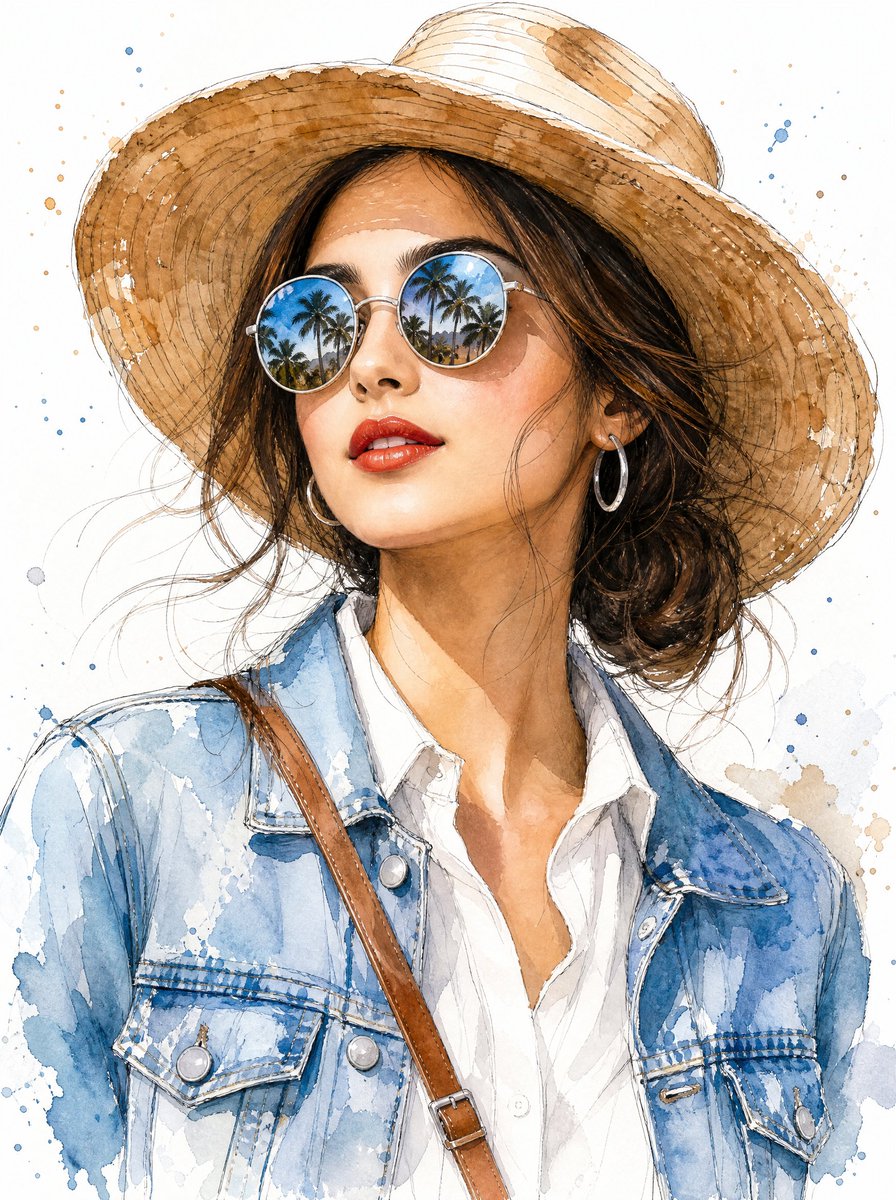
Create a vertical watercolor fashion portrait of {argument name="character description" default="a stylish young woman with warm light skin and tousled dark brown hair"} shown from the chest up against a clean white paper background. She wears a wide-brim woven straw sun hat with visible circular stitch lines and loose sketchy ink outlines, round mirrored sunglasses reflecting a tropical beach scene with palm trees and blue sky, glossy red lipstick, silver hoop earrings, a crisp white button-up shirt, a faded light-blue denim jacket with detailed seams, buttons, chest pockets, and watercolor bleeds, plus a tan leather crossbody strap crossing diagonally over her shoulder. Pose her in a relaxed three-quarter view, head slightly tilted upward and turned to the side as if looking into bright sunlight, with loose strands of hair blowing around her face. Use an elegant mixed-media style: transparent watercolor washes, fine black ink contour lines, expressive splatters, soft skin shading, realistic facial proportions, detailed fabric texture, and airy negative space. Include scattered blue and warm brown paint splashes around the figure, especially near the hat and jacket, while keeping the background mostly white. Make the illustration refined, fashionable, summery, travel-inspired, and high-detail, with no text or watermark.

Idol Unit Concept Reference Sheet

Idol Unit Concept Reference Sheet

Illustration / Character

Read full prompt

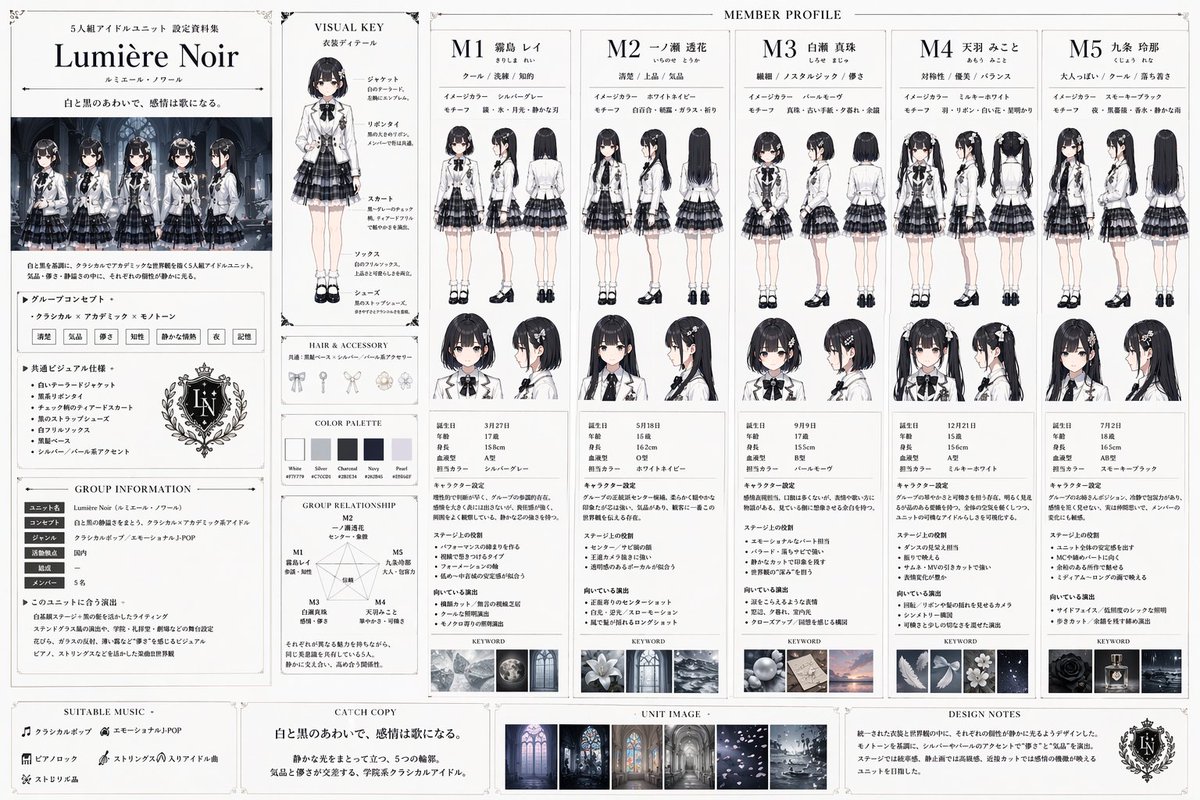
{ "type": "idol unit setting material collection", "unit_details": { "name": "{argument name=\"unit name\" default=\"Lumière Noir\"}", "concept": "{argument name=\"unit style\" default=\"Classical x Academic x Monotone\"}", "catchphrase": "{argument name=\"catchphrase\" default=\"白と黒のあわいで、感情は歌になる。\"}", "uniform": "{argument name=\"uniform description\" default=\"white tailored jacket, black ribbon tie, black and grey tiered check skirt\"}" }, "layout": { "left_sidebar": { "sections": [ "Unit Logo and Title", "Group Illustration featuring 5 members", "Group Concept Text", "Common Visual Specifications", "Group Information Table", "Group Relationship Diagram with 1 pentagon network" ] }, "main_content": { "title": "MEMBER PROFILE", "columns": 5, "shared_elements_per_column": [ "Member ID (M1 to M5) and Name", "3 descriptive keywords", "Image Color and Motif", "2 full-body views (front and back)", "2 headshots (front and side)", "Profile Stats Table", "Character Setting Text", "Stage Role Text", "Direction Text", "1 Keyword Mood Image" ], "members": [ { "id": "M1", "hair": "short black hair", "color": "silver-gray" }, { "id": "M2", "hair": "long straight black hair", "color": "white-navy" }, { "id": "M3", "hair": "short black bob", "color": "pearl-mauve" }, { "id": "M4", "hair": "black twin tails", "color": "milky-white" }, { "id": "M5", "hair": "long wavy black hair", "color": "smoky-black" } ] }, "middle_inserts": { "visual_key": "1 full-body model with 5 callout labels for uniform parts", "hair_and_accessory": "3 accessory illustrations", "color_palette": "5 color swatches" }, "bottom_footer": { "sections": [ "SUITABLE MUSIC", "CATCH COPY", "UNIT IMAGE with 3 small mood board photos", "DESIGN NOTES" ] } } }

Side-by-Side PPT Reconstruction Demo

Side-by-Side PPT Reconstruction Demo

Editorial / Interface

Read full prompt

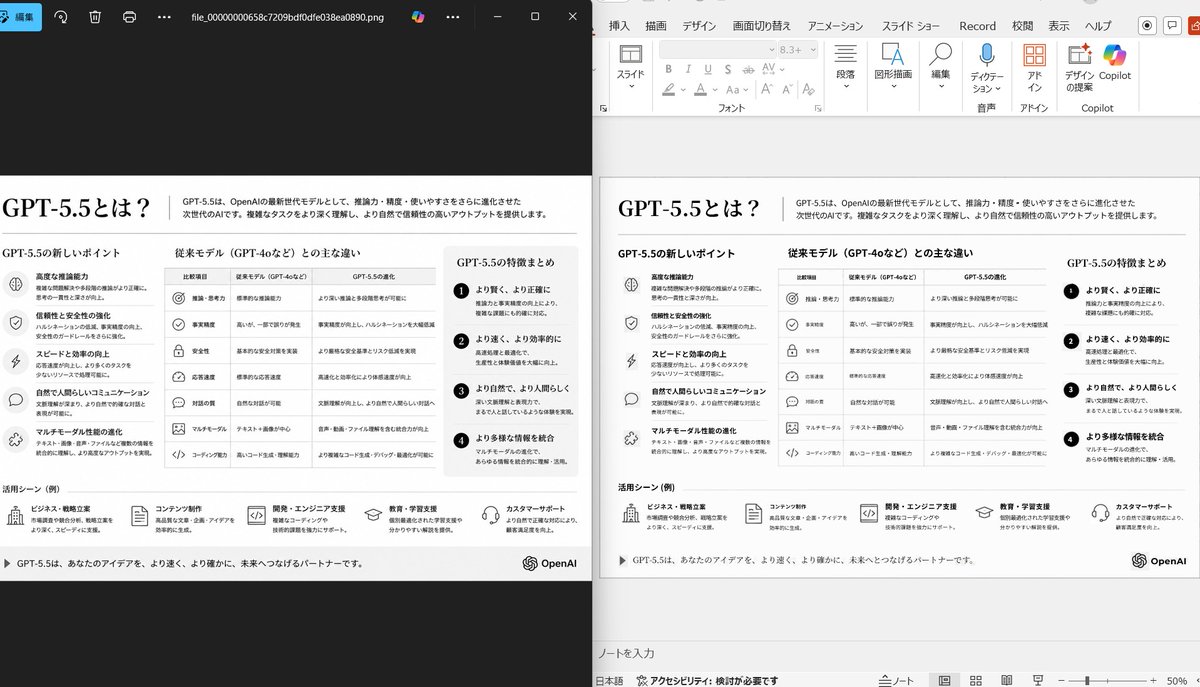
Using the provided reference image of the PowerPoint slide screenshot, recreate it as a clean, polished slide conversion result inside a side-by-side desktop comparison. Keep the same Japanese slide topic and overall layout, but remove the dense selection handles, edit boxes, and malformed vector artifacts from the reference so the slide appears properly reconstructed. Show 2 panels: on the left, a dark image viewer window displaying the exported slide image; on the right, the same slide opened in PowerPoint editing view. Preserve the original monochrome infographic style and Japanese text structure, but make the typography legible and the icons, dividers, and columns cleanly aligned. Keep the slide as a single-page infographic with 5 main content areas: 1 top title/header row, 3 mid-page comparison columns, 1 bottom use-case row containing 5 icon-labeled items. Include a footer line and the OpenAI logo at bottom right. Emphasize that this is a faithful PPT reconstruction from the uploaded image, with a realistic Windows desktop app screenshot look.

Playful Hand-Drawn Doodle Overlays

Playful Hand-Drawn Doodle Overlays

Editorial / Poster

Read full prompt

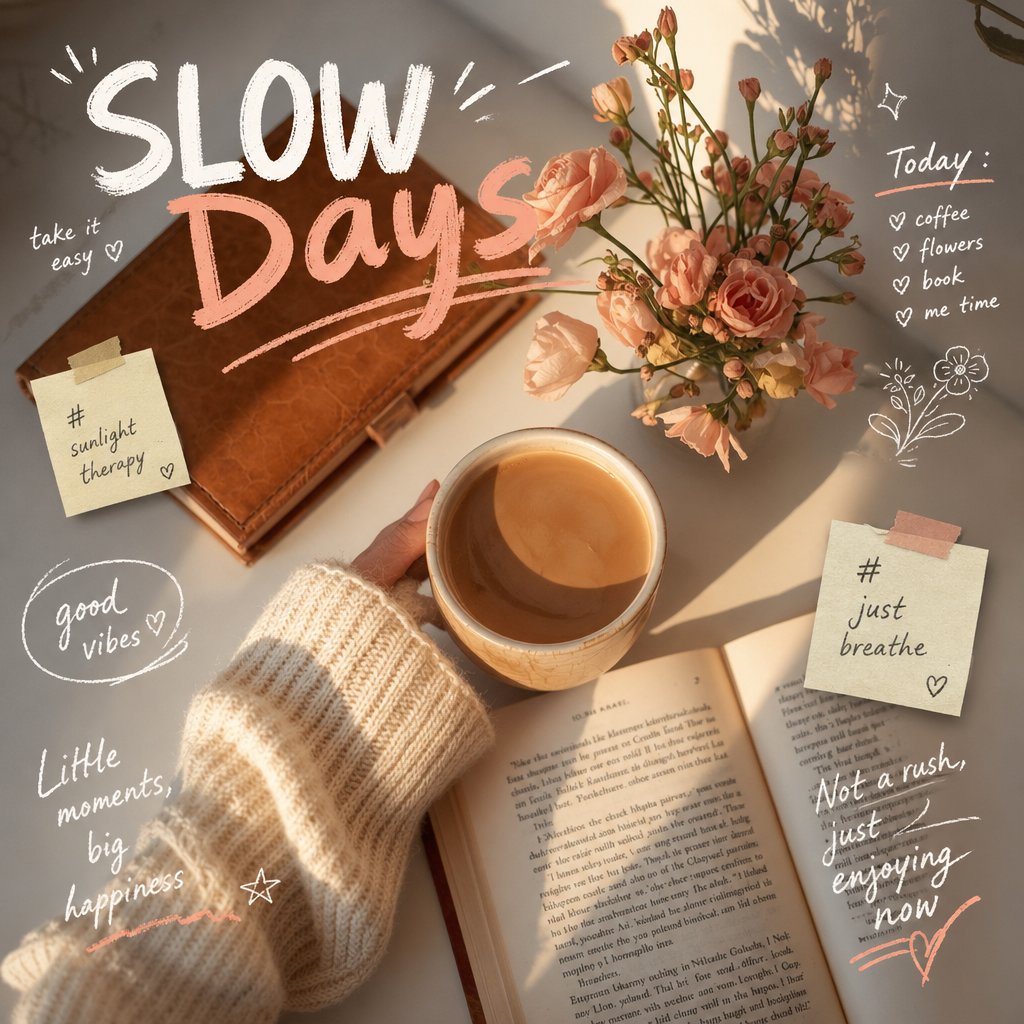
Analyze the uploaded image and preserve the original subject, composition, and lighting. Do not alter the identity or structure of the main subject. Add playful, {argument name="doodle style" default="hand-drawn doodles"} that interact directly with the subject in the image. The doodles should mimic, follow, or exaggerate the shapes, gestures, or motion present-such as outlining poses, extending limbs, adding motion lines, or creating imaginative elements that "respond" to the subject. Ensure the doodles feel naturally integrated into the scene, as if they were drawn on top of the photo with intention. Use a sketchy, imperfect, hand-drawn style with organic lines, slightly uneven strokes, and a casual illustrated feel. Include whimsical handwritten text elements placed around the image. The text should match the mood or implied context of the scene, with a playful and spontaneous tone. Avoid fixed phrases-generate context-aware, creative, and humorous text that fits each unique image. Maintain a balanced composition so the doodles enhance the image without overwhelming the original subject. Keep the overall aesthetic fun, expressive, and social-media-ready. High resolution, clean overlay, vibrant yet natural color harmony.

Rainforest Clearing with Speckle Artifacts

Rainforest Clearing with Speckle Artifacts

Travel / Nature

Read full prompt

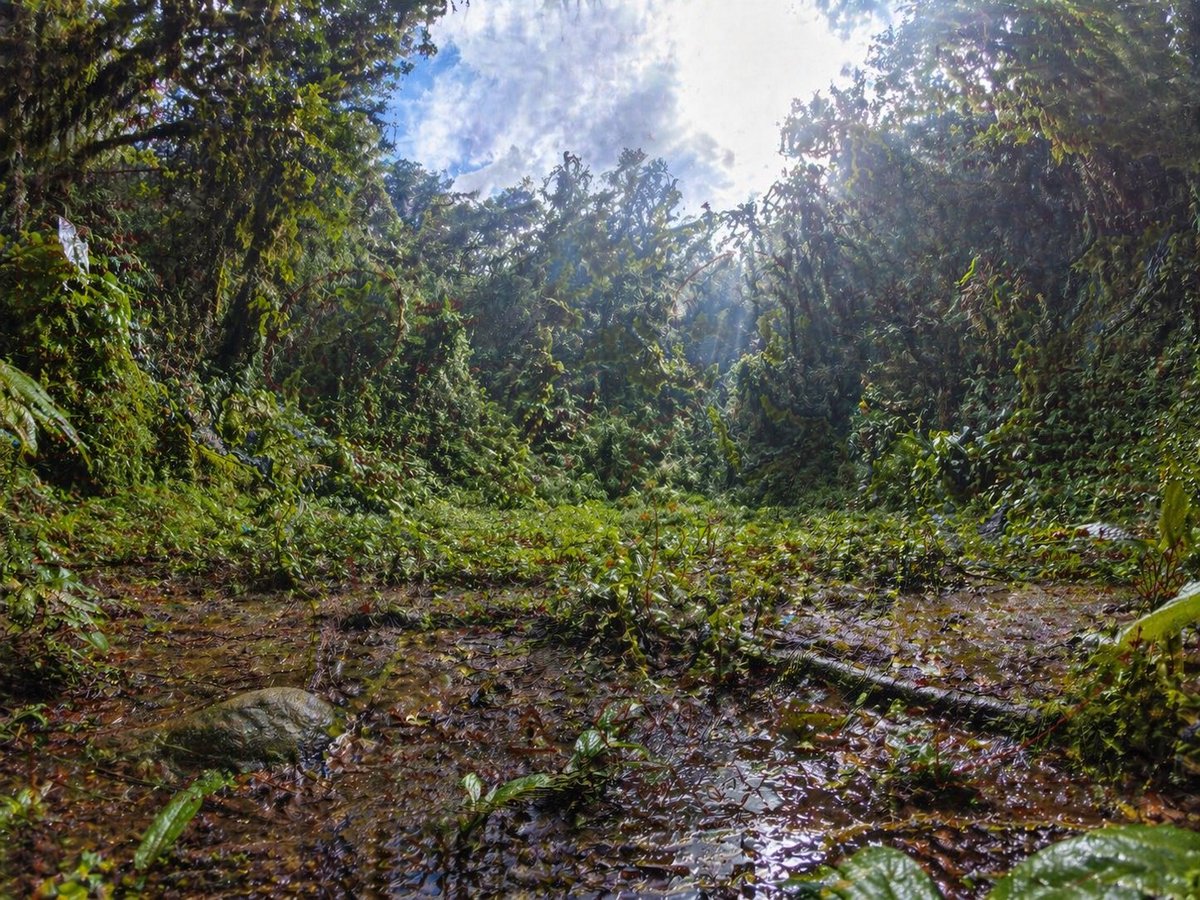
An ultra-detailed wide-angle rainforest clearing photographed from a very low ground-level perspective, with the camera almost at the edge of a shallow muddy puddle. Dense tropical jungle vegetation forms a circular wall around the clearing, with tangled vines, broad wet leaves, shrubs, and tree trunks heavily covered in greenery. The foreground is slick with brown water, leaf litter, and reflective puddles, including a fallen branch stretching diagonally across the lower right area and a rounded mossy rock on the lower left. The center opens into a patch of low green plants, while the background rises into thick jungle canopy. Bright midday sunlight breaks through the treetops in the upper right, creating strong rays, haze, glowing highlights, and high contrast against a partly cloudy blue-and-white sky visible through the canopy. Use a dramatic fisheye or ultra-wide lens effect with subtle barrel distortion, immersive environmental scale, rich saturated greens, wet textures, realistic natural lighting, crisp foliage detail, and a photorealistic documentary nature-photography look. Include a faint, unnatural grid-like speckle noise artifact pattern across the image, especially visible in darker foliage and muddy ground, as if from an image-generation quality bug.

Futuristic City With Sparkling Artifacts

Futuristic City With Sparkling Artifacts

Architecture / Interior

Read full prompt

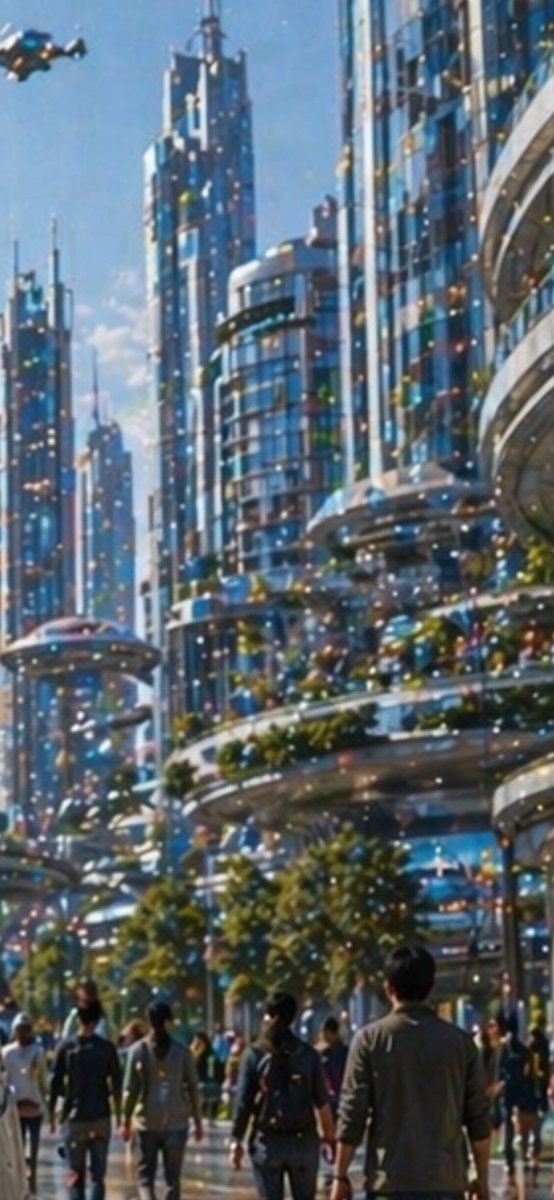
A bright daytime futuristic city street viewed from pedestrian level, looking upward through a canyon of tall sleek skyscrapers with blue-tinted glass facades, rounded balconies, layered terraces, and elegant sci-fi architecture. The scene shows a bustling urban promenade with about 12 visible pedestrians in the foreground and midground, casually dressed and walking away from the viewer, including one central figure in a gray jacket. At the upper left, include 1 small hovering flying vehicle or drone-like air taxi. The buildings are highly reflective and polished, with integrated greenery: trees along the walkway and planted terrace edges. The sky is clear blue with soft sunlight, giving the image a clean optimistic utopian mood. Across the entire image, add a conspicuous artifact layer of dense multicolored sparkling dots and specks, like a noisy pixel grid or glittering digital contamination scattered uniformly over the architecture, people, sky, and street. Use a painterly semi-realistic style with soft focus, luminous highlights, vertical composition, and cinematic depth.

Dystopian Woman by Frozen Waterfront

Dystopian Woman by Frozen Waterfront

Illustration / Comics

Read full prompt

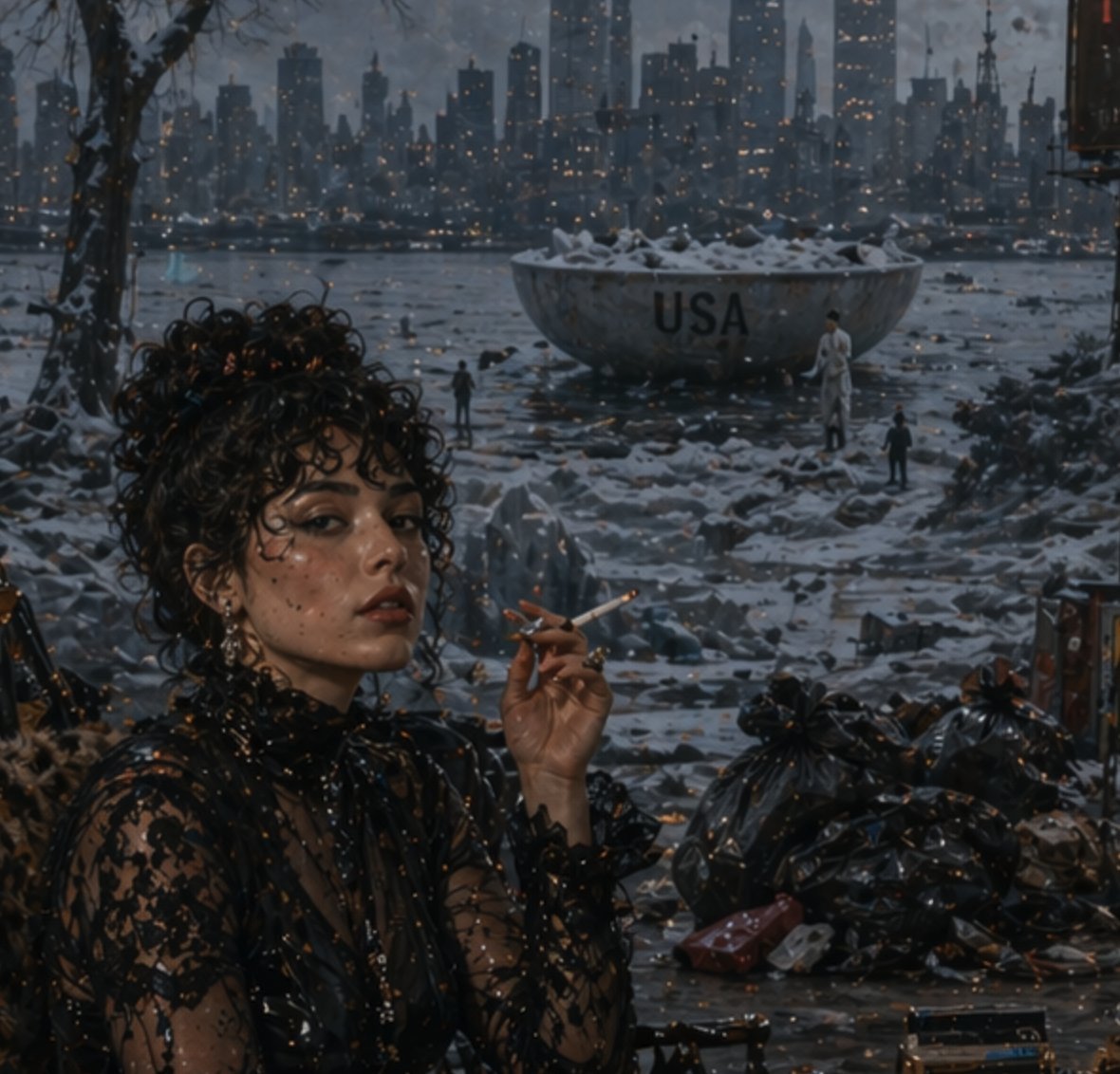
A moody cinematic dystopian winter scene at dusk, viewed from a sheltered riverside foreground toward a dark modern city skyline glowing with hundreds of tiny warm window lights. In the left foreground, a stylish woman with dark curly hair sits in three-quarter view, her face intentionally obscured by a soft rectangular blur, holding a lit cigarette near her lips. She wears a sheer black lace high-neck dress with intricate floral embroidery, dangling earrings, and a glamorous noir aesthetic. The ground around her is wet, icy, and littered with trash, with glossy black garbage bags piled on the right foreground and scattered debris across the frozen shoreline. Across the icy water in the midground sits a huge weathered metal bowl or basin filled with snow, prominently marked with the text {argument name="headline text" default="USA"}. Three tiny human figures stand near it for scale. Bare tree branches frame the upper left. The overall palette is cold blue-gray with amber pinpricks of city light, and the whole image should have a gritty, painterly-photoreal look with a distinct artificial image artifact pattern: a visible grid of tiny glowing specks and dot noise scattered across the entire scene, especially in dark areas, as if from a flawed generative model output.

Anime Character Expression Sheet Generator

Anime Character Expression Sheet Generator

Illustration / Character

Read full prompt

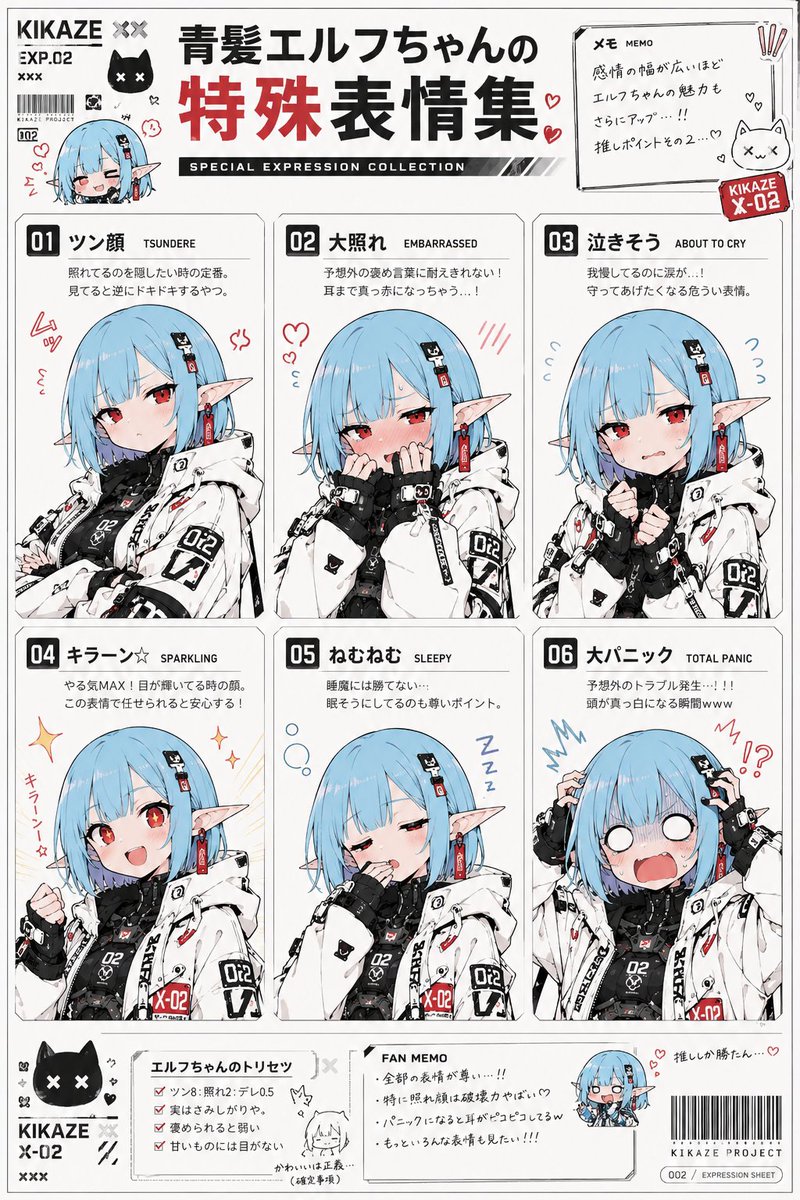
Use the reference image as the base for character design. Accurately maintain the character's face, hairstyle, hair color, eyes, ears, outfit, silhouette, proportions, and the overall atmosphere of the expression. Never break the character's identity. Draw a 'Special Expression Collection of {argument name="character name" default="insert name if available"}'. Include 6 types of special expressions on a single reference sheet. For each expression, add a 'expression name (Japanese)', 'English notation', and 'short emotion description' as part of the design. The overall design should feel like: a moe anime fanbook, an emotion reference collection for otaku, a subculture doujinshi, or character setting materials. White background. Determine the accent color for the entire page naturally based on the character design, outfit, and world-view of the reference image. Create a unified page design with colors that match the character. You may add: hand-drawn style notes, hearts, sweat marks, manga-style focus lines, emoticons, internet meme-style decorations, chibi icons, emotion symbols, sticker-style decorations, or magazine-style typography. Depict them not as realistic human expressions, but as 'anime face tropes' specific to moe culture, such as 'kao-gei' (funny faces), deforming, symbolic expressions, exaggerated reactions, or emotion templates. Reflect the emotions not only in the face but also in the neck, shoulders, hands, and posture for each expression. Portray them as 'moe anime culture face templates' frequently used in anime, rom-coms, social games, Vtuber culture, gag works, or slice-of-life series. The final product should have the quality of a 'Moe Anime Expression Dictionary', 'Otaku Emotion Reference Collection', or 'Subculture Character Expression Encyclopedia'.

Three-Panel AI Billboard Comparison

Three-Panel AI Billboard Comparison

Editorial / Poster

Read full prompt

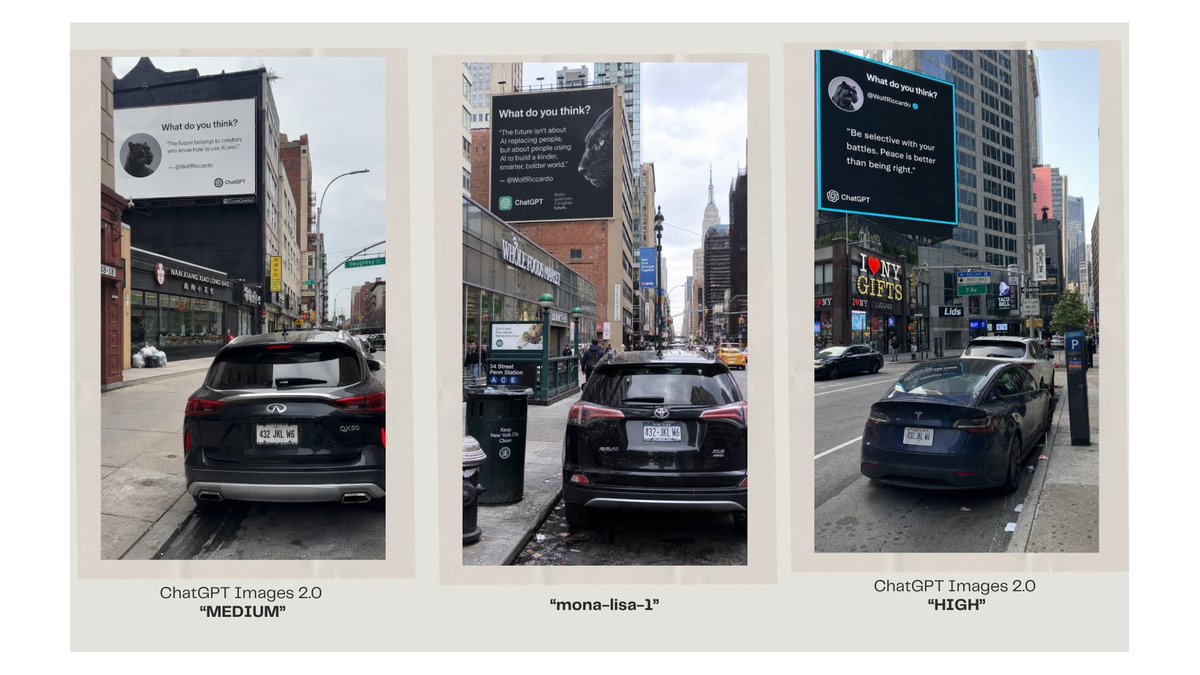
Goal: Create a clean comparison graphic showing three AI-generated urban billboard photos side by side, as if comparing image model outputs. Canvas: Wide 16:9 presentation slide with a warm off-white background and generous margins. Place three tall vertical photo panels evenly spaced across the canvas, each framed by a pale beige mat/border. Under each panel, add a centered caption. Layout: Exactly 3 vertical street-photo panels in one row. Panel 1 on the left, Panel 2 in the center, Panel 3 on the right. Each panel shows a realistic New York City street scene with parked cars in the foreground, tall buildings, sidewalks, traffic signs, and a large square billboard mounted high on a building. Use slightly different street angles and lighting in each panel, like three separate model outputs of the same concept. Panel details: Left panel: a rear view of a black SUV parked on a city street, looking toward storefronts and buildings; a large white billboard above the street reads like a social-media quote card with a small circular animal avatar, the heading “What do you think?”, a short quote, and small ChatGPT branding. Center panel: a black SUV parked on a narrow Manhattan street with the Empire State Building visible in the distance; a large dark billboard with white text, a circular animal avatar, and ChatGPT branding. Right panel: a black sedan parked along a busier avenue with storefront signs such as “I ♥ NY GIFTS”; a large black billboard with a bright cyan border, white quote text, a circular animal avatar, and ChatGPT branding. Caption text: Use exactly 3 captions beneath the panels. Left caption: “ChatGPT Images 2.0” on the first line and “MEDIUM” in bold quotation marks on the second line. Center caption: “mona-lisa-1” in bold quotation marks. Right caption: “ChatGPT Images 2.0” on the first line and “HIGH” in bold quotation marks on the second line. Customizable text slots: The comparison labels should read {argument name="left model label" default="ChatGPT Images 2.0"}, {argument name="center model label" default="mona-lisa-1"}, and {argument name="right model label" default="ChatGPT Images 2.0"}. The left quality tag should be {argument name="left quality tag" default="MEDIUM"} and the right quality tag should be {argument name="right quality tag" default="HIGH"}. Visual style: Photorealistic smartphone street photography inside each panel, but arranged as a polished social-media comparison slide. Keep the overall slide minimal, with no decorative graphics beyond the three framed images and their captions. The billboard text inside the photos may be small and partially imperfect, but it should clearly resemble AI quote-card advertising with ChatGPT logos.

Consistent Character Multi-Angle Studio Shot

Consistent Character Multi-Angle Studio Shot

Photography / Portrait

Read full prompt

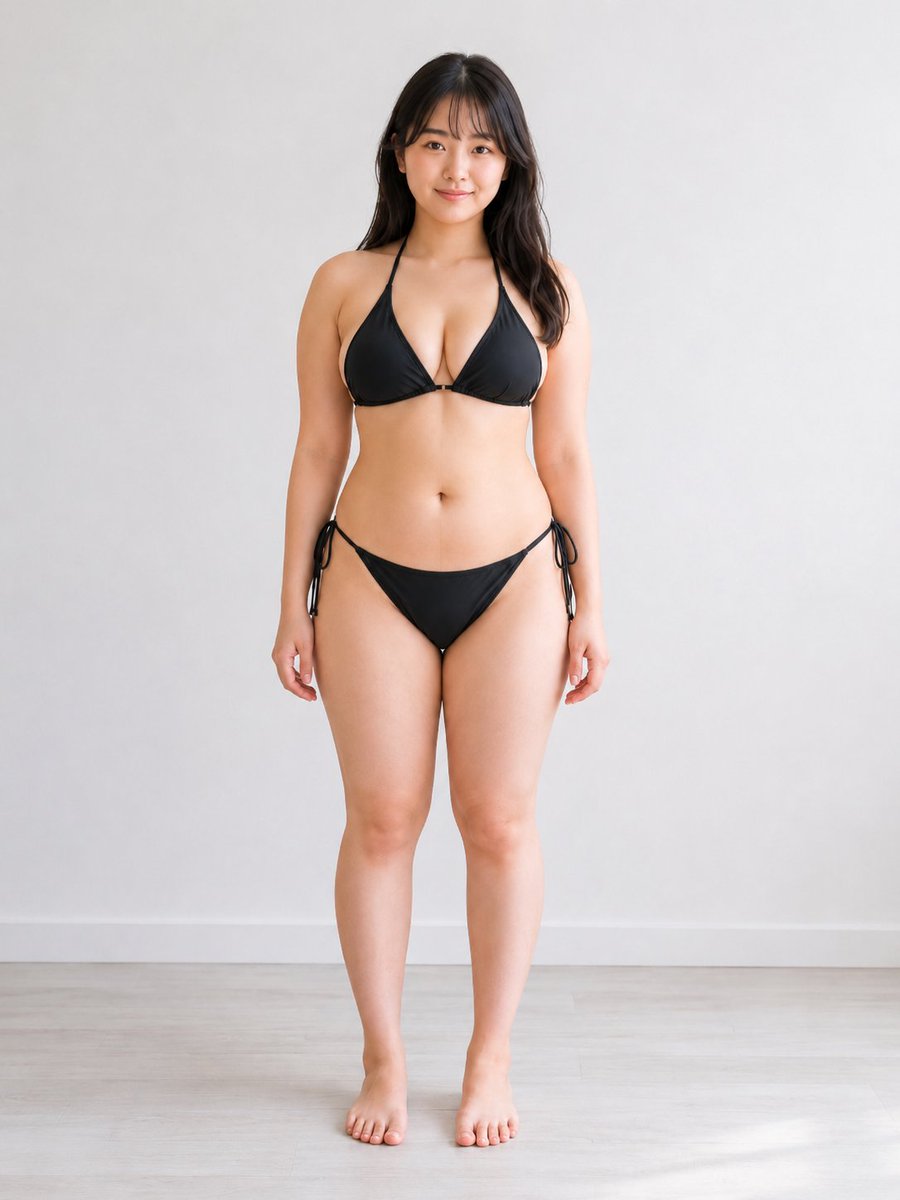
Use the reference image as the main character identity reference. Preserve the same {argument name="subject character" default="adult Japanese woman in her early 20s"}, including her face, facial impression, hairstyle, body balance, body proportions, outfit design, and overall atmosphere. Create a new realistic high-quality photo of the same person. Change only the camera angle and composition according to the {argument name="camera angle" default="angle instruction below"}. Do not redesign the character, do not change her age appearance, do not make her look like a different person, and do not change her body type or clothing structure. Keep a simple natural standing pose, but allow very small posture adjustments only if needed to make the camera angle physically natural. Use a clean bright studio room with a visible floor and wall, natural realistic lighting, realistic perspective, and polished commercial photo quality. Keep the result tasteful, non-explicit, clean, and suitable for general commercial stock imagery. Avoid extra limbs, broken fingers, distorted hands, missing body parts, duplicated faces, ghosting, warped clothing, messy anatomy, unnatural body proportions, distorted facial features, and extreme lens distortion.

Kung Fu Action Storyboard

Kung Fu Action Storyboard

Illustration / Comics

Read full prompt

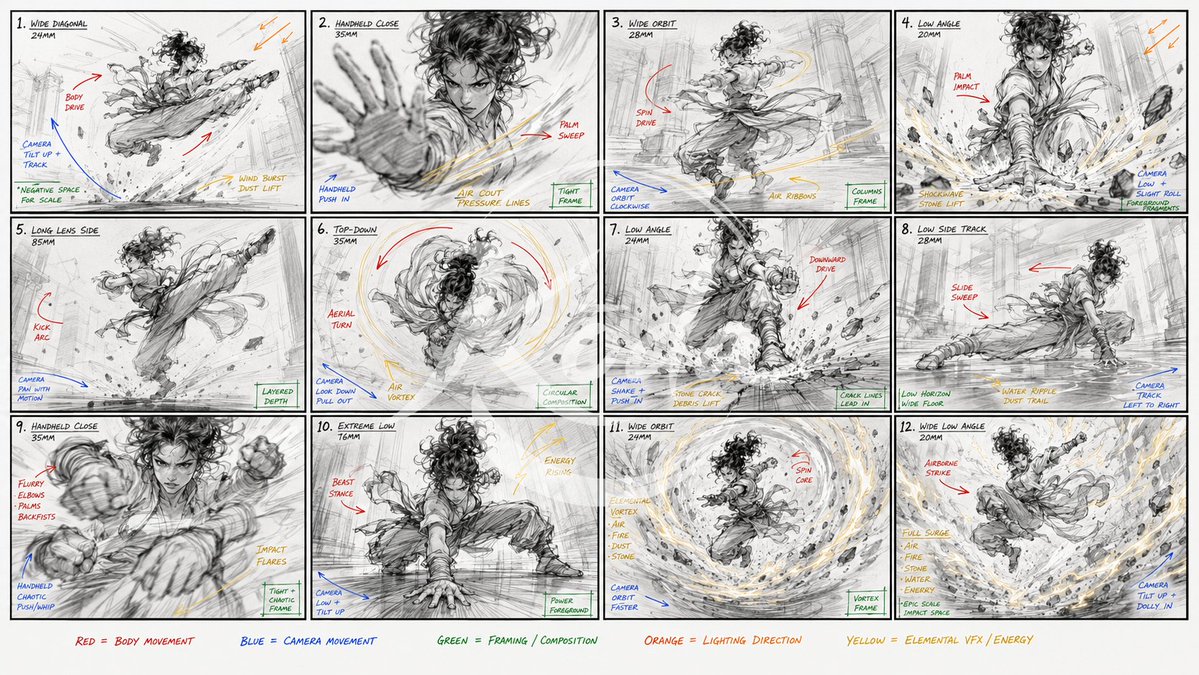
Create a {argument name="action" default="raw kung fu performance"} storyboard focused on extreme physical action. Use reference image for the character. 16:9 storyboard sheet, {argument name="panels" default="12"} cinematic panels. The actual storyboard drawings must be black and white only: {argument name="technique" default="rough pencil lines"}

Living Hanfu Fashion Sketch

Living Hanfu Fashion Sketch

Photography / Fashion

Read full prompt

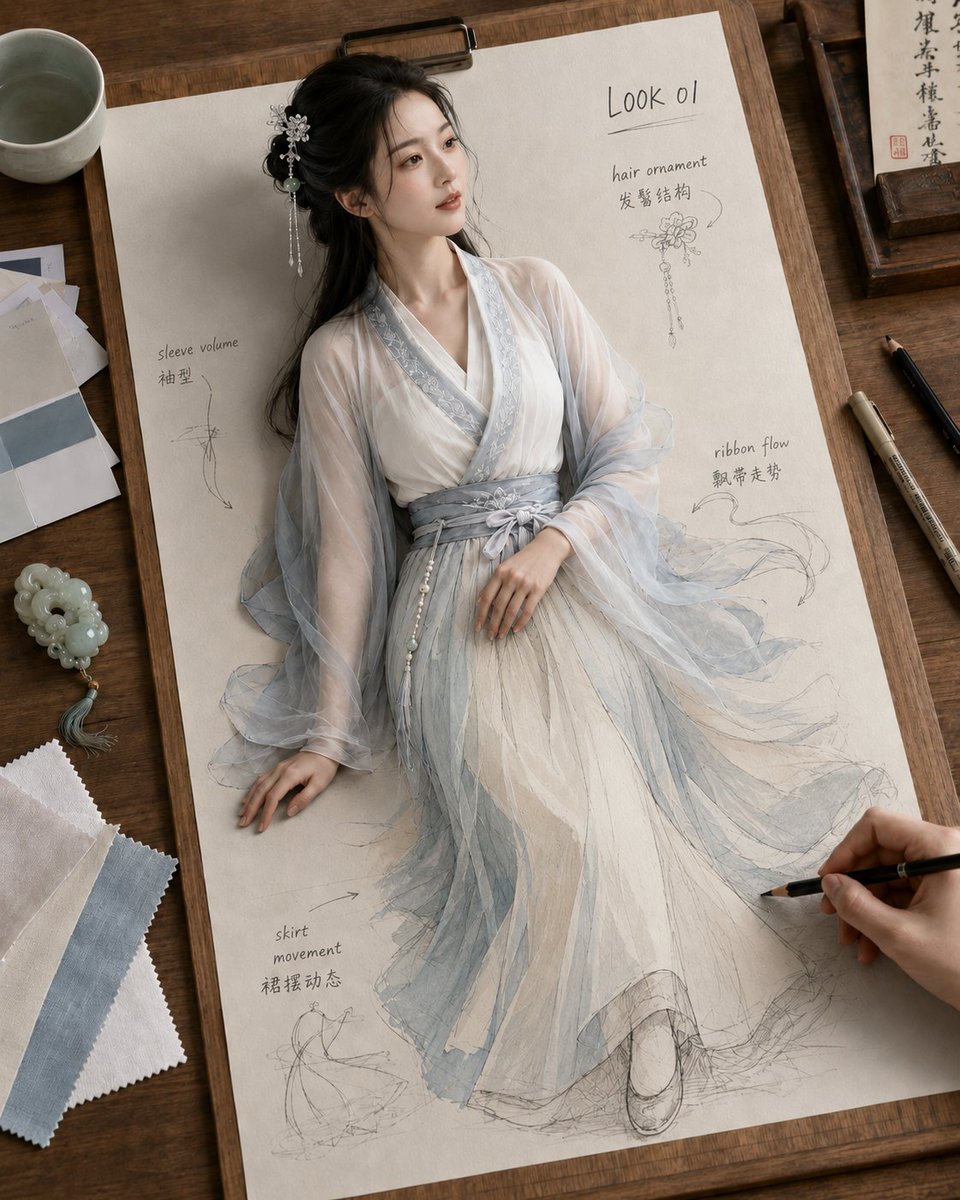
Create a vertical photorealistic fantasy fashion design sheet on a wooden desk: a full-body ancient Chinese hanfu model appears to come alive from a cream sketch paper clipped to a drawing board, blending 3D realism in the upper body with pencil sketch and pale watercolor fashion illustration in the lower skirt. The model is {argument name="character name" default="Look 01"}, a delicate young East Asian woman with fair skin, soft makeup, long black hair in a loose half-up style, and a silver floral hair ornament with dangling beads. She wears {argument name="outfit color palette" default="moon-white and misty pale blue"} layered hanfu: translucent gauze sleeves, white inner robe, pale blue embroidered collar trim, wrapped blue-gray waist sash with a bow and pearl tassel, and a flowing semi-transparent skirt that dissolves into visible graphite construction lines near the hem and feet. The pose is graceful and seated/reclining on the paper, head turned slightly upward to the right, one hand resting near the waist and the other touching the paper. Add exactly 5 handwritten fashion annotation areas on the page: 1) top right title “Look 01” underlined, 2) “hair ornament” with Chinese note “发髻结构” and a small ornament sketch, 3) left side “sleeve volume” with Chinese note “袖型” and a sleeve diagram, 4) right middle “ribbon flow” with Chinese note “飘带走势” and flowing ribbon arrows, 5) lower left “skirt movement” with Chinese note “裙摆动态” and a skirt motion sketch. Surround the board with traditional design-studio props: a ceramic teacup at upper left, paper and color swatches at left, a pale jade pendant/tassel at lower left, fabric swatches in white and blue at bottom left, calligraphy paper and wooden tray at upper right, two drawing pens on the right, and a visible hand at lower right sketching the dress with a pencil. Use warm natural window light, shallow depth of field, realistic paper texture, graphite lines, soft watercolor washes, cinematic top-down three-quarter composition, high detail, elegant ancient Chinese aesthetic, no extra text beyond the specified annotations.

Celestial Jade Palace Lake

Celestial Jade Palace Lake

Illustration / Comics

Read full prompt

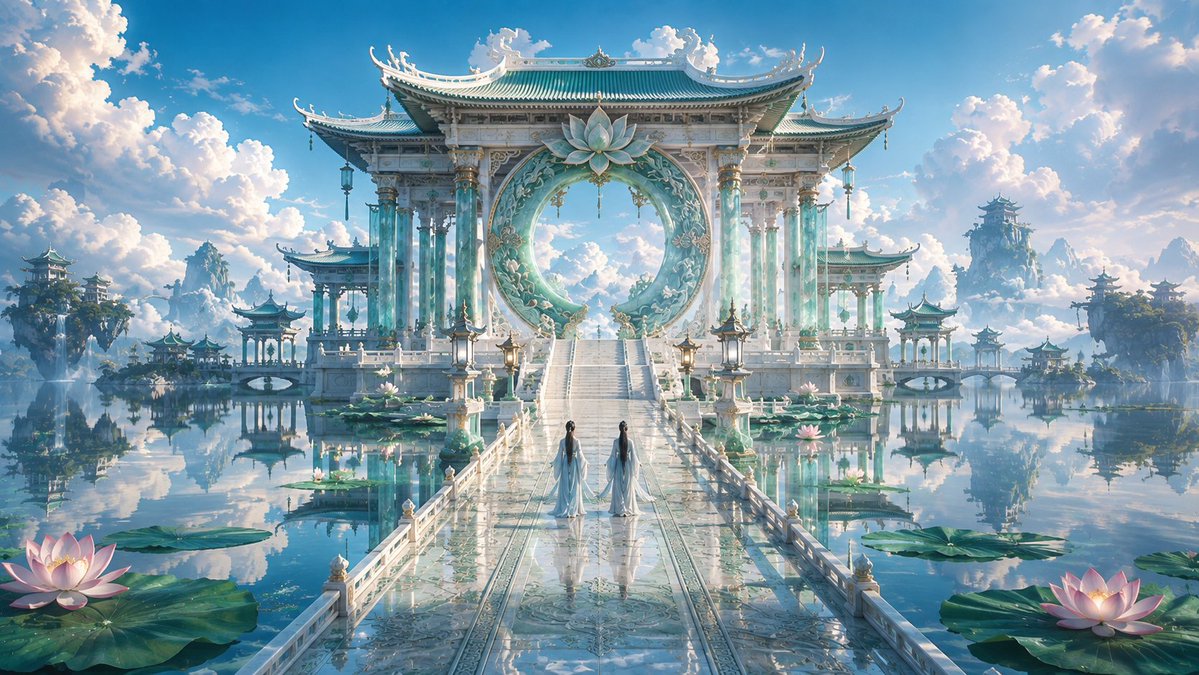
Create a wide cinematic fantasy landscape of an ethereal Chinese celestial palace floating over a perfectly still turquoise lake, with low-to-moderate color saturation and a dreamy refined atmosphere. Center the composition on an enormous white jade and pale aqua ceremonial gateway with ornate East Asian tiled roofs, upturned eaves, carved pillars, hanging lanterns, and a huge circular moon-gate ring decorated with floral reliefs and a large lotus ornament at the top. A long glossy marble bridge leads from the foreground to the gateway in strong one-point perspective, reflecting the sky and architecture like wet glass. Place exactly 2 slender robed figures on the bridge, seen from behind, wearing flowing {argument name="robe color" default="pale blue-white hanfu"} with long dark hair, walking toward the palace. Surround the bridge with calm water, large lily pads, and lotus flowers; include exactly 2 prominent glowing pink lotus blossoms in the foreground, one at bottom left and one at bottom right, plus smaller lotus details near the bridge. In the distance, add multiple floating islands and pagoda pavilions mirrored in the water, with misty mountains and cloud banks. Use a bright blue sky filled with towering soft cumulus clouds, warm sunlight, delicate haze, high-detail fantasy concept art rendering, symmetrical composition, ultra-wide 16:9 aspect ratio, serene immortal-realm mood, no text, no watermark, no modern objects.

Minimal AI Lock-In Comparison Slide

Minimal AI Lock-In Comparison Slide

Diagram / Infographic

Read full prompt

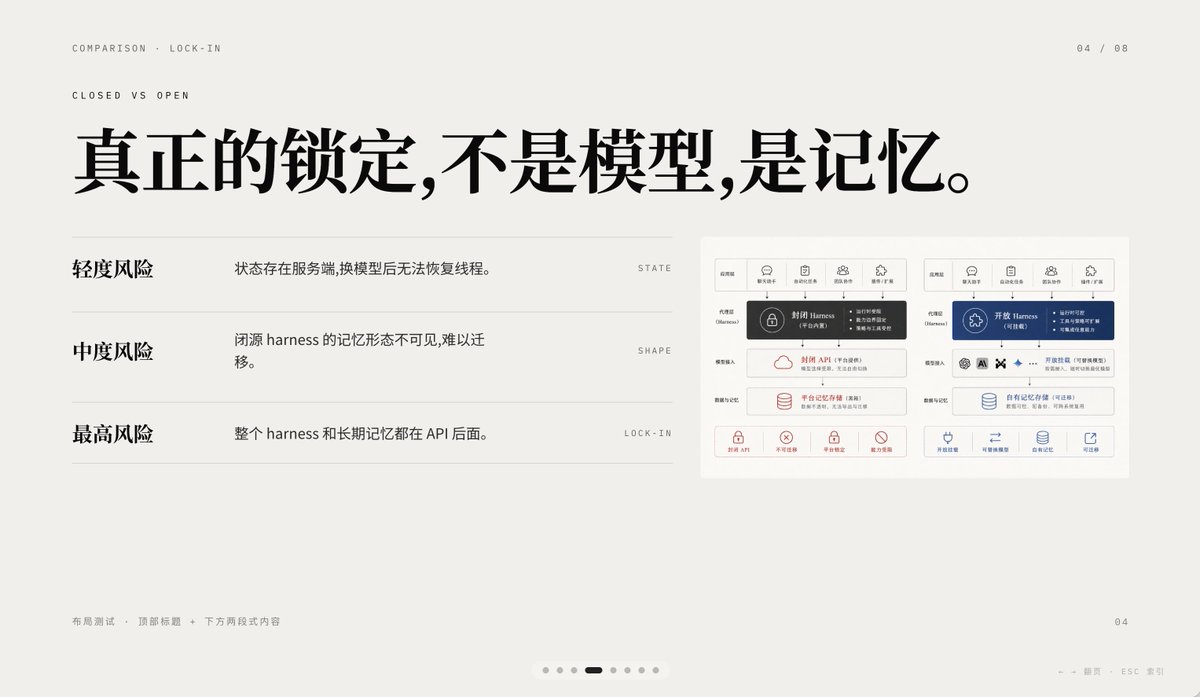
A minimalist editorial presentation slide in 16:9 format with a warm light-gray paper background, lots of negative space, refined Swiss-style grid layout, and high-end PPT/keynote design aesthetics. The slide is a comparison page about lock-in, using elegant Chinese typography mixed with tiny English navigation text. At the top left, place two small uppercase English breadcrumb lines: “COMPARISON · LOCK-IN” and below it “CLOSED VS OPEN”, in a thin sans-serif with wide tracking. At the top right, place the page indicator “04 / 08”. Center-left across the upper half, add a very large bold black Chinese headline: “真正的锁定,不是模型,是记忆。” On the left half below the headline, create a three-row comparison list separated by thin horizontal gray rules. Row 1 has the bold Chinese label “轻度风险” on the left, with the explanatory sentence “状态存在服务端,换模型后无法恢复线程。” to its right, and a tiny uppercase English keyword aligned far right: “STATE”. Row 2 has the bold label “中度风险”, with the sentence “闭源 harness 的记忆形态不可见,难以迁移。” and the far-right keyword “SHAPE”. Row 3 has the bold label “最高风险”, with the sentence “整个 harness 和长期记忆都在 API 后面。” and the far-right keyword “LOCK-IN”. On the right side of the slide, place a small inset comparison diagram card with a white background and subtle border, containing 2 side-by-side system architecture panels. The left panel represents a closed system in dark gray and muted red accents; the right panel represents an open system in deep blue accents. Each panel should have 5 small top icon tabs, a central highlighted harness block, several stacked rounded rectangular modules below, and a bottom row of 4 small capability icons with short Chinese labels. Keep the inset detailed but small, so it reads as a supporting visual rather than the main focus. At the bottom left, add tiny light-gray Chinese footer text: “布局测试 · 顶部标题 + 下方两段式内容”. At the bottom right, place a small page number “04”. Centered near the bottom edge, add a carousel indicator with exactly 7 small dots, where the 4th dot is a short dark rounded pill indicating the active slide and the other 6 dots are pale gray circles. Also add tiny faint navigation hints at the lower right edge reading “← → 翻页 ESC 关闭”. Use crisp vector text rendering, understated contrast, elegant spacing, and a calm premium infographic style suitable for a business presentation about AI platform comparison and API memory lock-in.

Cinematic Memory Loss PPT Slide

Cinematic Memory Loss PPT Slide

Editorial / Poster

Read full prompt

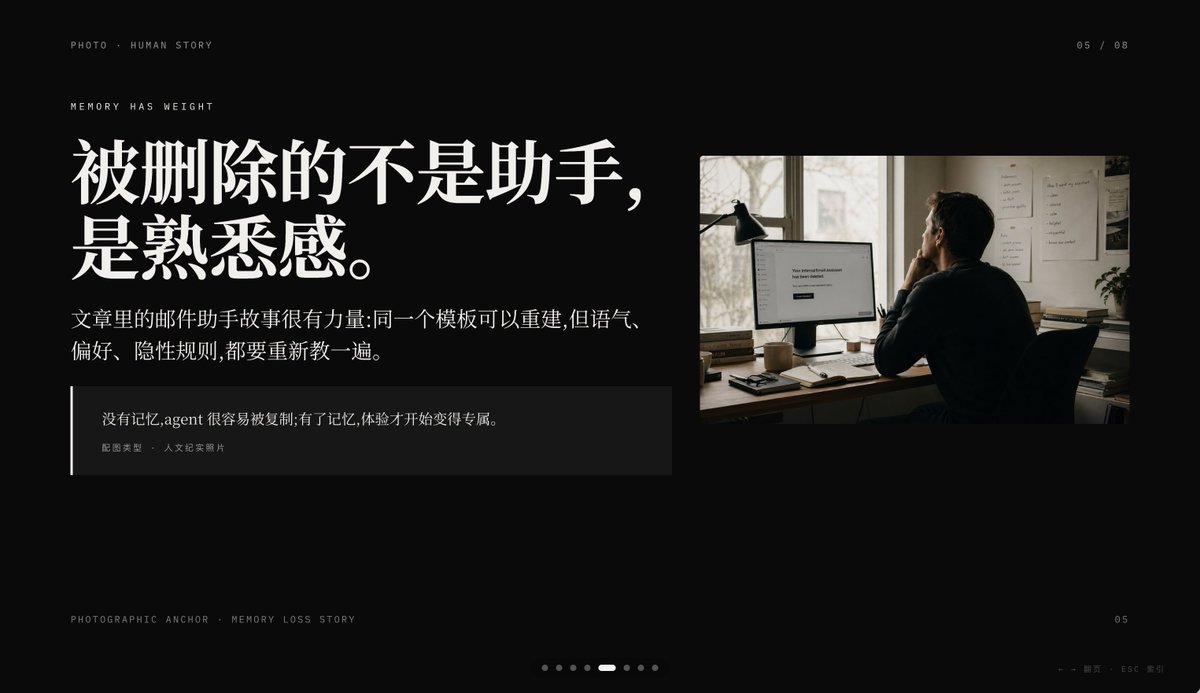
Create a minimalist cinematic presentation slide on a deep black background in a premium editorial PPT style, widescreen 16:9. The layout is asymmetrical, with a large text block on the left and one documentary-style photo on the upper right, leaving generous negative space. Use elegant high-contrast Chinese typography with an upscale magazine feel. At the top left, place small uppercase microtext reading "PHOTO • HUMAN STORY". Slightly below it, add another small uppercase line reading "MEMORY HAS WEIGHT". The main headline on the left is very large, bold, white Chinese serif text across 2 lines: {argument name="headline text" default="被删除的不是助手,\n是熟悉感。"}. Beneath it, place a smaller Chinese paragraph in white or light gray, 2 lines, reading: {argument name="body text" default="文章里的邮件助手故事很有力量:同一个模板可以重建,但语气、\n偏好、隐性规则,都要重新教一遍。"}. Below that, add a dark translucent quote box with a thin vertical white line at its left edge; inside, include 2 text levels: the quote in Chinese, {argument name="quote" default="没有记忆,agent 很容易被复制;有了记忆,体验才开始变得专属。"}, and a smaller attribution line reading "配图类型 · 人文纪实照片". On the right, insert a single warm-toned humanistic documentary photo: 1 adult person seen from behind, seated at a desk in a dim office, looking at a computer monitor; a desk lamp stands to the left of the monitor, papers are pinned on the wall, and soft daylight comes through a window. The monitor displays a simple white interface with the centered English message {argument name="screen text" default="Your conversational Assistant has been deleted."}. The photo should feel like film photography, muted browns and grays, intimate, reflective, and slightly melancholic. Add small interface-like pagination details: top right "05 / 08", bottom left microtext "PHOTOGRAPHIC ANCHOR · MEMORY LOSS STORY", bottom right small "05", and at the bottom center 8 tiny pagination dots with the 5th dot highlighted as an elongated white pill while the others are dim gray circles. In the extreme bottom right corner, add tiny navigation hints "← → 翻页 · ESC 关闭". Overall mood: editorial, restrained, cinematic, memory and loss, premium keynote slide design, clean spacing, precise alignment, high-end storytelling presentation aesthetic.

Dark AI Product Keynote Slide

Dark AI Product Keynote Slide

Editorial / Poster

Read full prompt

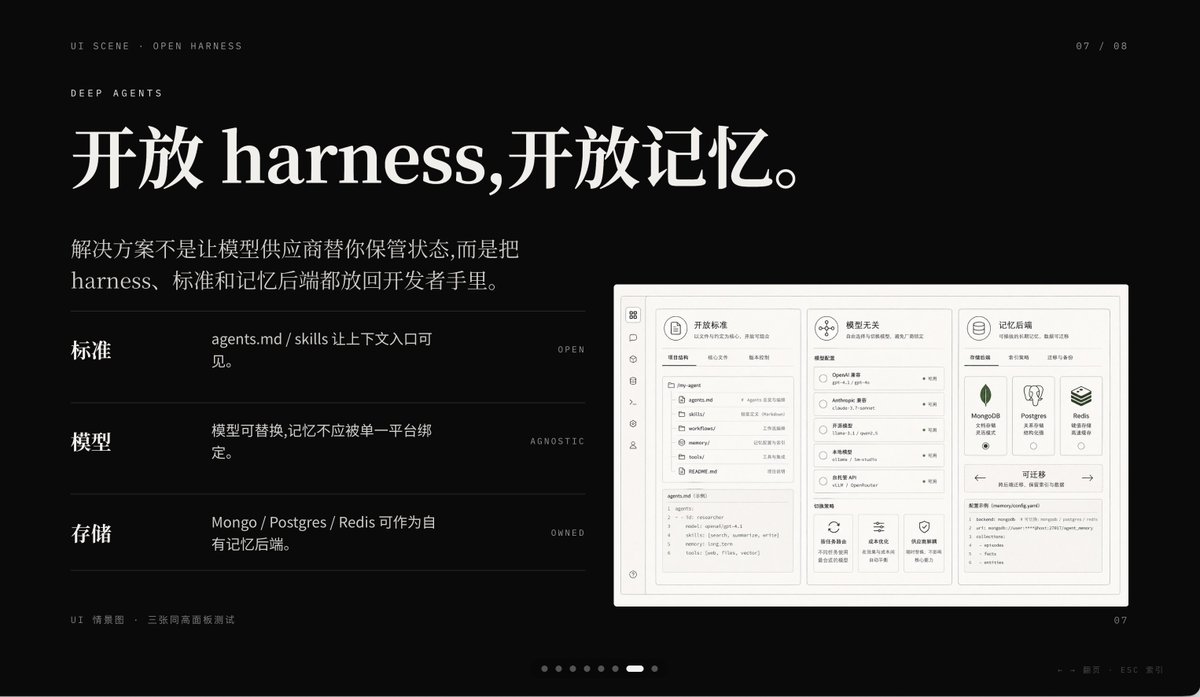
A premium dark presentation slide in a minimalist editorial tech style, widescreen 16:9 layout, matte black background with refined off-white typography and subtle gray divider lines. The overall mood is sleek, cinematic, and high-end, like a product keynote or design-forward AI startup deck. In the top left, place 2 small navigation lines of text: "UI SCENE · OPEN HARNESS" and below it "DEEP AGENTS" in thin uppercase sans serif with generous tracking. In the top right, add a small page indicator reading "07 / 08". The main headline dominates the upper left in large elegant serif Chinese and English mixed typography: {argument name="headline text" default="开放 harness,开放记忆。"}. Below it, add a 2-line Chinese body paragraph in smaller serif text: {argument name="body text" default="解决方案不是让模型供应商替你保管状态,而是把 harness、标准和记忆后端都放回开发者手里。"}. In the left-middle area, create 3 horizontal feature rows separated by thin gray lines, each row using a bold Chinese label on the left, a short Chinese description in the center, and a tiny uppercase English keyword aligned right. Row 1 label: "标准", description: "agents.md / skills 让上下文入口可见。", keyword: "OPEN". Row 2 label: "模型", description: "模型可替换,记忆不应被单一平台绑定。", keyword: "AGNOSTIC". Row 3 label: "存储", description: "Mongo / Postgres / Redis 可作为自有记忆后端。", keyword: "OWNED". On the right side, place a large embedded UI mockup inside a soft light-gray rounded rectangular frame with a subtle shadow, resembling a product dashboard screenshot. The mockup should be monochrome light beige and gray, highly structured, and divided into 3 main columns. Left column: a narrow vertical icon sidebar plus a project/file panel listing items such as "agents.md", "skills", "workflows", "memories", "tools", and a code editor block at the bottom. Center column: a section titled "模型无关" with 4 selectable model rows and small controls, plus 3 feature cards along the bottom. Right column: a section titled "记忆后端" with 3 database cards for MongoDB, Postgres, and Redis, and a lower panel titled "可迁移" showing a code snippet. Include another top card in the mockup titled "开放标准" with tab-like controls. At the bottom left outside the mockup, add a tiny caption line in Chinese and English reading "UI 情景图 · 三张同高画面板测试". At the bottom center, include a carousel indicator made of 8 small dots with the 7th highlighted as a short white pill and the others as dim gray circles. At the bottom right, place a small page number "07". Also add a faint tiny footer note near the lower right edge in Chinese and English, very subtle, such as a presentation metadata line. Use precise grid alignment, lots of negative space, understated luxury, Swiss-style composition, and a polished AI-product keynote aesthetic.

Cute Oil Pastel Woman Portrait

Cute Oil Pastel Woman Portrait

Illustration / Comics

Read full prompt

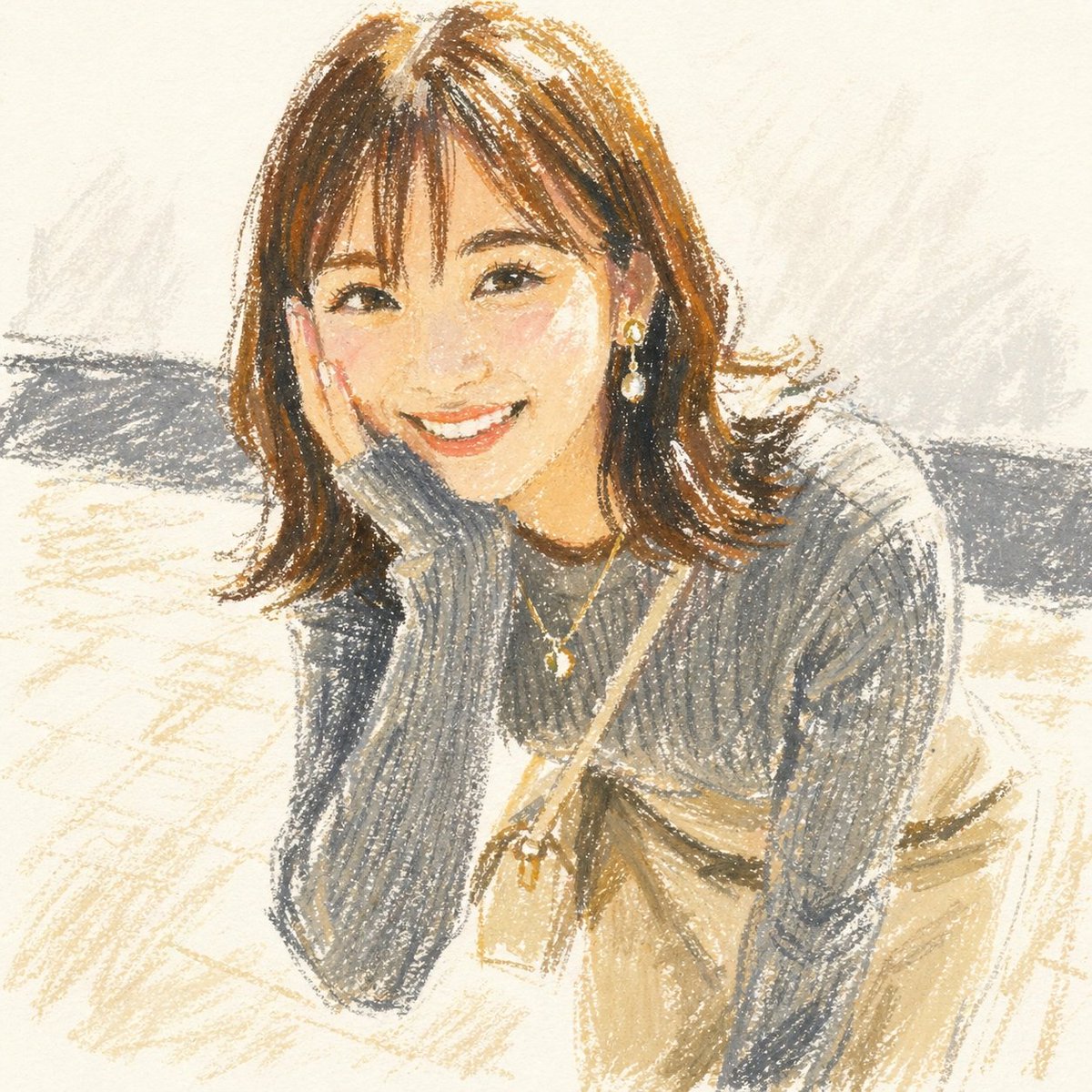
A soft, cute oil pastel portrait illustration of a young woman sitting indoors, drawn in a handmade crayon-like style with visible waxy strokes, rough sketch lines, and lightly textured paper. She is shown from about the thighs up in a slightly forward-leaning seated pose, one elbow resting on her knee and one hand supporting her cheek, creating a casual candid feeling. Give her {argument name="hair color" default="medium chestnut brown"} shoulder-length hair with a center part and softly flipped ends, with loose strands framing the face. Dress her in a chunky ribbed knit sweater in {argument name="sweater color" default="muted gray"}, paired with a high-waisted skirt in {argument name="skirt color" default="warm beige"}. Add 2 pieces of jewelry: one dangling earring visible on the right side and one delicate necklace with a small pendant. Add 1 small crossbody bag with a thin strap running diagonally across the torso and the pouch resting near the waist. Use a warm neutral palette of cream, beige, gray, brown, and soft charcoal, with gentle ochre highlights. Keep the facial features minimal and softly suggested in the same pastel style, with a sweet, cozy, very cute mood. The background should be a simple off-white interior with 1 broad horizontal gray band behind the subject suggesting a bench or wall accent, plus loose beige and gray scribbled shading on the floor and wall. Emphasize the charm of an oil pastel drawing: imperfect edges, layered pigment, dry-brush crayon texture, and an airy sketchbook aesthetic.