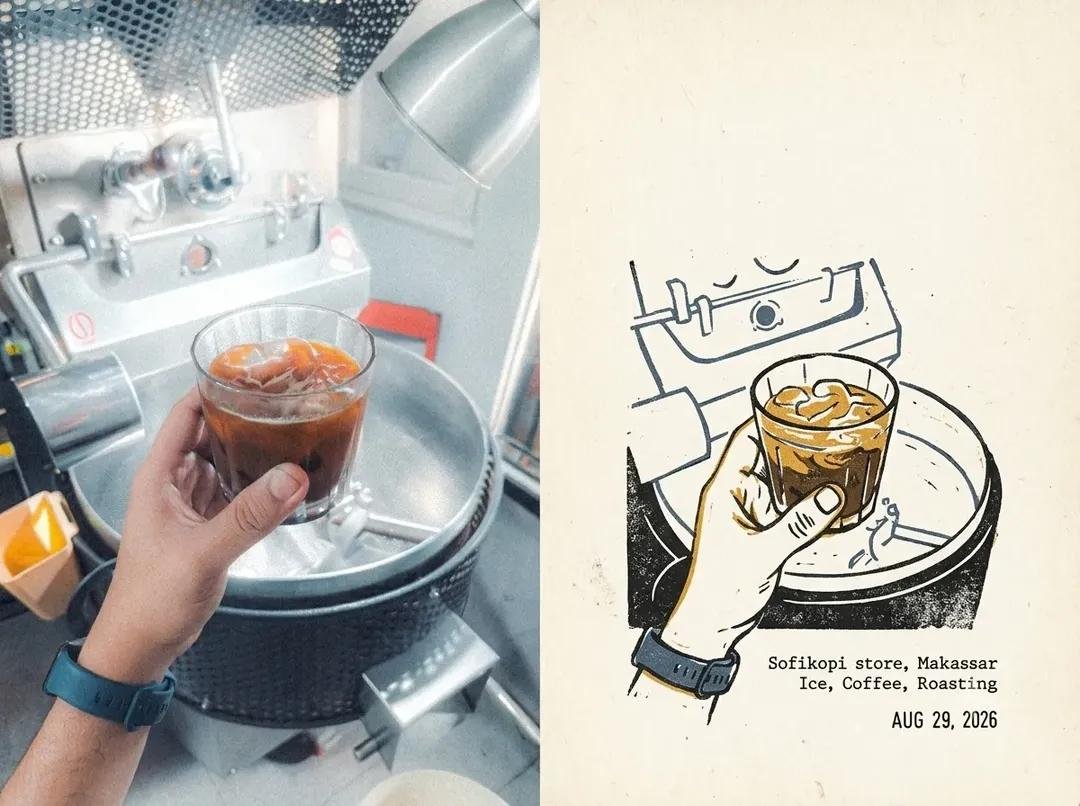
Create a cohesive editorial travel-journal image inspired by the provided reference photos: a real-world coffee shop moment paired with a minimalist hand-drawn illustration of the exact same scene, arranged as a sophisticated split-page layout.
Fields you can change: subject, style, paper.
Full prompt
Create a cohesive editorial travel-journal image inspired by the provided reference photos: a {argument name="subject" default="real-world coffee shop moment"} paired with a {argument name="style" default="minimalist hand-drawn illustration"} of the exact same scene, arranged as a sophisticated split-page layout. On the left, show a warm documentary-style photograph of a barista’s hand holding a clear glass of iced coffee beside a professional coffee machine, with visible ice cubes, rich amber-brown coffee, realistic reflections, stainless-steel equipment, and subtle café details; on the right, recreate the same composition as a loose vintage ink-and-watercolor sketch on {argument name="paper" default="textured warm ivory paper"}, preserving the glass, hand, coffee machine, perspective, and key details while using imperfect black linework with restrained earthy ochre and muted blue accents. Use an authentic independent café travel-zine aesthetic, natural imperfections, soft grain, slightly faded analog photography, tactile paper texture, editorial typography, generous negative space, small understated location/date/caption text, balanced asymmetrical composition, nostalgic 2020s travel diary mood, premium art-direction, realistic photography seamlessly contrasted with handmade illustration, muted earthy color palette, soft natural lighting, subtle film grain, high detail, vertical 4:5 composition, no logos, no watermark.
Analyze the entire composition of the input image. Identify all key subjects present (whether a single person, group/couple, vehicle, or specific object) and their spatial relationships/interactions.
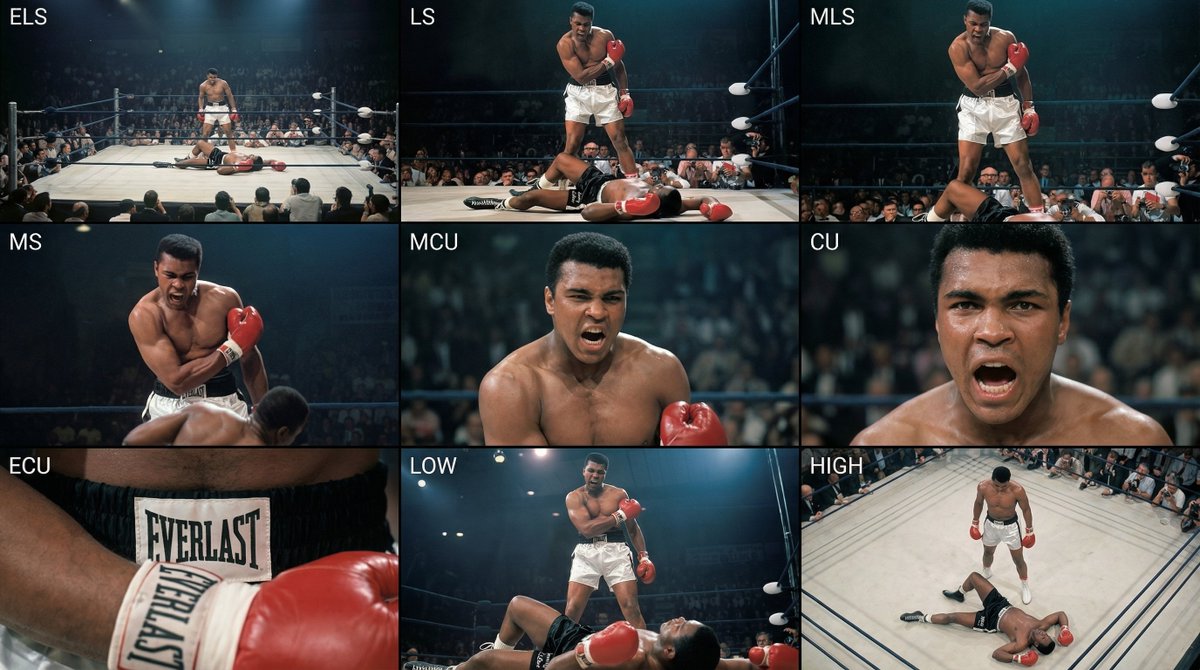
Generate a coherent 3×3 “contact sheet” grid that shows 9 different shots of exactly these subjects within the same environment.
You must adapt standard cinematic shot types to fit the content (for example, if it’s a group, keep the group together; if it’s an object, frame the entire object):
Row 1 (establishing the environment):
Extreme long shot (ELS): the subject appears small within a vast environment.
Long shot (LS): the full subject or group is visible from top to bottom (head to toe / wheels to roof).
Medium long shot (American shot / three-quarter): framed from above the knees (for people) or a 3/4 view (for objects).
Row 2 (core coverage):
4. Medium shot (MS): framed from the waist up (or the central core of an object). Focus on interaction/action.
5. Medium close-up (MCU): framed from the chest up. An intimate framing of the main subject.
6. Close-up (CU): tightly framed on the face or the “front” of the object.
Row 3 (details and angles):
7. Extreme close-up (ECU): intense focus on key features (eyes, hands, signs, textures) with macro-like detail.
8. Low-angle shot (worm’s-eye): look up at the subject from ground level (epic/heroic feeling).
9. High-angle shot (bird’s-eye): look down on the subject from above.
Ensure strict consistency: the same person/object, same clothing, and same lighting must appear in all 9 panels. Depth of field should vary realistically (with background blur in close-up shots).
Create a professional 3×3 cinematic storyboard grid with 9 panels.
The grid should present a specific subject/scene from the input image across a full range of focal lengths.
Top row: wide environmental shot, full-body view, 3/4 cropped (knees-up).
Middle row: waist-up view, chest-up view, face/front close-up.
Bottom row: macro details, low angle, high angle.
All frames must have photo-realistic textures, consistent cinematic color grading, and correct framing tailored to the number and type of subjects or objects being analyzed.
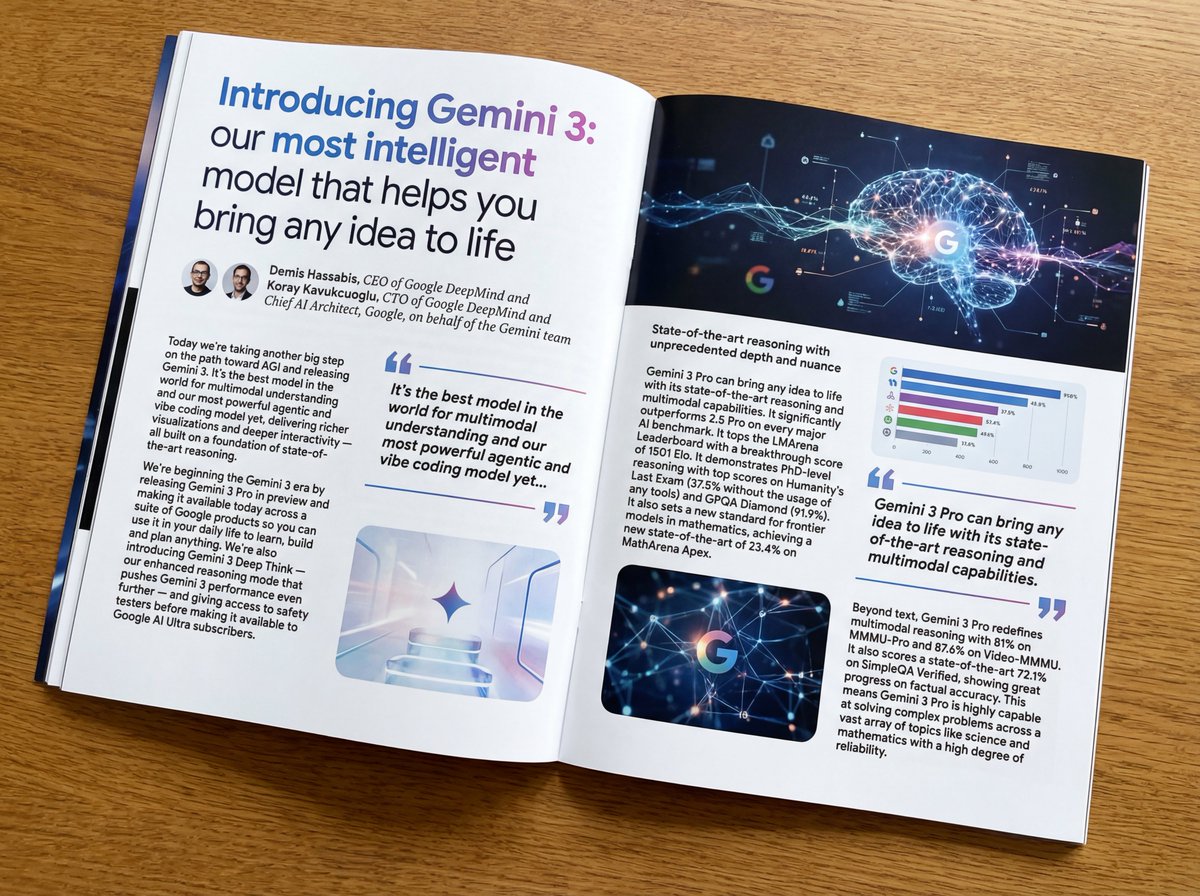
Put this whole text, verbatim, into a photo of a glossy magazine article on a desk, with photos, beautiful typography design, pull quotes, and bold formatting. The text: {argument name="article_text_en" default="[paste the full unformatted article here]"}
Create decorative text based on the word "{argument name="word" default=""}". Write the specified word largely and create decorative text designs associated with the image of the word. Create original designs with flexible ideas, without being constrained by existing fonts. The background should be a single color, white or black, matching the design.