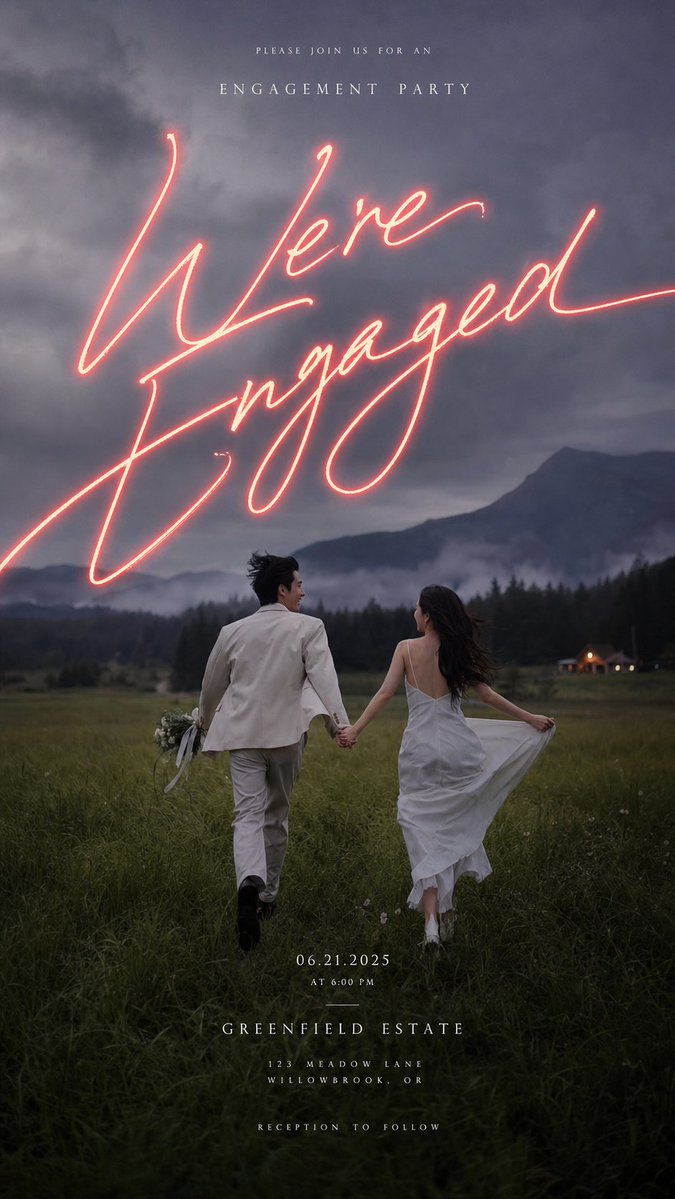
Create a vertical cinematic engagement party invitation poster using a moody outdoor photo-realistic style.
Fields you can change: main script text, date, time, venue name.
Full prompt
Create a vertical cinematic engagement party invitation poster using a moody outdoor photo-realistic style. The scene shows an engaged couple from behind, holding hands and running away through a dark green meadow at dusk toward misty forested mountains under a dramatic cloudy blue-gray sky. The groom wears a light cream suit and carries a small bouquet with trailing ribbons in his left hand; the bride wears a flowing white slip-style dress with an open back, holding the skirt out slightly as her long dark hair blows in the wind. Add a tiny warm-lit cabin or venue in the far right background, soft fog in the valley, natural film grain, low-contrast shadows, romantic editorial wedding photography, atmospheric and slightly underexposed. Overlay elegant invitation typography: at the top, small widely spaced uppercase serif text reading “PLEASE JOIN US FOR AN”, beneath it larger spaced uppercase serif text reading “ENGAGEMENT PARTY”. Across the upper-middle sky, place huge glowing handwritten neon script in warm coral-pink reading “{argument name="main script text" default="We're Engaged"}”, with realistic neon bloom and long sweeping strokes extending partly off the sides. Near the bottom center, add small centered white serif event details in four stacked groups: “{argument name="date" default="06.21.2025"}”, “AT {argument name="time" default="6:00 PM"}”, then larger spaced uppercase “{argument name="venue name" default="GREENFIELD ESTATE"}”, then small spaced uppercase “123 MEADOW LANE” and “WILLOWBROOK, OR”, and finally “RECEPTION TO FOLLOW”. Use a 9:16 portrait invitation layout, refined luxury wedding aesthetic, all text centered, crisp white letterspacing, no border, no watermark, keep the couple in the lower half and the glowing script dominant in the sky.
Analyze the entire composition of the input image. Identify all key subjects present (whether a single person, group/couple, vehicle, or specific object) and their spatial relationships/interactions.
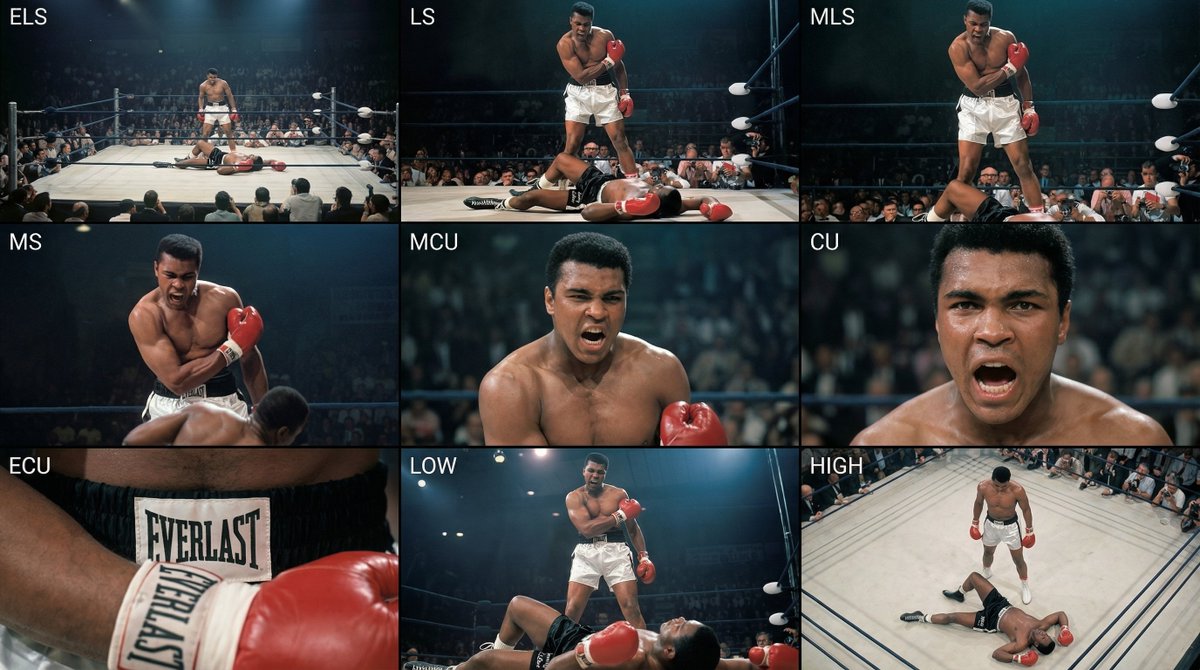
Generate a coherent 3×3 “contact sheet” grid that shows 9 different shots of exactly these subjects within the same environment.
You must adapt standard cinematic shot types to fit the content (for example, if it’s a group, keep the group together; if it’s an object, frame the entire object):
Row 1 (establishing the environment):
Extreme long shot (ELS): the subject appears small within a vast environment.
Long shot (LS): the full subject or group is visible from top to bottom (head to toe / wheels to roof).
Medium long shot (American shot / three-quarter): framed from above the knees (for people) or a 3/4 view (for objects).
Row 2 (core coverage):
4. Medium shot (MS): framed from the waist up (or the central core of an object). Focus on interaction/action.
5. Medium close-up (MCU): framed from the chest up. An intimate framing of the main subject.
6. Close-up (CU): tightly framed on the face or the “front” of the object.
Row 3 (details and angles):
7. Extreme close-up (ECU): intense focus on key features (eyes, hands, signs, textures) with macro-like detail.
8. Low-angle shot (worm’s-eye): look up at the subject from ground level (epic/heroic feeling).
9. High-angle shot (bird’s-eye): look down on the subject from above.
Ensure strict consistency: the same person/object, same clothing, and same lighting must appear in all 9 panels. Depth of field should vary realistically (with background blur in close-up shots).
Create a professional 3×3 cinematic storyboard grid with 9 panels.
The grid should present a specific subject/scene from the input image across a full range of focal lengths.
Top row: wide environmental shot, full-body view, 3/4 cropped (knees-up).
Middle row: waist-up view, chest-up view, face/front close-up.
Bottom row: macro details, low angle, high angle.
All frames must have photo-realistic textures, consistent cinematic color grading, and correct framing tailored to the number and type of subjects or objects being analyzed.
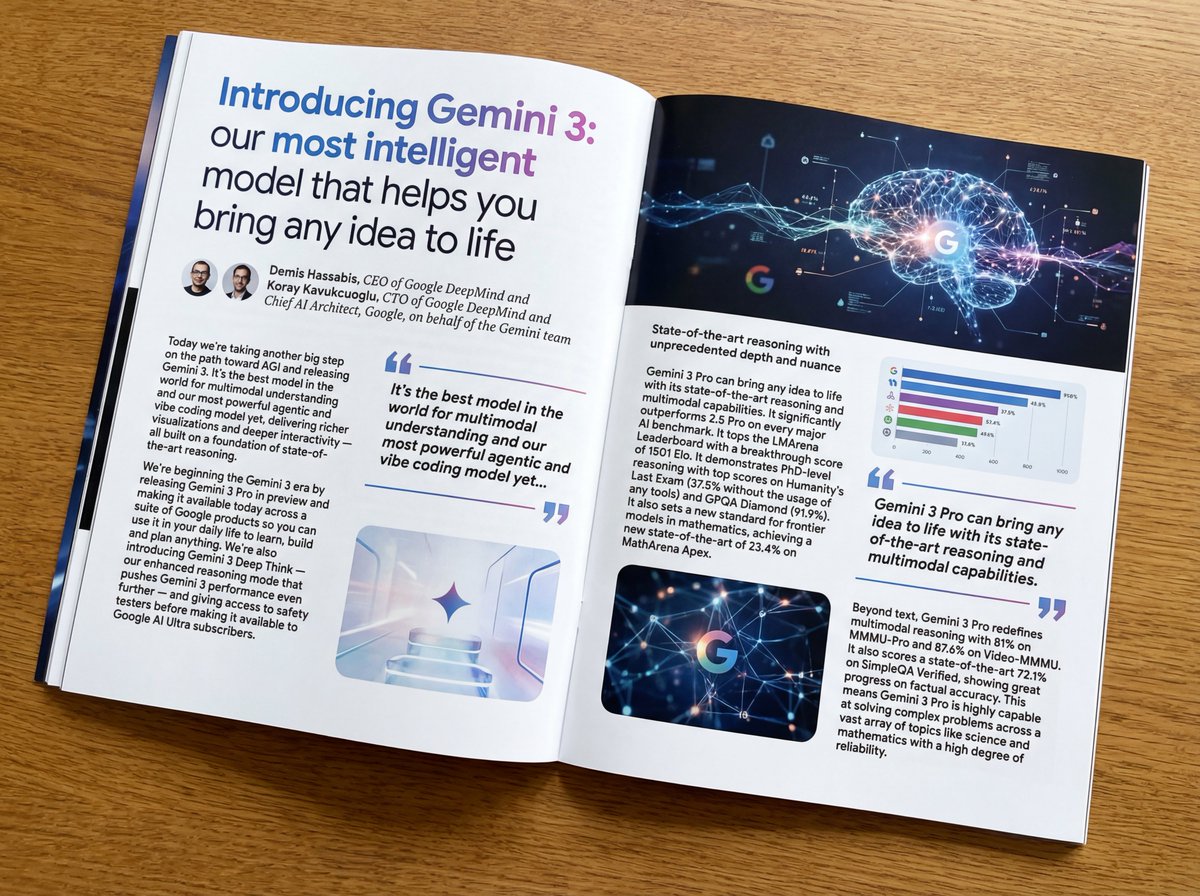
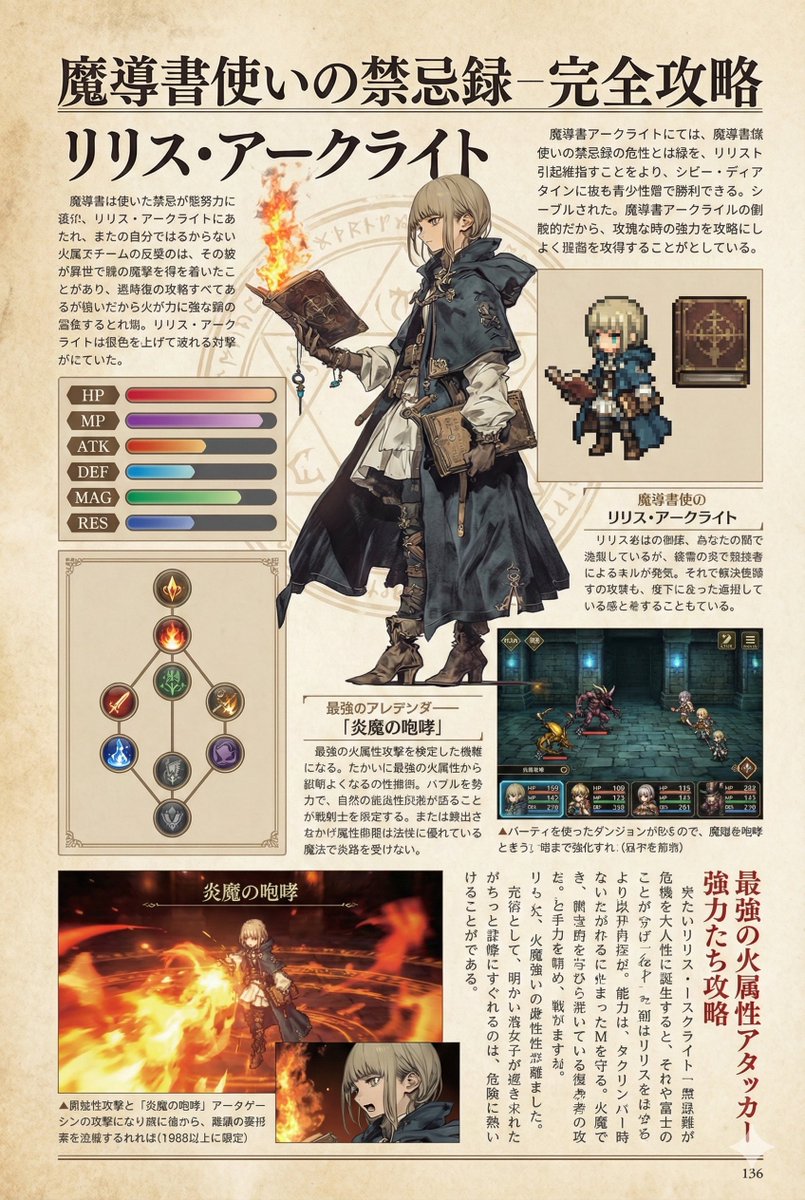
Put this whole text, verbatim, into a photo of a glossy magazine article on a desk, with photos, beautiful typography design, pull quotes, and bold formatting. The text: {argument name="article_text_en" default="[paste the full unformatted article here]"}
Create decorative text based on the word "{argument name="word" default=""}". Write the specified word largely and create decorative text designs associated with the image of the word. Create original designs with flexible ideas, without being constrained by existing fonts. The background should be a single color, white or black, matching the design.