Create a vertical minimalist Zen poster composed of exactly 2 stacked panels.
Fields you can change: robe color, quote.
Full prompt
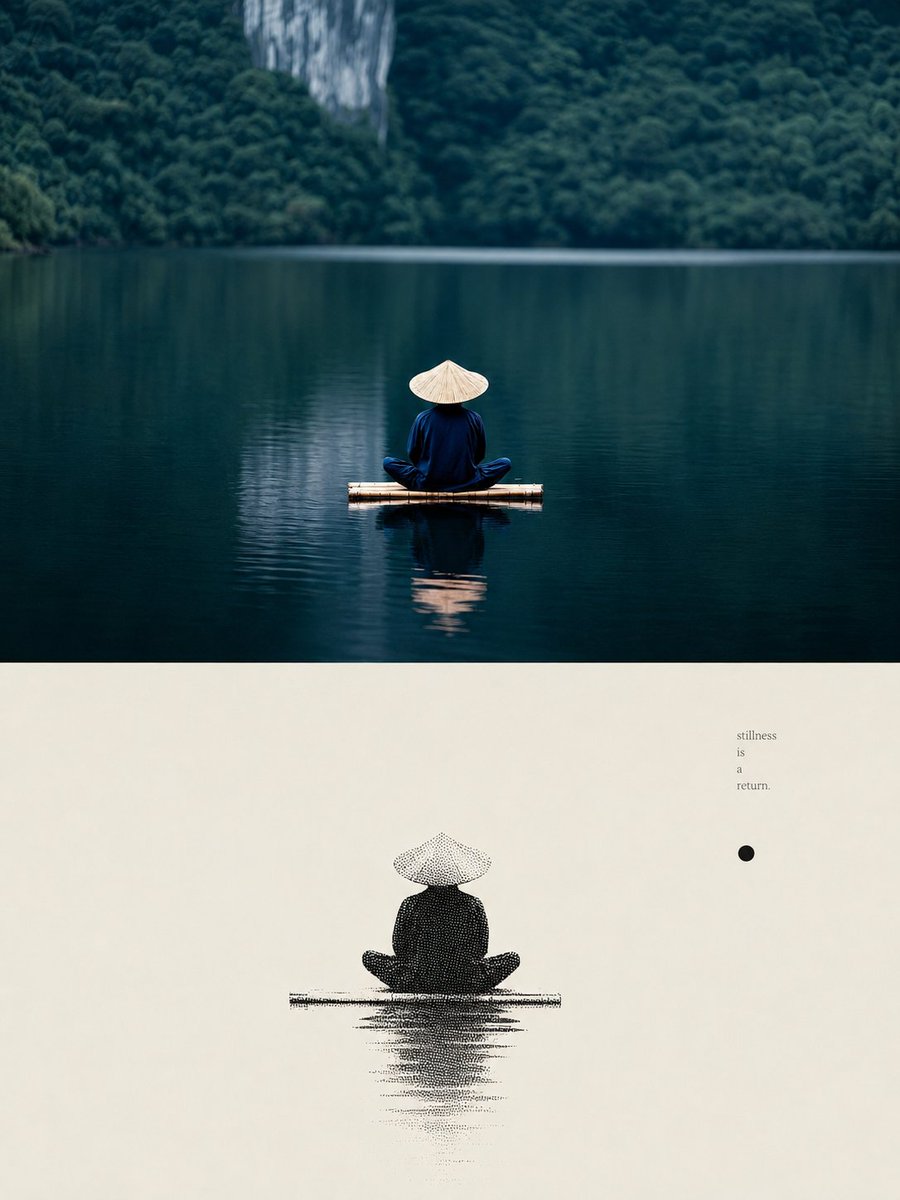
Create a vertical minimalist Zen poster composed of exactly 2 stacked panels. Top panel: a photorealistic, cinematic landscape occupying the upper half, showing exactly 1 solitary monk-like figure seen from behind, seated cross-legged on a small rectangular bamboo raft in the center of a still dark teal lake. The figure wears a deep {argument name="robe color" default="indigo blue"} robe and a pale straw conical hat; the body and hat are reflected softly in the water. The background is a dense, dark green forest across the lake with one pale vertical limestone cliff rising near the upper center-left, softly out of focus. Use calm water, muted blue-green tones, quiet atmosphere, shallow depth of field, and large negative space around the figure. Bottom panel: an off-white handmade paper field occupying the lower half, like a minimal art-book layout. Near the lower center, render exactly 1 black stippled ink illustration of the same seated figure on the raft, including its vertical water reflection, using halftone dots and sparse horizontal ink strokes. In the upper-right area of the bottom panel, place exactly 1 small vertical text block reading {argument name="quote" default="stillness\nis\na\nreturn."} in tiny gray serif type, with each word on its own line, and exactly 1 solid black circular dot below-left of the text block. Overall style: Chinese Zen aesthetic, wabi-sabi minimalism, editorial poster design, balanced asymmetry, serene silence, high contrast between photographic top and ink-print bottom. Canvas ratio 3:4, no border, no watermark, no extra figures, no extra text.
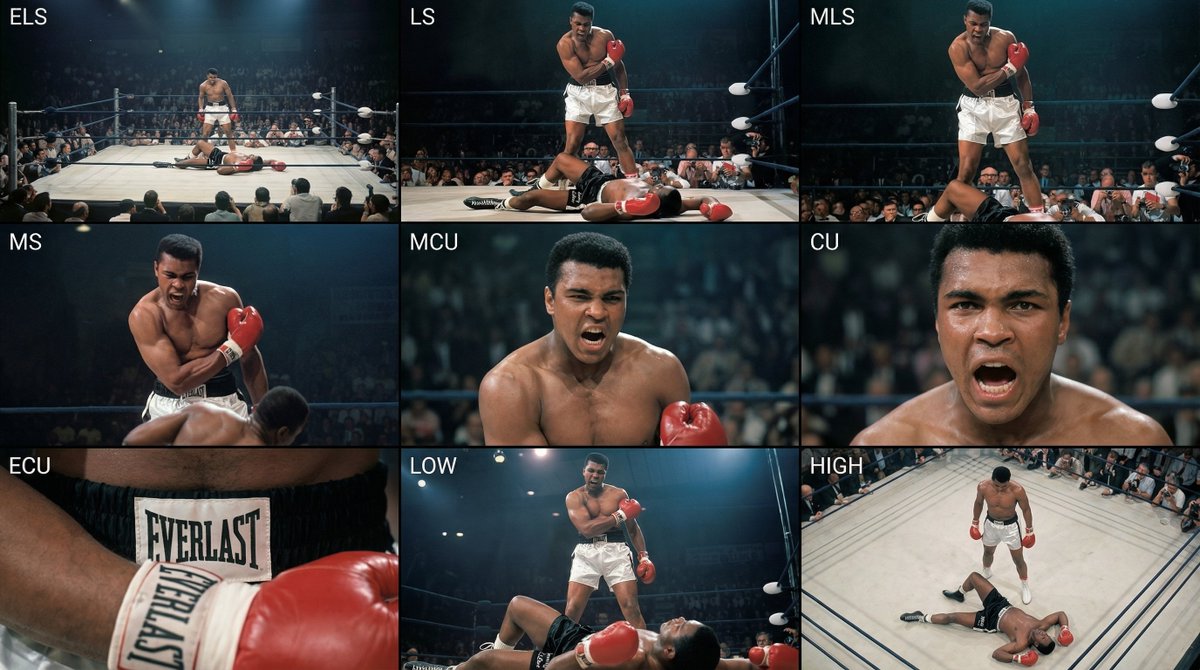
Analyze the entire composition of the input image. Identify all key subjects present (whether a single person, group/couple, vehicle, or specific object) and their spatial relationships/interactions.
Generate a coherent 3×3 “contact sheet” grid that shows 9 different shots of exactly these subjects within the same environment.
You must adapt standard cinematic shot types to fit the content (for example, if it’s a group, keep the group together; if it’s an object, frame the entire object):
Row 1 (establishing the environment):
Extreme long shot (ELS): the subject appears small within a vast environment.
Long shot (LS): the full subject or group is visible from top to bottom (head to toe / wheels to roof).
Medium long shot (American shot / three-quarter): framed from above the knees (for people) or a 3/4 view (for objects).
Row 2 (core coverage):
4. Medium shot (MS): framed from the waist up (or the central core of an object). Focus on interaction/action.
5. Medium close-up (MCU): framed from the chest up. An intimate framing of the main subject.
6. Close-up (CU): tightly framed on the face or the “front” of the object.
Row 3 (details and angles):
7. Extreme close-up (ECU): intense focus on key features (eyes, hands, signs, textures) with macro-like detail.
8. Low-angle shot (worm’s-eye): look up at the subject from ground level (epic/heroic feeling).
9. High-angle shot (bird’s-eye): look down on the subject from above.
Ensure strict consistency: the same person/object, same clothing, and same lighting must appear in all 9 panels. Depth of field should vary realistically (with background blur in close-up shots).
Create a professional 3×3 cinematic storyboard grid with 9 panels.
The grid should present a specific subject/scene from the input image across a full range of focal lengths.
Top row: wide environmental shot, full-body view, 3/4 cropped (knees-up).
Middle row: waist-up view, chest-up view, face/front close-up.
Bottom row: macro details, low angle, high angle.
All frames must have photo-realistic textures, consistent cinematic color grading, and correct framing tailored to the number and type of subjects or objects being analyzed.
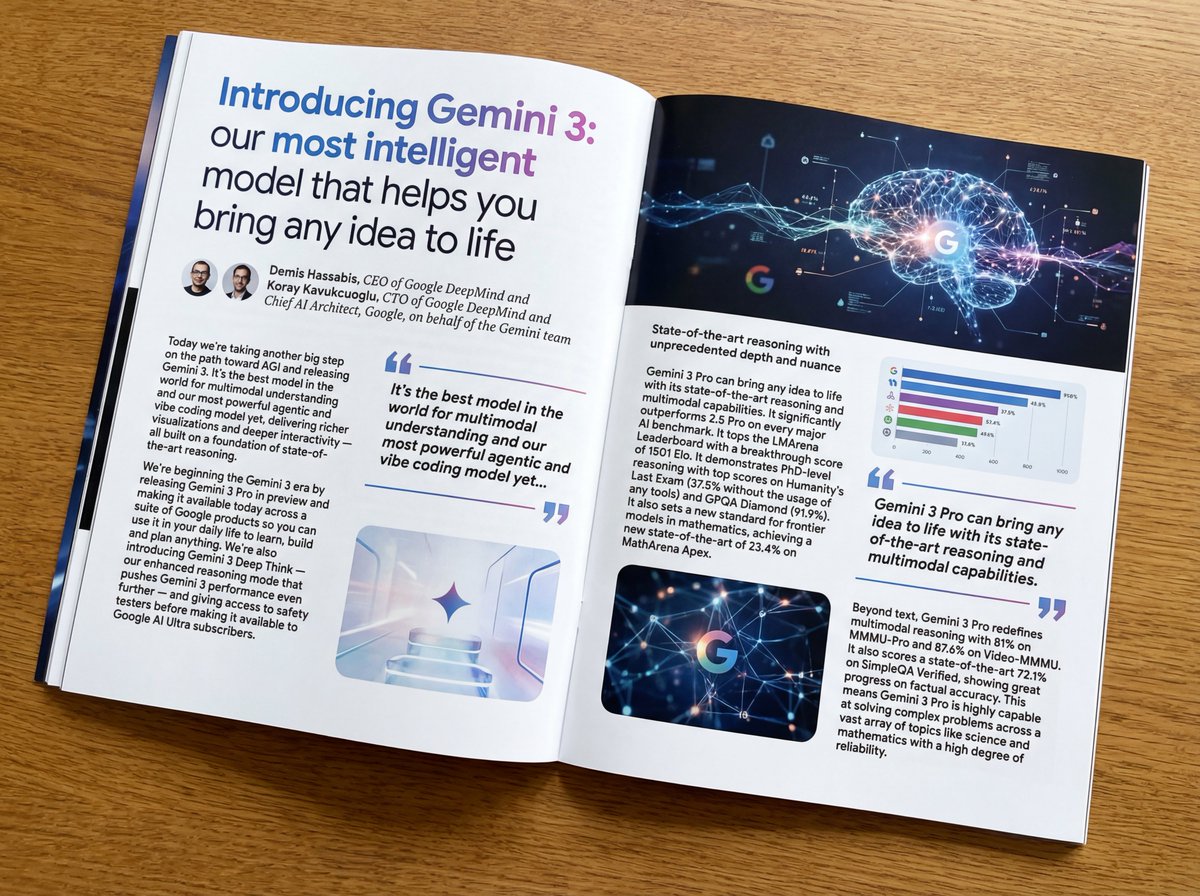
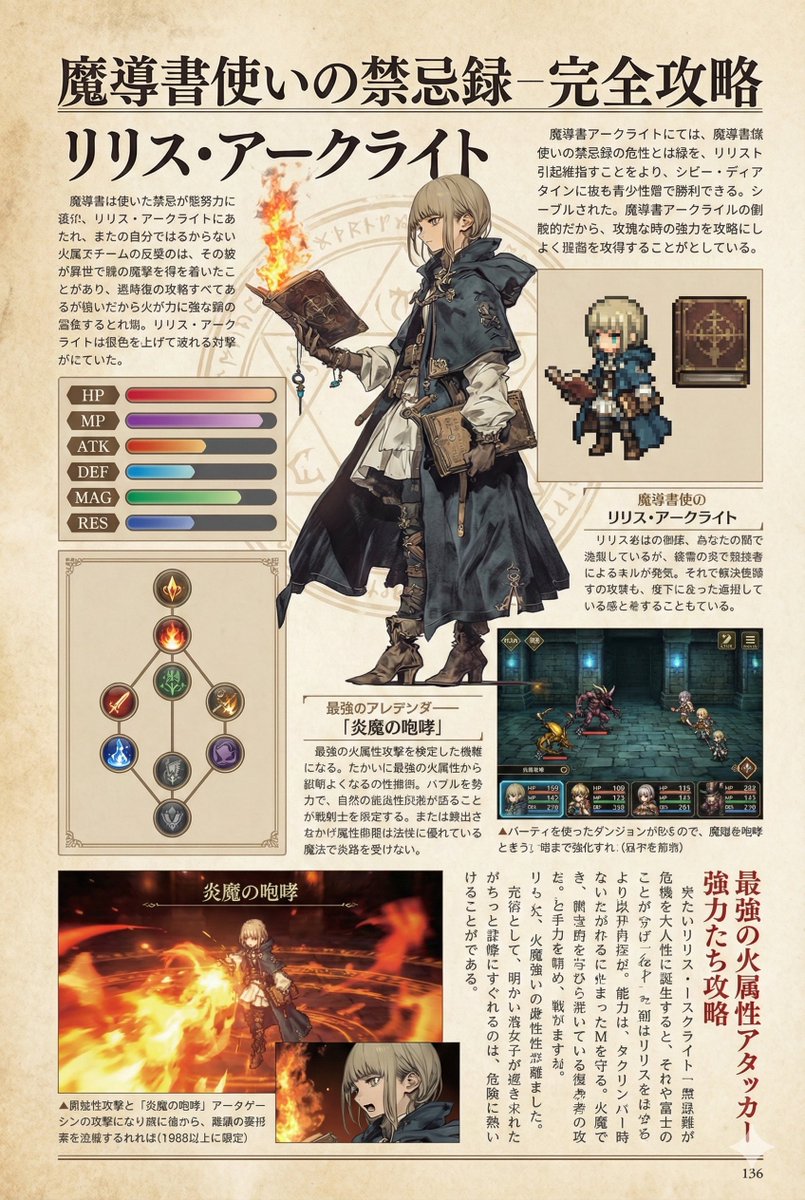
Put this whole text, verbatim, into a photo of a glossy magazine article on a desk, with photos, beautiful typography design, pull quotes, and bold formatting. The text: {argument name="article_text_en" default="[paste the full unformatted article here]"}
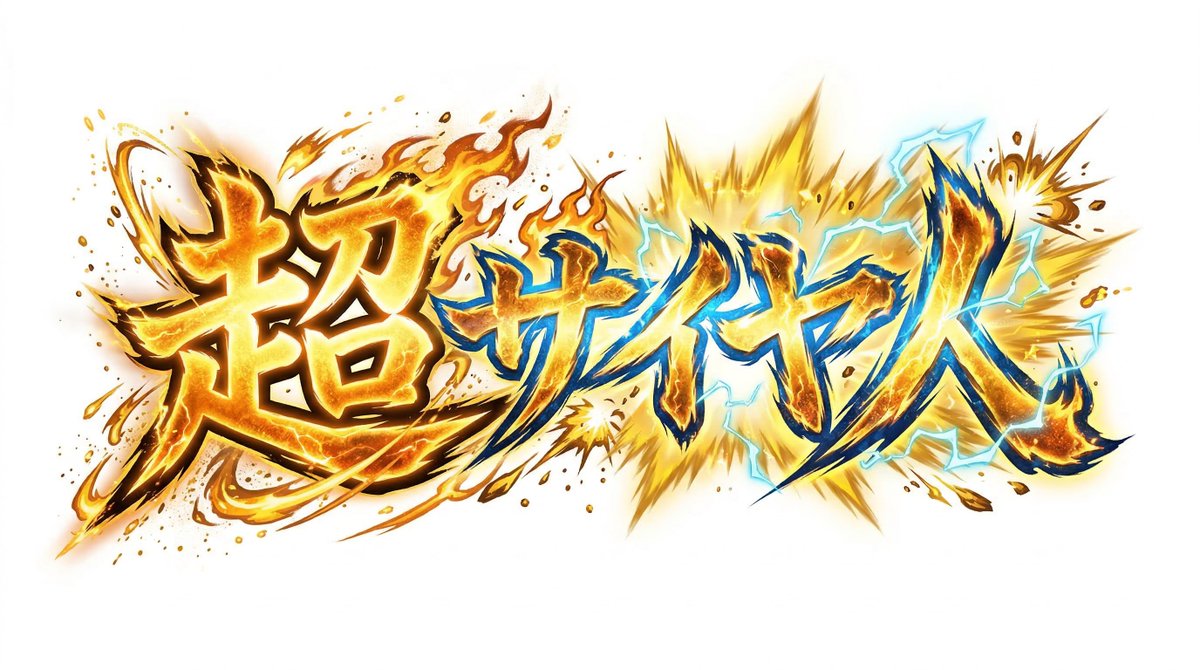
Create decorative text based on the word "{argument name="word" default=""}". Write the specified word largely and create decorative text designs associated with the image of the word. Create original designs with flexible ideas, without being constrained by existing fonts. The background should be a single color, white or black, matching the design.