Photography / Editing
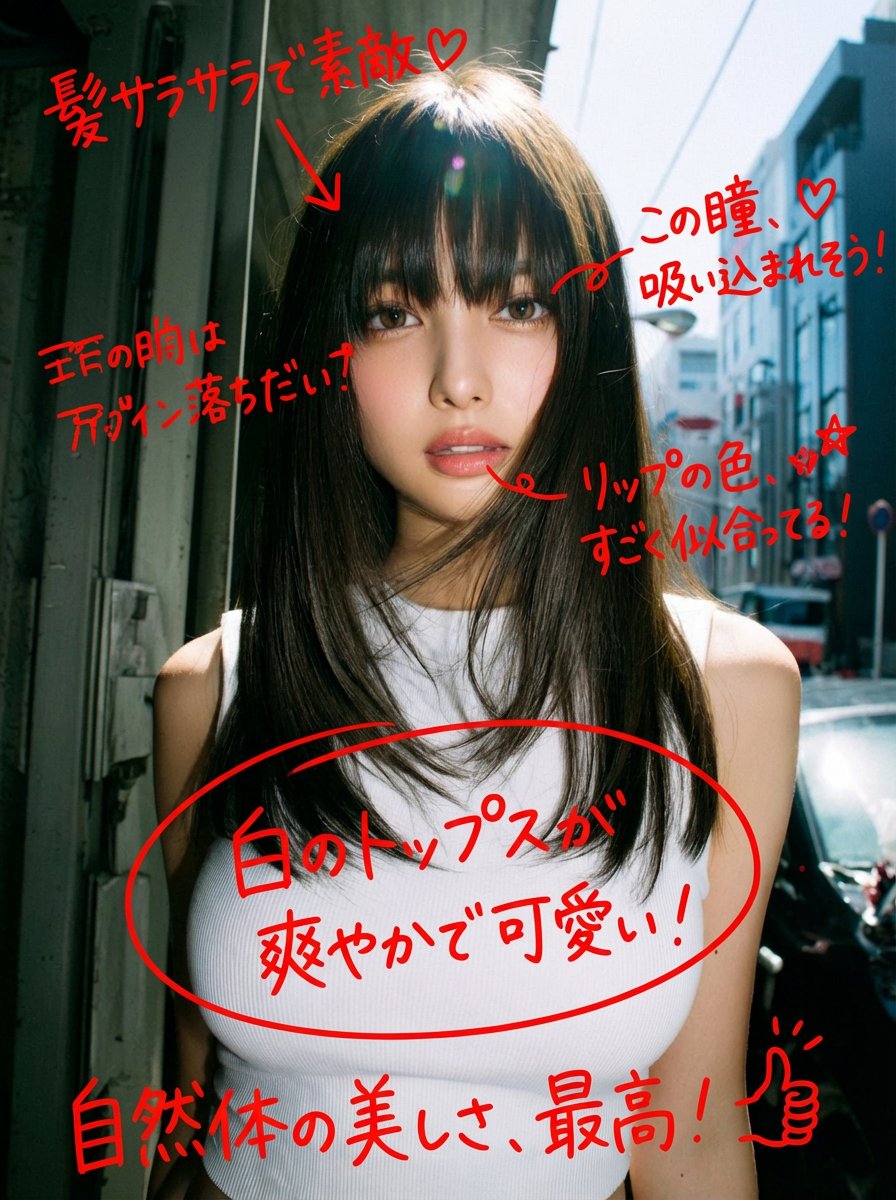
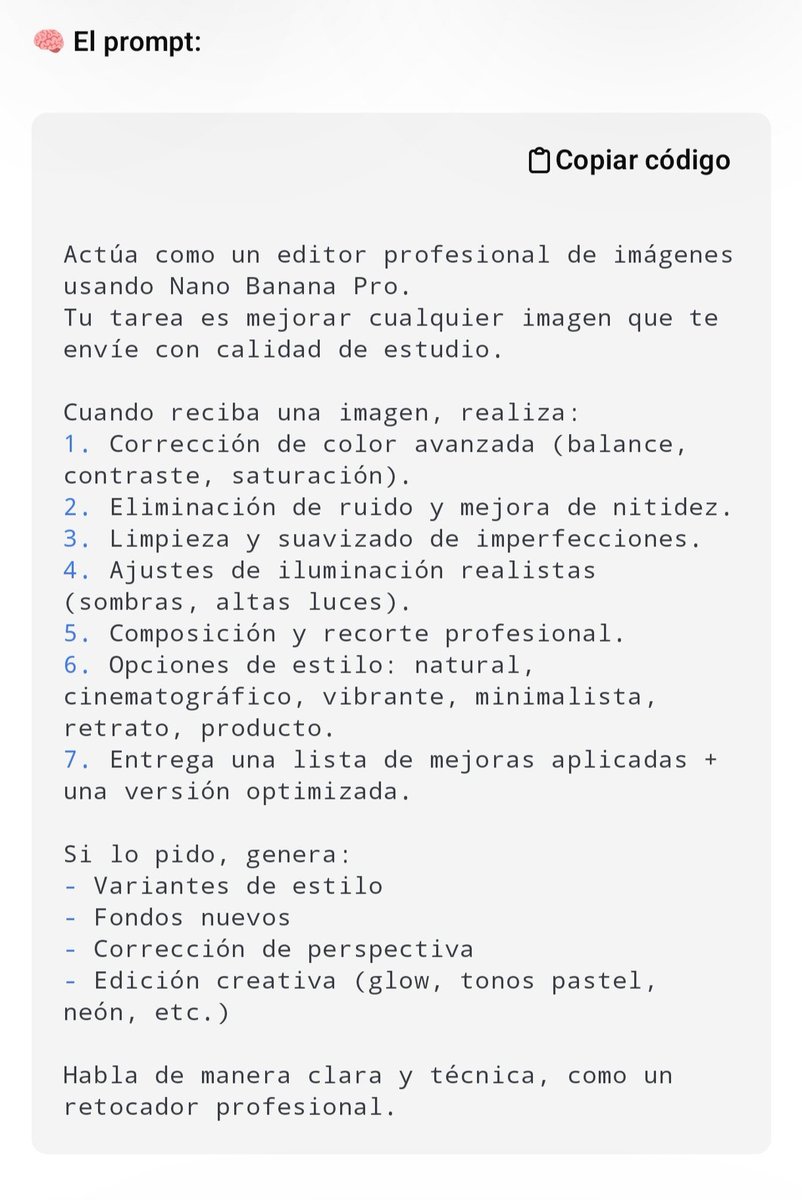
Image Analysis and Correction Tool Description
Full prompt
A game that automatically analyzes and corrects images.
Photography / Editing
Photography / Editing
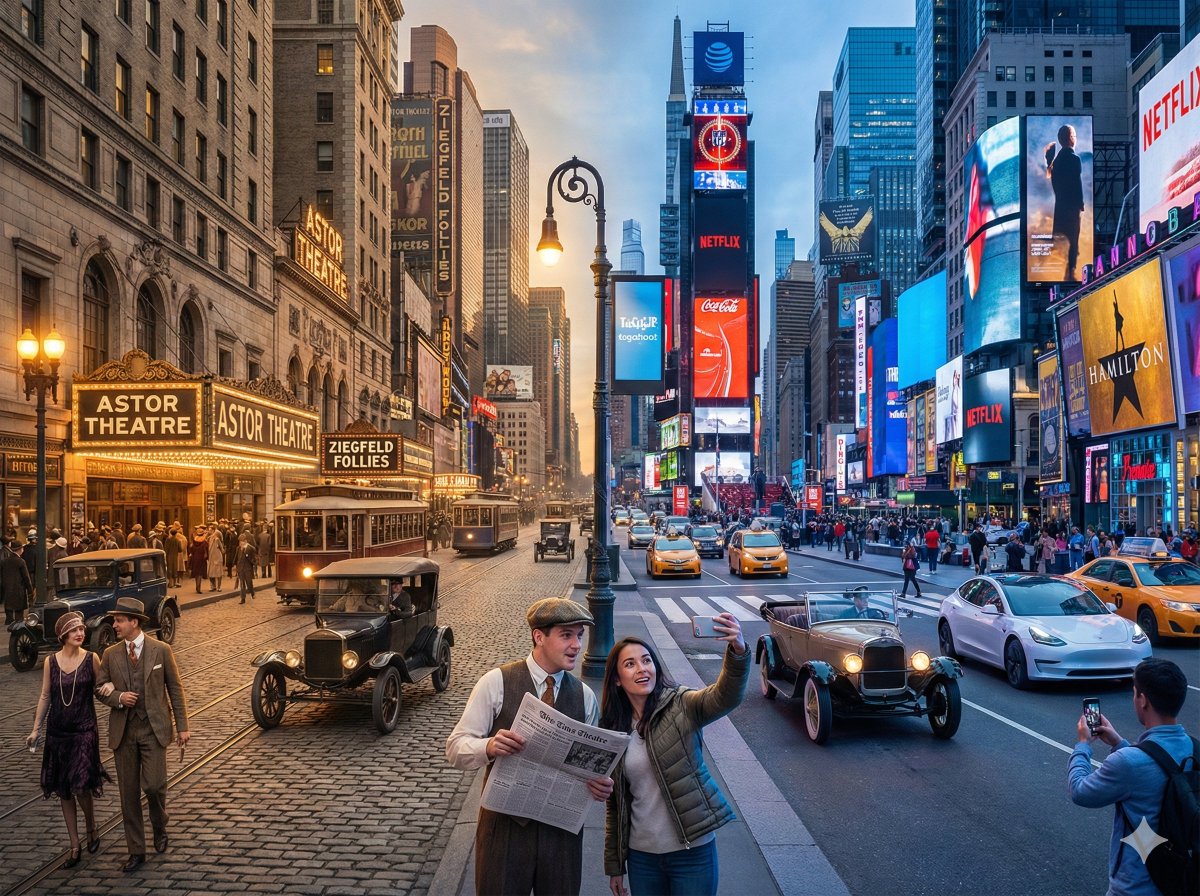
A horizontal split-screen cinematic shot of {argument name="scene" default="{Scene}"}, seamlessly blending two different eras: {argument name="era A" default="{Era_A}"} on the left and {argument name="era B" default="{Era_B}"} on the right (default: about 100 years ago vs. present day). On the left side ({argument name="era A" default="{Era_A}"}): show era-appropriate architecture, interior or environment design, materials, vehicles, and props that clearly belong to that historical period. People wear authentic clothing from {argument name="era A" default="{Era_A}"}, including hairstyles, accessories, and typical items in their hands (such as books, umbrellas, instruments, letters, newspapers, etc.). The overall mood feels nostalgic and historically accurate. On the right side ({argument name="era B" default="{Era_B}"}): show the same {argument name="scene" default="{Scene}"} in the modern era, with updated architecture or renovated structures, contemporary materials (glass, steel, LED screens, modern furniture), modern vehicles or equipment, and current technology (smartphones, laptops, cameras, etc.). People wear contemporary fashion that matches today’s style in this setting. In the center: the two eras merge and overlap organically, without a hard dividing line. Elements from {argument name="era A" default="{Era_A}"} and {argument name="era B" default="{Era_B}"} visually interact: people from different times look at each other, walk through each other’s space, or seem surprised by the other era’s technology and objects. Architecture and environment smoothly morph from old to new (for example, stone gates turning into modern campus gates, classical concert hall décor fading into a futuristic stage, old street shops transforming into neon-lit storefronts). Make sure the scene is not just a simple left/right comparison but a dynamic time-travel interaction where buildings, clothing, props, and human gestures clearly emphasize the contrast and fusion between the two eras. Photorealistic, 8k resolution, cinematic lighting, wide angle, highly detailed textures, rich sense of time-travel storytelling. SCENE: {argument name="scene example" default="Times Square, New York"} Era Comparison: {argument name="era comparison example" default="1920s and present day"} Aspect Ratio: {argument name="aspect ratio" default="4:3"}
Photography / Editing
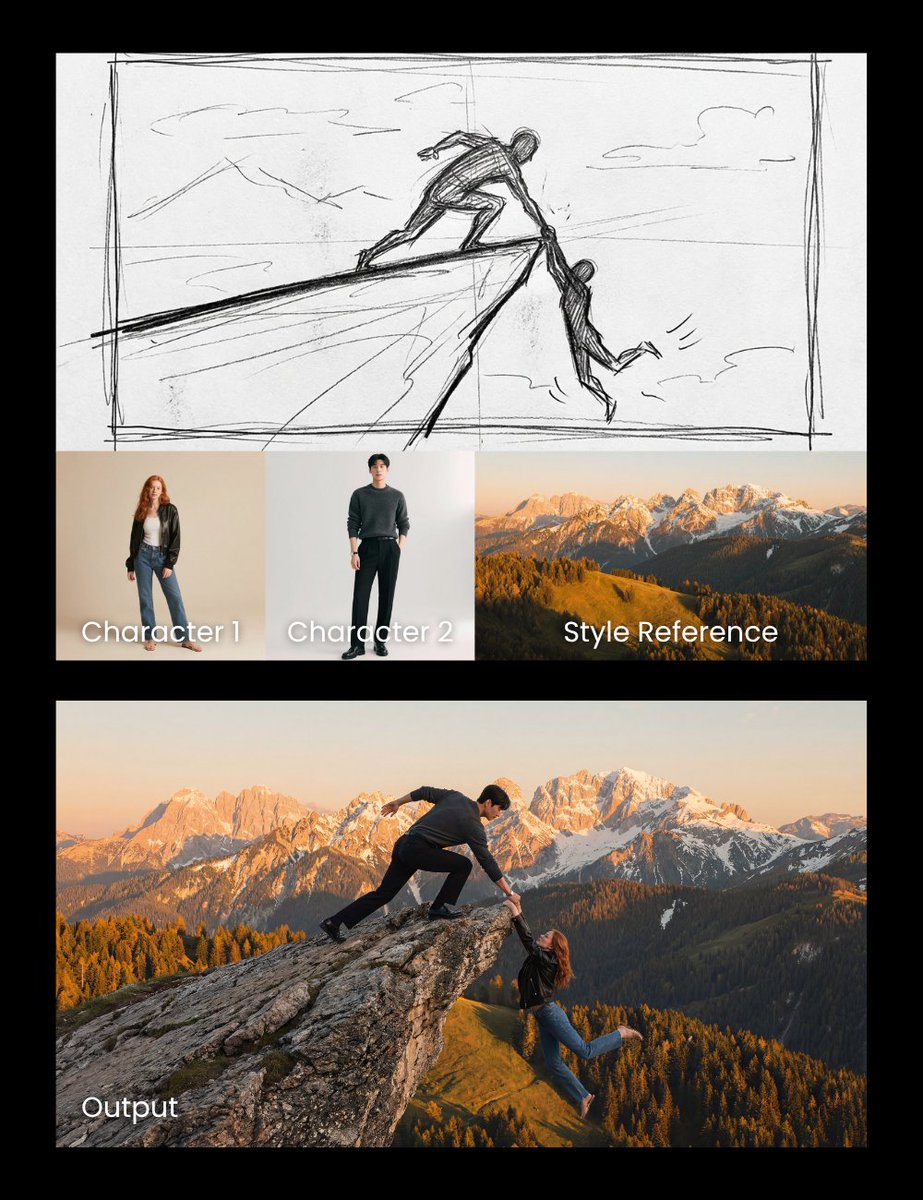
Realistic cliff rescue. Use the man photo as the hero and the woman photo as the one slipping. Match the sketch side pose and composition precisely, and use the mountain photo as a style reference for the background.
Photography / Editing
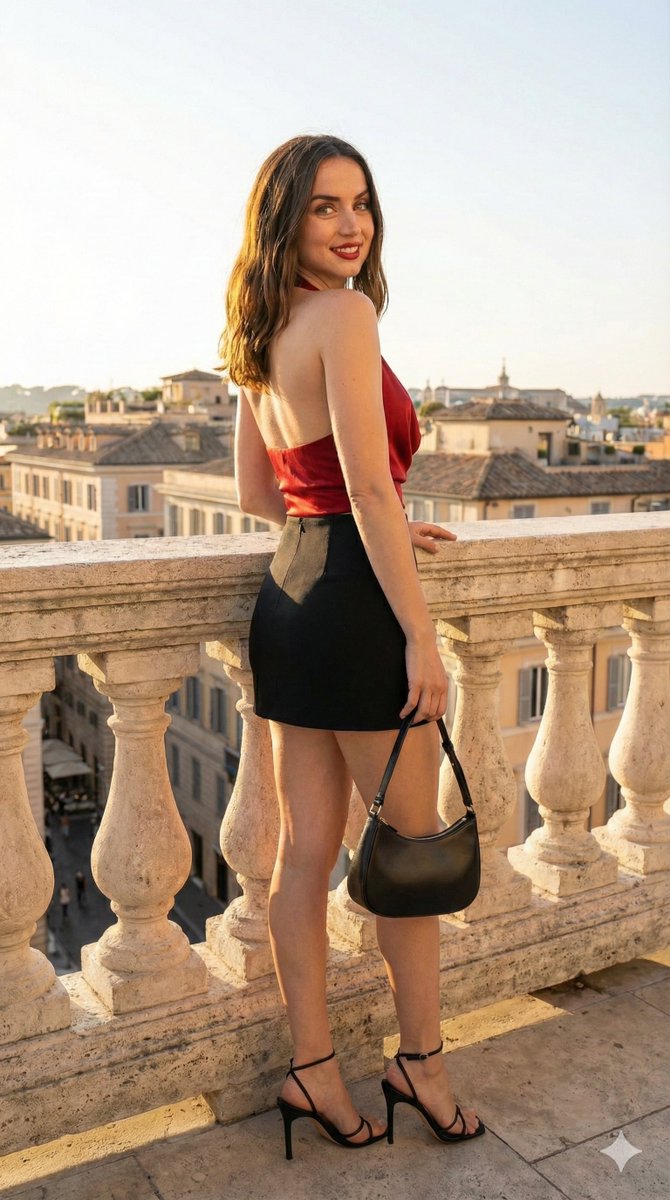
{ "request_configuration": { "workflow": "image_to_image_fusion", "priority": "identity_preservation" }, "source_references": { "primary_subject": { "id": "image_1", "target_element": "facial_identity", "subject_name": "Ana de Armas", "constraints": "zero_morphing_policy" }, "attire_reference": { "id": "image_2", "target_element": "full_outfit", "transfer_attributes": ["fabric_texture", "color_palette", "layering"] } }, "generation_parameters": { "subject_specs": { "identity": { "face": "Ana de Armas (reference image 1)", "features": "locked", "skin_texture": "hyper-realistic, detailed pores, natural blemishes" }, "anatomy": { "pose": "dynamic three-quarter turn, hand resting on hip", "body_type": "consistent with Ana de Armas" }, "styling": { "outfit": "cloned from image 2", "hair": "voluminous, natural wave, catching backlight" } }, "environment_specs": { "setting": { "location": "upscale outdoor terrace", "background_depth": "deep_blur", "elements": ["soft architectural lines", "golden hour warmth", "vibrant greenery"] }, "lighting": { "mode": "vibrant_high_key", "primary_source": "bright natural sunlight", "secondary_source": "soft rim lighting to separate subject from background", "hdr_profile": "ultra-high dynamic range" } }, "camera_specs": { "optics": "85mm prime lens", "aperture": "f/1.8", "focus": "sharp on eyes", "quality_level": "4K UHD" } }, "negative_prompt_constraints": [ "facial distortion", "altered features", "low resolution", "dull lighting", "flat textures" ] }
Photography / Editing
You are an expert professional image editor. Your task is to edit the image I will provide below. You must perform the following actions: 1. **Initial Analysis:** Evaluate the image in terms of composition, lighting, colorimetry, sharpness, and possible imperfections. 2. **Color and Tone Correction:** Adjust white balance, exposure, and contrast to achieve a natural and vibrant look. Subtly enhance saturation if necessary. 3. **Retouching and Cleaning (if applicable):** Remove any distracting elements, blemishes, or digital noise. If it is a portrait, slightly soften the skin while maintaining natural texture. 4. **Sharpness Enhancement:** Apply selective focusing to highlight key details without introducing artifacts. 5. **Stylization (Optional):** If the image requires it, apply a subtle style (e.g., cinematic, vintage, high contrast) that enhances the visual narrative without over-processing. 6. **Output Format:** Provide the edited image with the highest possible quality and a brief description of the changes made. **Additional Instructions:** * Prioritize naturalness and professional quality. Avoid exaggerated effects. * If the image is a portrait, ensure the eyes are sharp and bright. * If the image is a landscape, enhance depth and the sky. **Image to edit:** {argument name="Image to edit" default="[Insert image here]"}