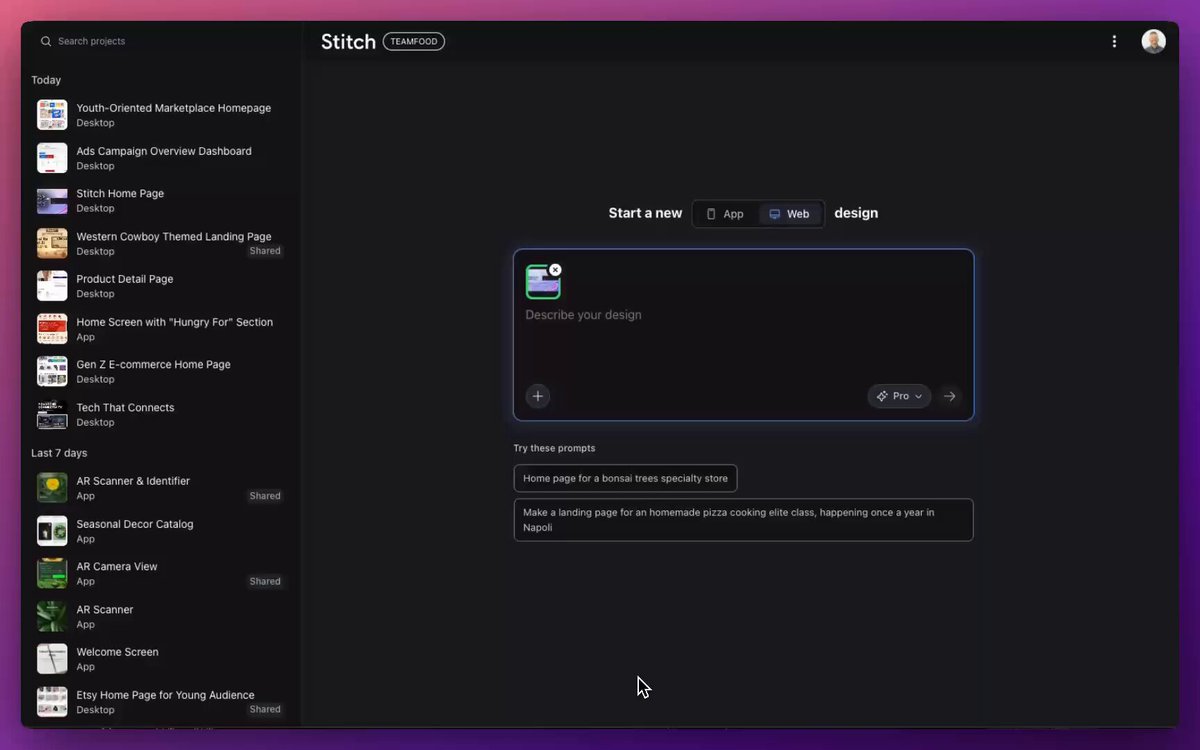
You are an experienced senior UI/UX designer specializing in new service launches and redesigns.
Analyze the attached image (or input text if no image is attached) and extract **only the 'functional requirements' and 'information structure'** shown there.
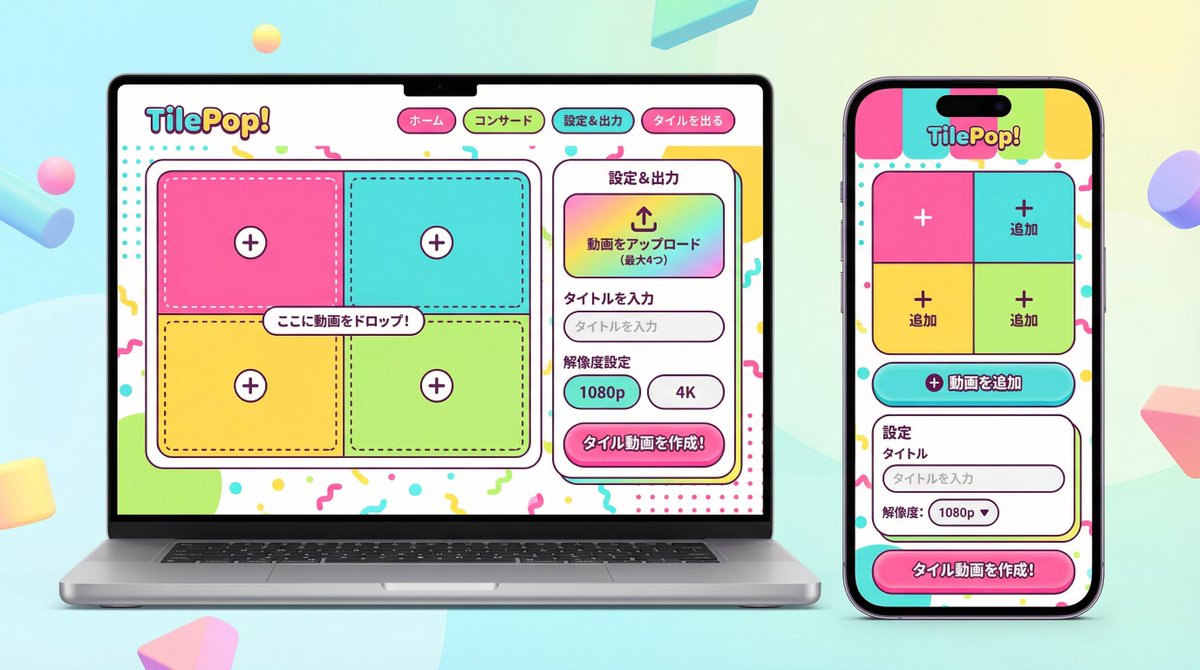
Based on the extracted functions, generate a high-resolution device mockup image of the app/service with a **completely refreshed design**, showing both the 'Smartphone version (mobile app)' and the 'PC version (Web dashboard or LP)' side-by-side.
**Important Requests:**
1. **Design Refresh:** **Do not imitate** the visual style of the attached image at all. Propose a completely new design according to the 'Pop Design' instructions below.
2. **Functionality Maintenance:** Core app functions, such as 'Upload,' 'Video Tiling Display,' and 'Export Settings,' must be included in the UI.
3. **No Characters:** Do not place any characters or human illustrations in the image. Focus only on the UI and devices.
▼ Instructions for the Generation Process (Thinking Process)
Construct the design by executing the following thought process before drawing:
* [Step 1: Extraction of Functional Requirements]: Identify what the service does from the attached image (e.g., video upload, tiling edit, output) and list the necessary UI elements.
* [Step 2: Formulation of Pop Design Concept]: Define a vibrant color palette, playful shapes, and approachable typography based on the '▼ New Design and Style Specification' below.
* [Step 3: Responsive UI Design]:
* Smartphone Version: Optimize the UI using the defined pop design so that it is fun to operate even on a small screen. Buttons should be large and easy to press.
* PC Version: Design a visually enjoyable grid layout utilizing the wide screen, using the defined pop design.
* [Step 4: Spatial Composition]: Set an angle where the PC and smartphone are beautifully aligned, and the new design of both screens is clearly conveyed.
▼ New Design and Style Specification
* **Design Direction:** Adopt **'Fun, Approachable, and Energetic Pop Design.'**
* **Color:** Use a highly saturated, vibrant multi-color palette (e.g., candy colors, bright yellow, hot pink, sky blue) to give an energetic impression.
* **Shape:** Frequently use large rounded corners for buttons, cards, and windows to create a soft, tactile texture. Icons should be in a playful style drawn with thick lines.
* **Font:** Use an approachable and highly legible rounded Gothic Japanese font.
* **Overall Atmosphere:** Finish with a bright, positive UI that makes the user excited to interact with it.
* **Composition:** Cross-platform mockup with the PC and smartphone beautifully aligned, in an isometric (oblique overhead) or front view. The background should be a bright studio environment that enhances the pop UI.
* **Text:** Place accurate Japanese text indicating the functions.
▼ Input Text (App Function Definition)
{argument name="app function definition" default="App to tile and export uploaded videos\nNo AI analysis function needed\nI want to be able to set the resolution!"}
Redesign this page for a {argument name="target_audience_en" default="younger audience"}.
Create the page that most likely comes next.
Increase the number of users who add to cart.
Move the button down {argument name="button_offset_en" default="10 pixels"}.
Fix usability on this page.
Decrease the bounce rate of {argument name="page_url_en" default="https://t.co/Ct6uyBtKmB"}.