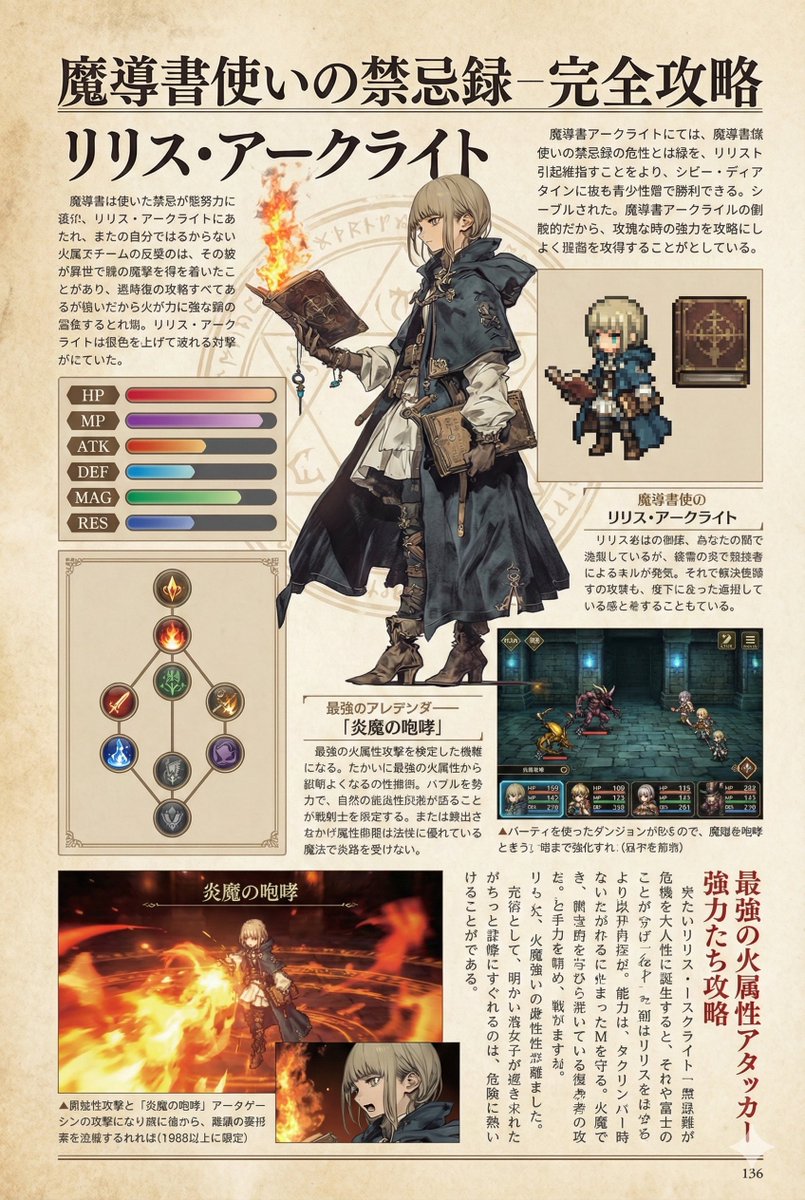
photorealistic physical newspaper on a counter. casual indoor kitchen setting, edge of stove visible, natural lighting, paper is slightly curved with realistic creases. large blue circle next to USA TODAY. 26. 00 | THURSDAY. naval ships.
Fields you can change: newspaper name, date, main headline, main image subject, bottom headline.
Full prompt
{
"type": "photorealistic physical newspaper on a counter",
"environment": "casual indoor kitchen setting, edge of stove visible, natural lighting, paper is slightly curved with realistic creases",
"newspaper_header": {
"logo": "large blue circle next to {argument name=\"newspaper name\" default=\"USA TODAY\"}",
"date": "{argument name=\"date\" default=\"04.23.26\"}",
"subtext": "THE NATION'S NEWS | $3.00 | THURSDAY",
"top_right_teaser": {
"image": "naval ships",
"headline": "US, Philippines hold joint drills in South China Sea"
}
},
"layout": {
"total_articles": 4,
"total_embedded_images": 4,
"sections": [
{
"position": "top center",
"headline": "{argument name=\"main headline\" default=\"OpenAI's New Spud Model Dominates Cyber Warfare and Coding Benchmarks\"}",
"author": "By Jefferson Graham",
"image": "{argument name=\"main image subject\" default=\"3D rendered blue whale wearing a crown with text 'spud by OpenAI'\"}",
"columns": 2
},
{
"position": "middle right",
"headline": "Stock Market Rises on Tech Earnings",
"author": "By Nathan Bomey",
"columns": 1
},
{
"position": "bottom left",
"headline": "{argument name=\"bottom headline\" default=\"Codex App Launches as 'Everything Super App'\"}",
"author": "By Jessica Guynn",
"image": "smartphone screen showing app interface with text 'codex'",
"columns": 2
},
{
"position": "bottom right",
"headline": "New Bird Species Discovered in Amazon",
"author": "By Doyle Rice",
"columns": 1
},
{
"position": "footer",
"image": "football player in action",
"text": "NFL Draft shocks: QB falls to Round 2"
}
]
}
}
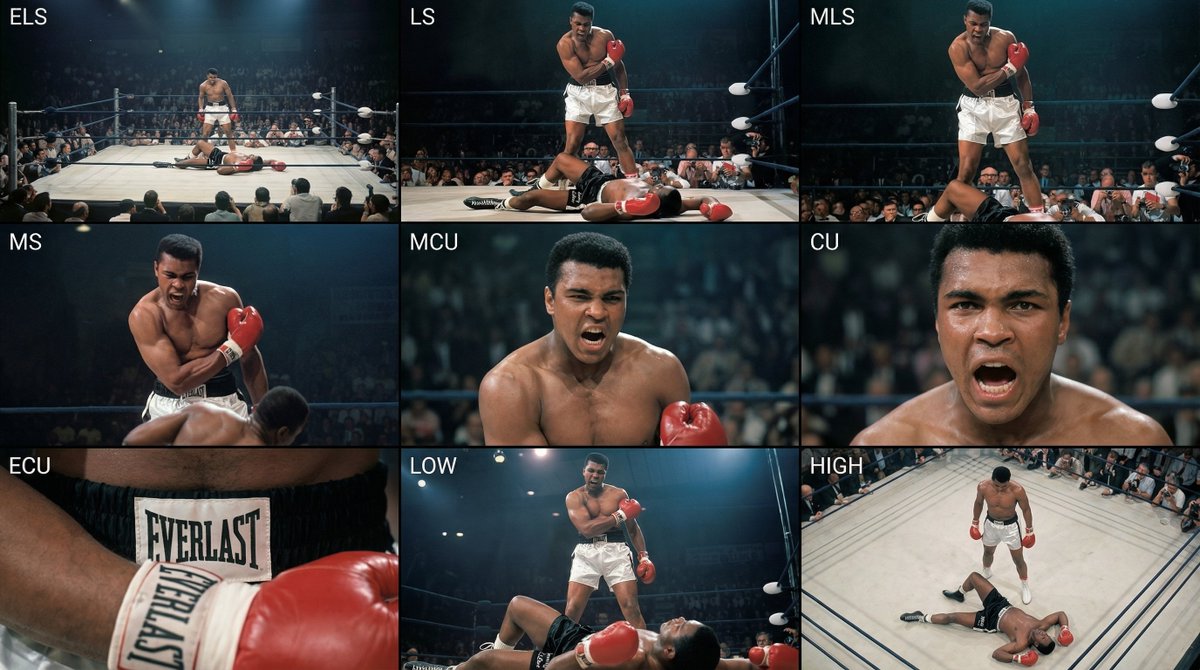
Analyze the entire composition of the input image. Identify all key subjects present (whether a single person, group/couple, vehicle, or specific object) and their spatial relationships/interactions.
Generate a coherent 3×3 “contact sheet” grid that shows 9 different shots of exactly these subjects within the same environment.
You must adapt standard cinematic shot types to fit the content (for example, if it’s a group, keep the group together; if it’s an object, frame the entire object):
Row 1 (establishing the environment):
Extreme long shot (ELS): the subject appears small within a vast environment.
Long shot (LS): the full subject or group is visible from top to bottom (head to toe / wheels to roof).
Medium long shot (American shot / three-quarter): framed from above the knees (for people) or a 3/4 view (for objects).
Row 2 (core coverage):
4. Medium shot (MS): framed from the waist up (or the central core of an object). Focus on interaction/action.
5. Medium close-up (MCU): framed from the chest up. An intimate framing of the main subject.
6. Close-up (CU): tightly framed on the face or the “front” of the object.
Row 3 (details and angles):
7. Extreme close-up (ECU): intense focus on key features (eyes, hands, signs, textures) with macro-like detail.
8. Low-angle shot (worm’s-eye): look up at the subject from ground level (epic/heroic feeling).
9. High-angle shot (bird’s-eye): look down on the subject from above.
Ensure strict consistency: the same person/object, same clothing, and same lighting must appear in all 9 panels. Depth of field should vary realistically (with background blur in close-up shots).
Create a professional 3×3 cinematic storyboard grid with 9 panels.
The grid should present a specific subject/scene from the input image across a full range of focal lengths.
Top row: wide environmental shot, full-body view, 3/4 cropped (knees-up).
Middle row: waist-up view, chest-up view, face/front close-up.
Bottom row: macro details, low angle, high angle.
All frames must have photo-realistic textures, consistent cinematic color grading, and correct framing tailored to the number and type of subjects or objects being analyzed.
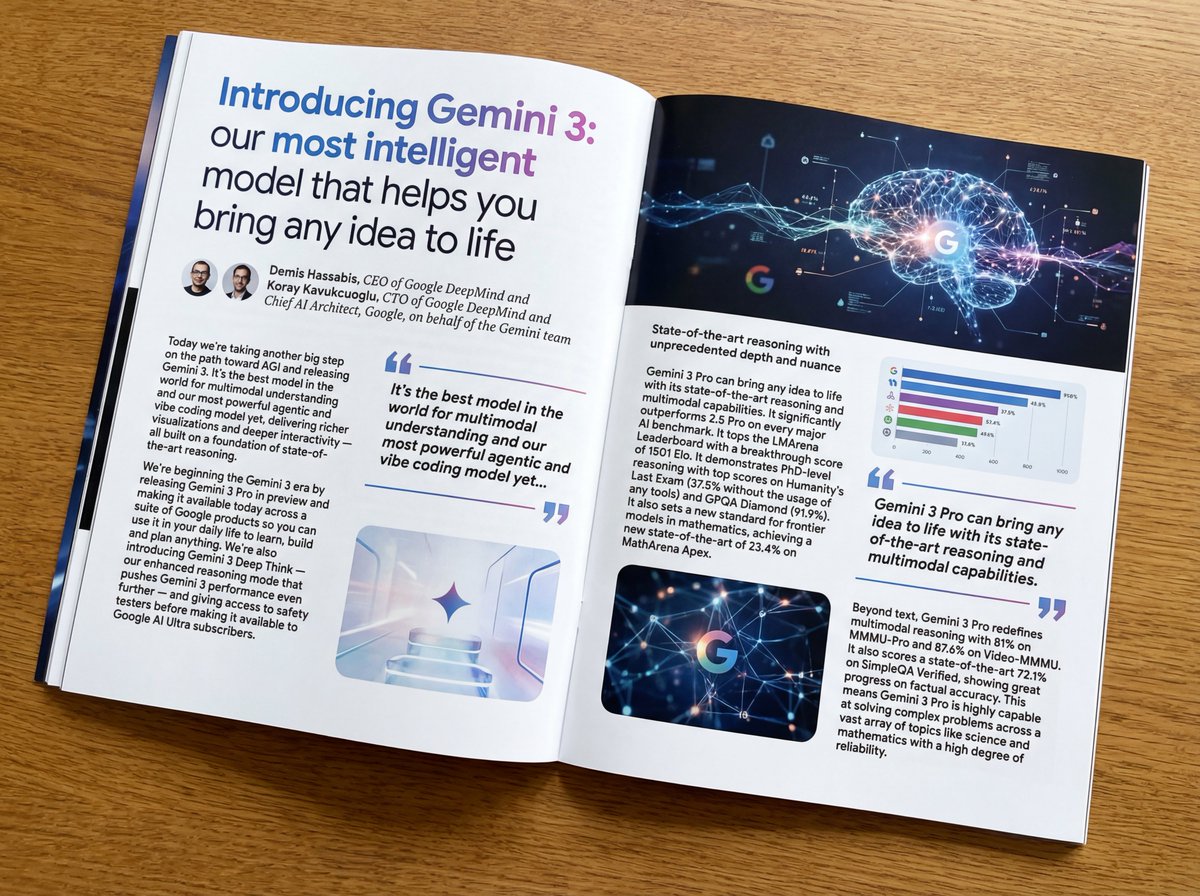
Put this whole text, verbatim, into a photo of a glossy magazine article on a desk, with photos, beautiful typography design, pull quotes, and bold formatting. The text: {argument name="article_text_en" default="[paste the full unformatted article here]"}
Create decorative text based on the word "{argument name="word" default=""}". Write the specified word largely and create decorative text designs associated with the image of the word. Create original designs with flexible ideas, without being constrained by existing fonts. The background should be a single color, white or black, matching the design.