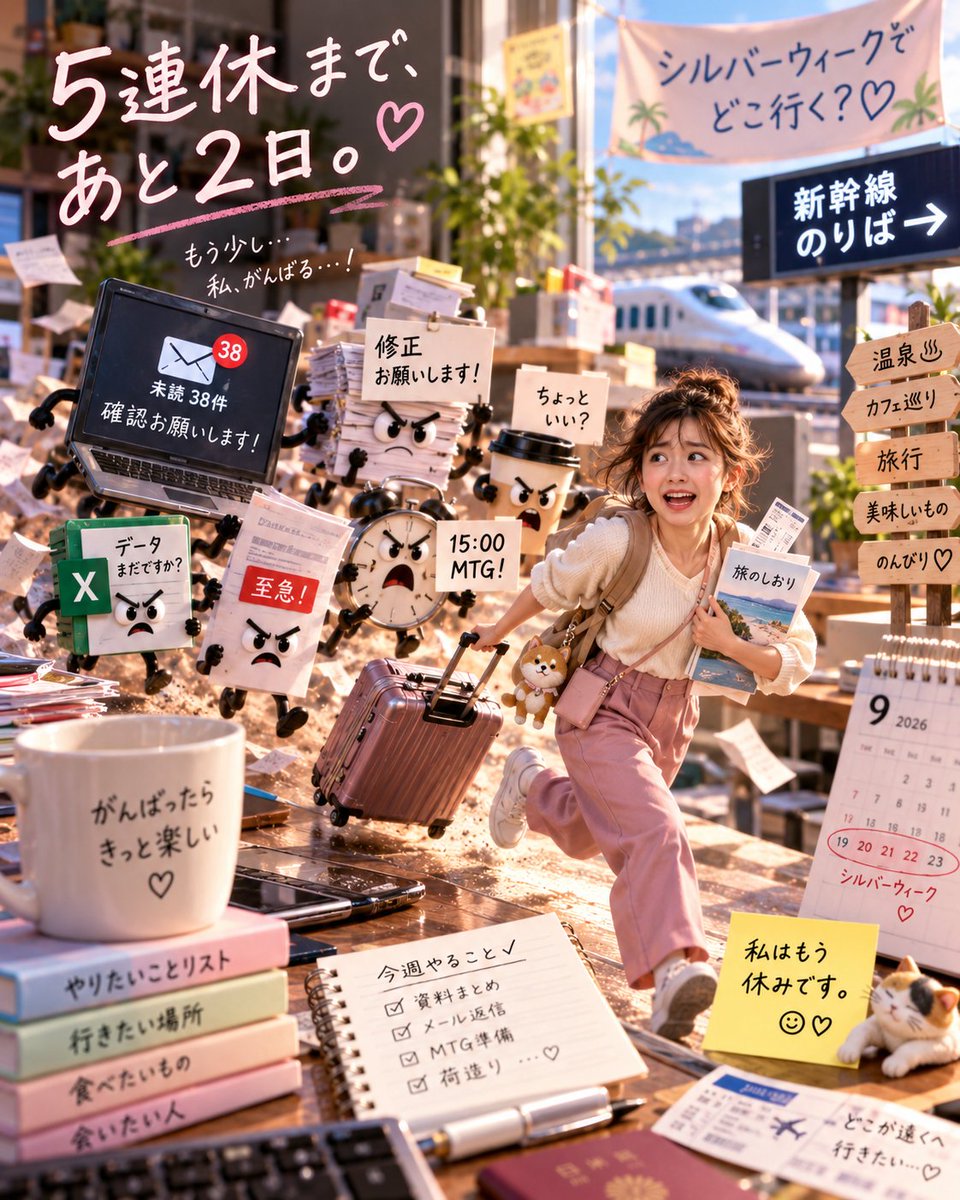
A vertical, highly detailed digital illustration in a vibrant anime-realism style depicting a young woman sprinting away from a chaotic pile of angry office supplies.
Full prompt
A vertical, highly detailed digital illustration in a vibrant anime-realism style depicting a young woman sprinting away from a chaotic pile of angry office supplies. The central character is a cute Asian girl with messy brown hair tied up, wearing a cream knit sweater and pink trousers, carrying a backpack with a Shiba Inu plushie attached. She has an excited, open-mouthed expression as she runs towards the right side of the frame, pulling a rose-gold suitcase.
Surrounding her are anthropomorphic work items with angry cartoon faces chasing her:
1. A black laptop with arms/legs showing a screen with '38 unread emails'.
2. A stack of papers with a red 'Urgent' stamp and angry eyes.
3. An Excel spreadsheet icon with legs and a grumpy face.
4. A coffee cup with a scowling face.
5. A round alarm clock with an angry face.
6. A document labeled 'Revision please!'.
The background features a sunny train station platform with a Shinkansen bullet train visible. To the right, wooden signposts point to 'Hot Springs', 'Cafe Hopping', 'Travel', 'Delicious Food', and 'Relaxing'. A large banner at the top reads 'Where are you going for Silver Week?'.
In the foreground bottom left, there is a white mug on a stack of pastel books reading 'If I do my best, it will be fun'. Next to it is a spiral notebook with a checklist titled 'Things to do this week' (summarize data, reply to emails, prepare for MTG). On the bottom right, a calendar shows September 2026 with dates 19-23 circled in red labeled 'Silver Week', next to a yellow sticky note saying 'I am already on vacation' and a calico cat figurine.
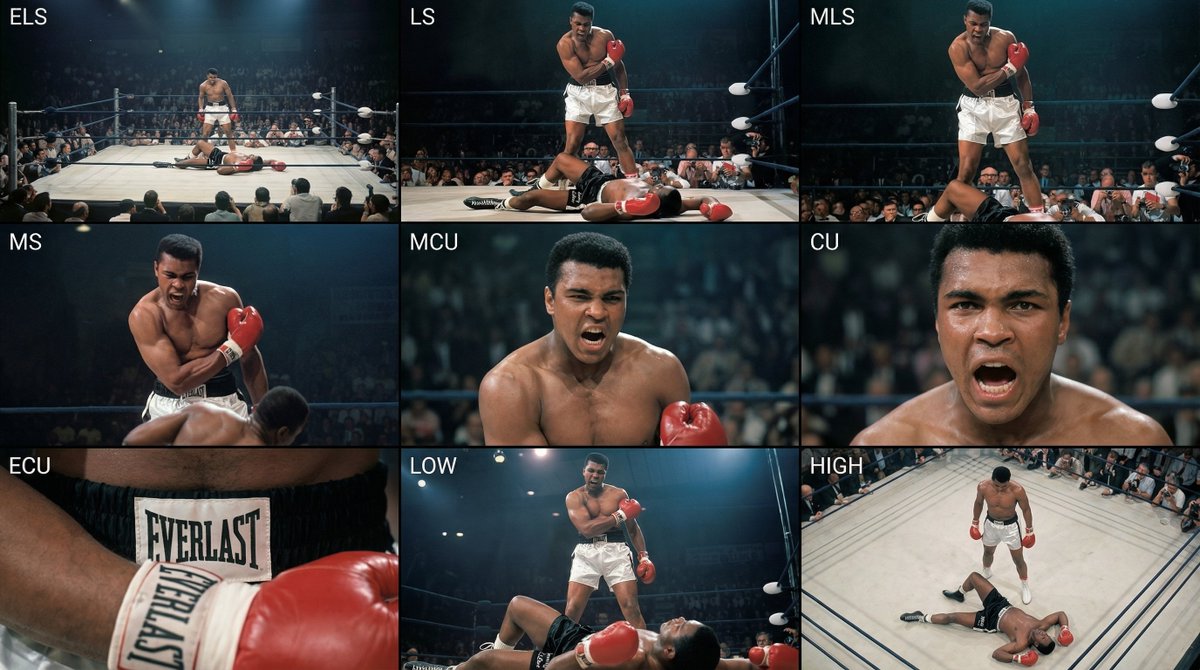
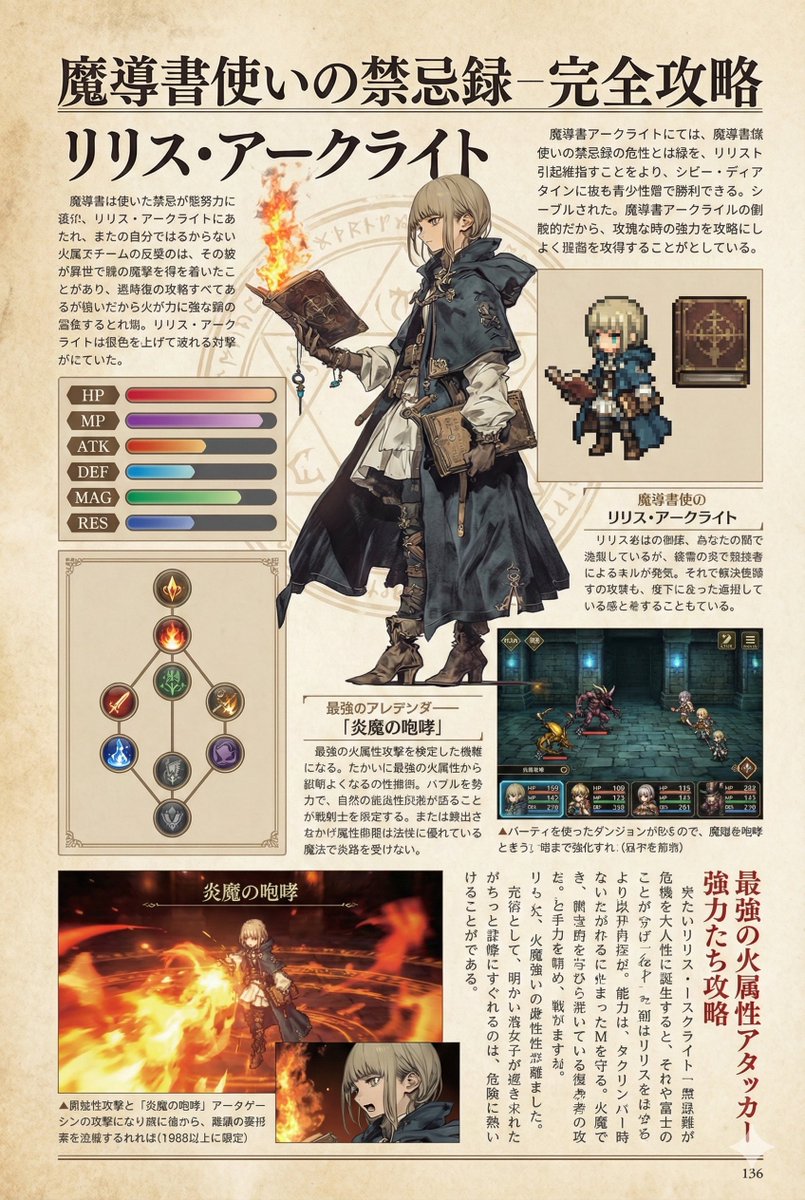
Analyze the entire composition of the input image. Identify all key subjects present (whether a single person, group/couple, vehicle, or specific object) and their spatial relationships/interactions.
Generate a coherent 3×3 “contact sheet” grid that shows 9 different shots of exactly these subjects within the same environment.
You must adapt standard cinematic shot types to fit the content (for example, if it’s a group, keep the group together; if it’s an object, frame the entire object):
Row 1 (establishing the environment):
Extreme long shot (ELS): the subject appears small within a vast environment.
Long shot (LS): the full subject or group is visible from top to bottom (head to toe / wheels to roof).
Medium long shot (American shot / three-quarter): framed from above the knees (for people) or a 3/4 view (for objects).
Row 2 (core coverage):
4. Medium shot (MS): framed from the waist up (or the central core of an object). Focus on interaction/action.
5. Medium close-up (MCU): framed from the chest up. An intimate framing of the main subject.
6. Close-up (CU): tightly framed on the face or the “front” of the object.
Row 3 (details and angles):
7. Extreme close-up (ECU): intense focus on key features (eyes, hands, signs, textures) with macro-like detail.
8. Low-angle shot (worm’s-eye): look up at the subject from ground level (epic/heroic feeling).
9. High-angle shot (bird’s-eye): look down on the subject from above.
Ensure strict consistency: the same person/object, same clothing, and same lighting must appear in all 9 panels. Depth of field should vary realistically (with background blur in close-up shots).
Create a professional 3×3 cinematic storyboard grid with 9 panels.
The grid should present a specific subject/scene from the input image across a full range of focal lengths.
Top row: wide environmental shot, full-body view, 3/4 cropped (knees-up).
Middle row: waist-up view, chest-up view, face/front close-up.
Bottom row: macro details, low angle, high angle.
All frames must have photo-realistic textures, consistent cinematic color grading, and correct framing tailored to the number and type of subjects or objects being analyzed.
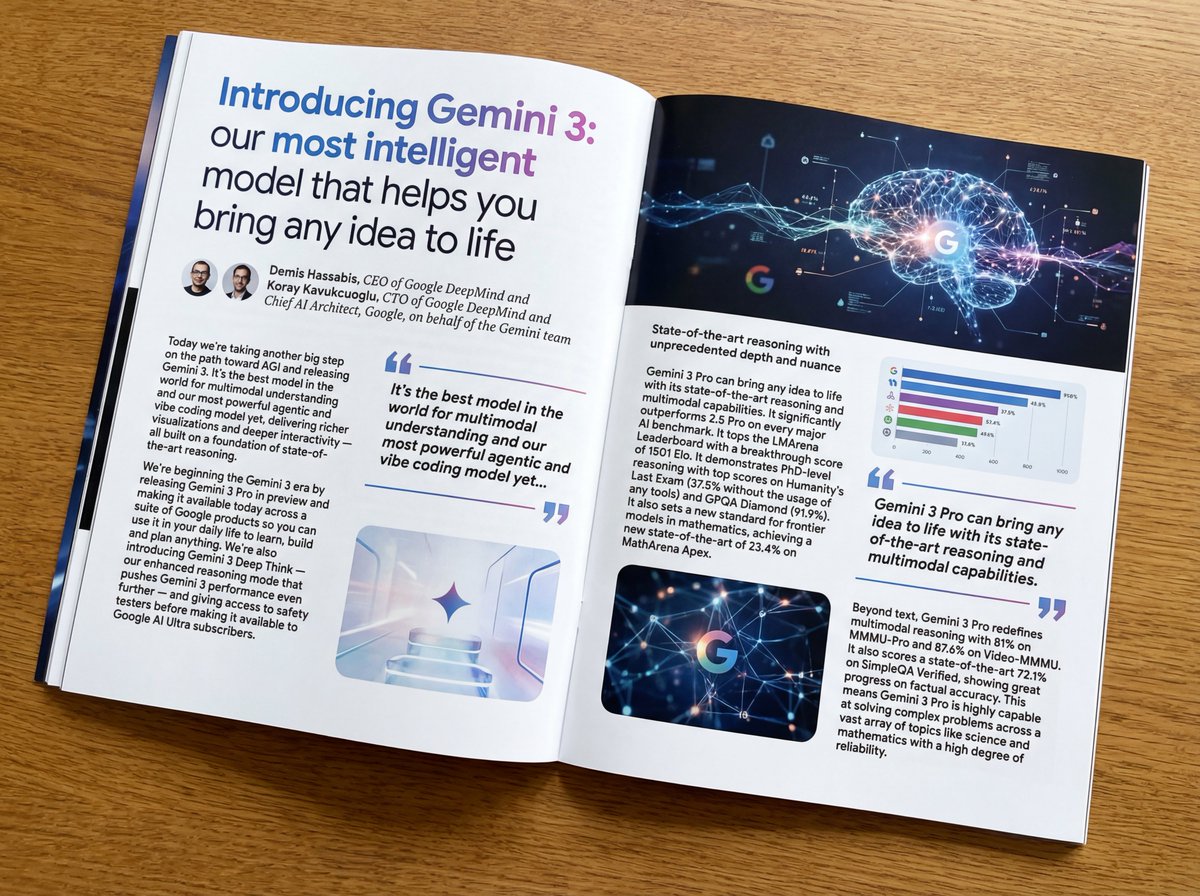
Put this whole text, verbatim, into a photo of a glossy magazine article on a desk, with photos, beautiful typography design, pull quotes, and bold formatting. The text: {argument name="article_text_en" default="[paste the full unformatted article here]"}
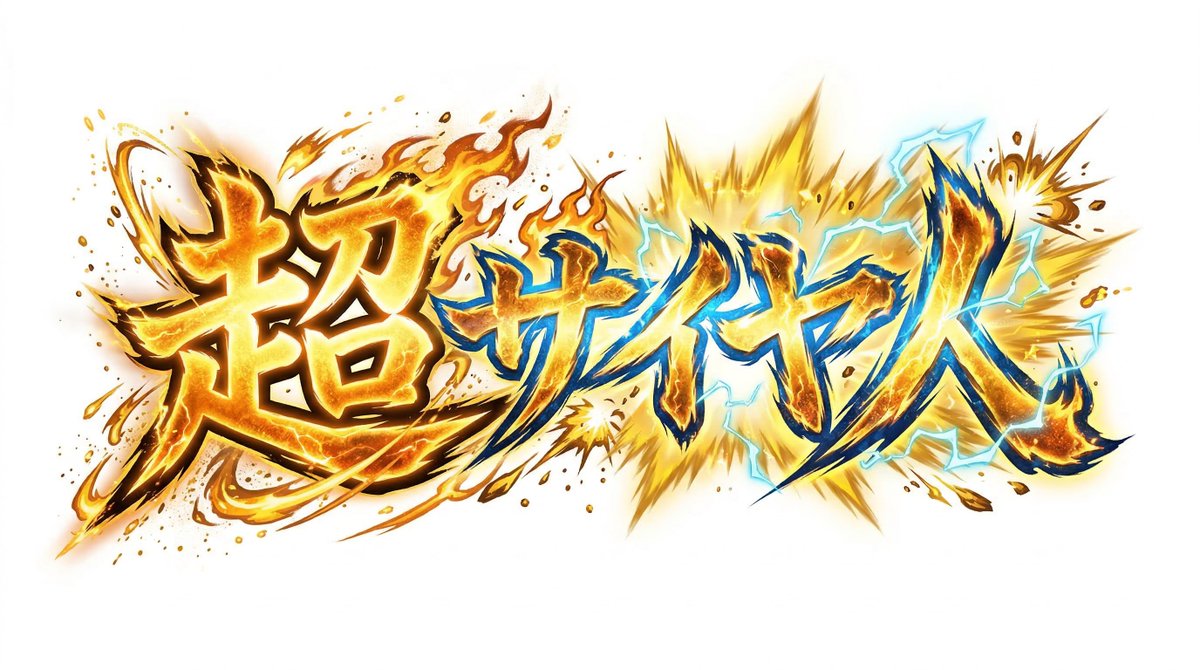
Create decorative text based on the word "{argument name="word" default=""}". Write the specified word largely and create decorative text designs associated with the image of the word. Create original designs with flexible ideas, without being constrained by existing fonts. The background should be a single color, white or black, matching the design.