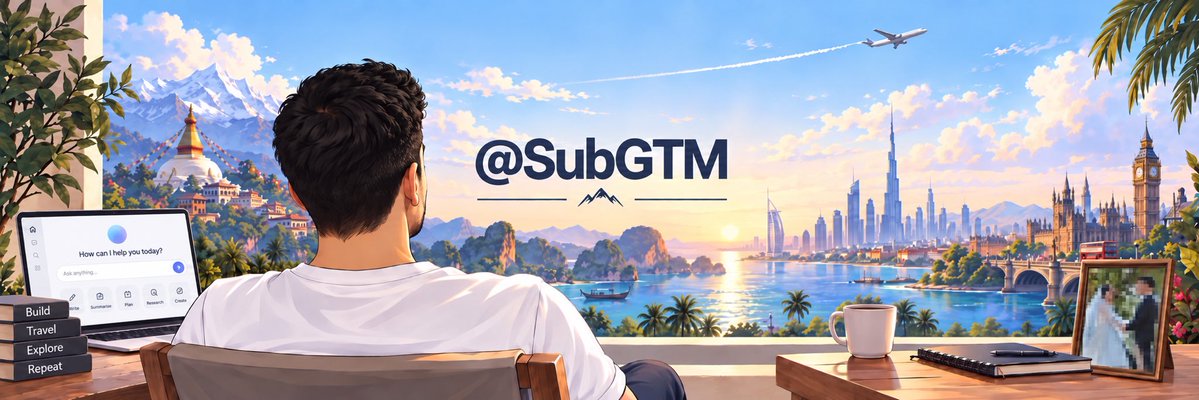
Create a high-resolution, wide-format digital illustration in a clean, semi-realistic anime style. The scene depicts a man with short dark hair and a beard, wearing a white t-shirt, sitting in a wooden chair with his back to the viewer.
Full prompt
Create a high-resolution, wide-format digital illustration in a clean, semi-realistic anime style. The scene depicts a man with short dark hair and a beard, wearing a white t-shirt, sitting in a wooden chair with his back to the viewer. He is looking out from a balcony or terrace towards a panoramic view that blends iconic global landmarks into a single sunset landscape.
On the left side of the background, there are snowy mountains (resembling the Himalayas) and a golden stupa temple (resembling Boudhanath). In the center, there are limestone karst islands rising from the sea (resembling Ha Long Bay or Thailand).
On the right side, there is a modern city skyline featuring the Burj Khalifa (Dubai), a sail-shaped hotel, and historic European architecture including Big Ben and the Houses of Parliament (London). A commercial airplane flies across the blue sky leaving a contrail.
In the foreground on the left, an open laptop sits on a desk displaying a chat interface with the text "How can I help you today?" and icons for "Build", "Travel", "Explore", and "Repeat".
In the foreground on the right, a wooden table holds a white coffee mug, a closed black notebook with a pen, and a framed photograph of a couple.
Centered in the image, floating above the horizon line, is the large bold text "@SubGTM" in dark blue, with a small mountain icon and horizontal lines beneath it.
Analyze the entire composition of the input image. Identify all key subjects present (whether a single person, group/couple, vehicle, or specific object) and their spatial relationships/interactions.
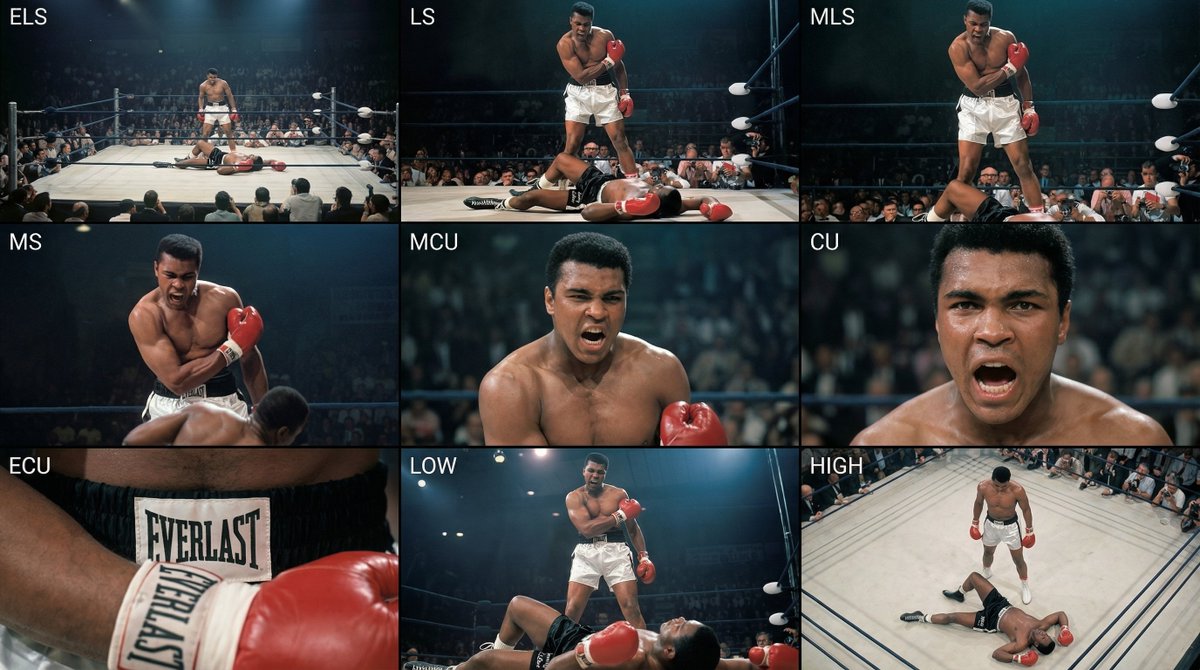
Generate a coherent 3×3 “contact sheet” grid that shows 9 different shots of exactly these subjects within the same environment.
You must adapt standard cinematic shot types to fit the content (for example, if it’s a group, keep the group together; if it’s an object, frame the entire object):
Row 1 (establishing the environment):
Extreme long shot (ELS): the subject appears small within a vast environment.
Long shot (LS): the full subject or group is visible from top to bottom (head to toe / wheels to roof).
Medium long shot (American shot / three-quarter): framed from above the knees (for people) or a 3/4 view (for objects).
Row 2 (core coverage):
4. Medium shot (MS): framed from the waist up (or the central core of an object). Focus on interaction/action.
5. Medium close-up (MCU): framed from the chest up. An intimate framing of the main subject.
6. Close-up (CU): tightly framed on the face or the “front” of the object.
Row 3 (details and angles):
7. Extreme close-up (ECU): intense focus on key features (eyes, hands, signs, textures) with macro-like detail.
8. Low-angle shot (worm’s-eye): look up at the subject from ground level (epic/heroic feeling).
9. High-angle shot (bird’s-eye): look down on the subject from above.
Ensure strict consistency: the same person/object, same clothing, and same lighting must appear in all 9 panels. Depth of field should vary realistically (with background blur in close-up shots).
Create a professional 3×3 cinematic storyboard grid with 9 panels.
The grid should present a specific subject/scene from the input image across a full range of focal lengths.
Top row: wide environmental shot, full-body view, 3/4 cropped (knees-up).
Middle row: waist-up view, chest-up view, face/front close-up.
Bottom row: macro details, low angle, high angle.
All frames must have photo-realistic textures, consistent cinematic color grading, and correct framing tailored to the number and type of subjects or objects being analyzed.
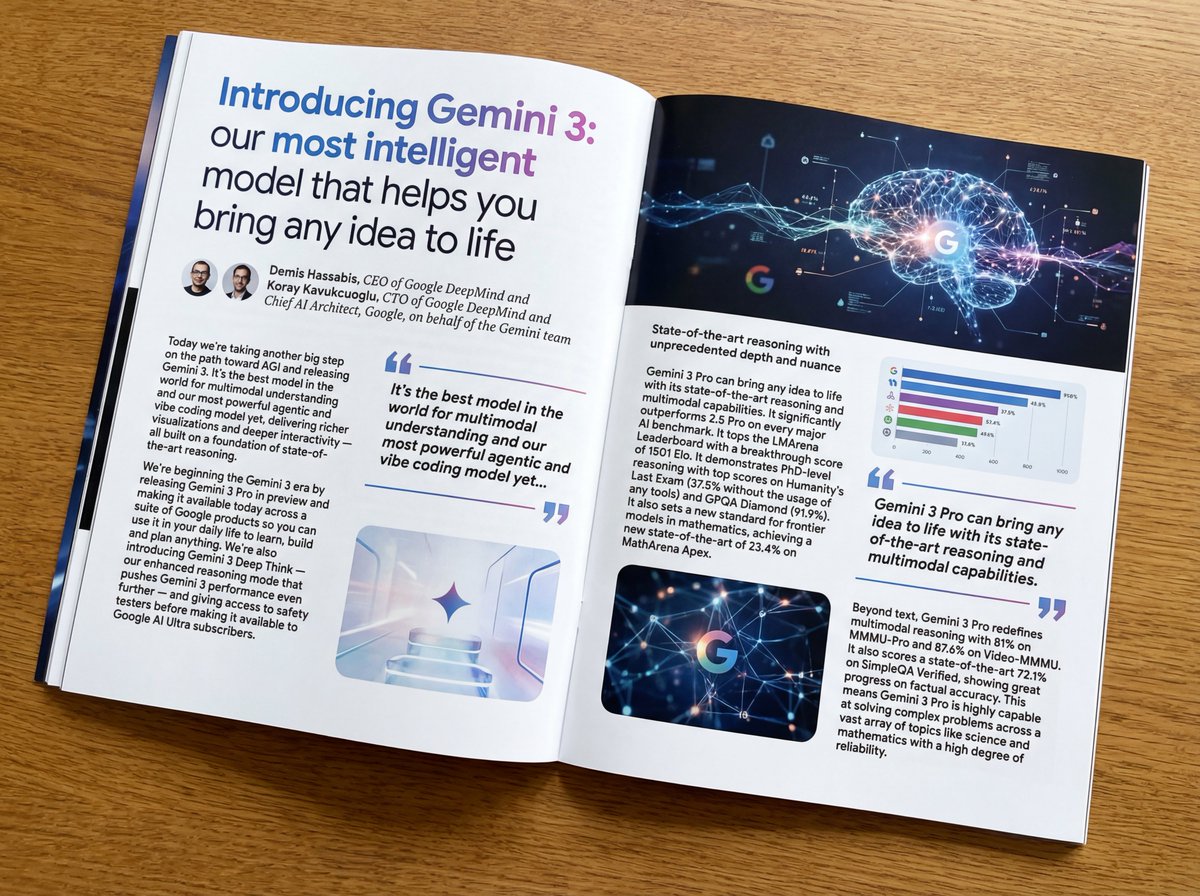
Put this whole text, verbatim, into a photo of a glossy magazine article on a desk, with photos, beautiful typography design, pull quotes, and bold formatting. The text: {argument name="article_text_en" default="[paste the full unformatted article here]"}
Create decorative text based on the word "{argument name="word" default=""}". Write the specified word largely and create decorative text designs associated with the image of the word. Create original designs with flexible ideas, without being constrained by existing fonts. The background should be a single color, white or black, matching the design.