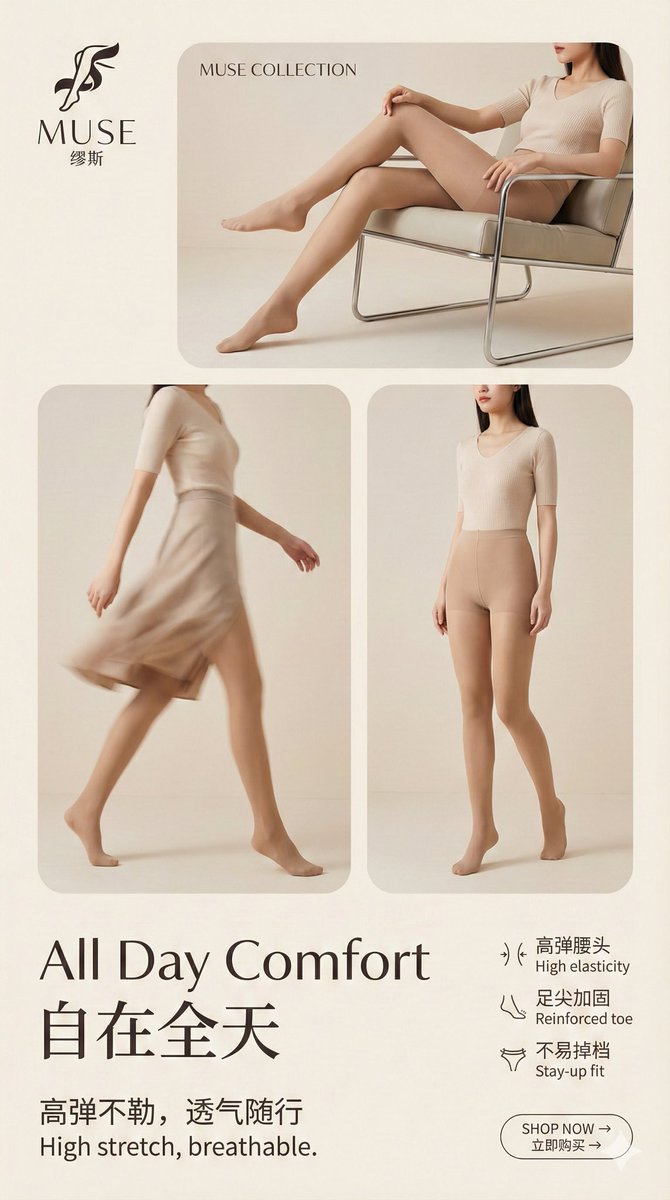
Multi-Step Prompt Generation Workflow for Product Posters
Full prompt
Input this instruction, allowing the AI to complete the entire process step-by-step: extracting selling points, determining style, determining layout, and finally generating a complete, system-wide prompt.
Finally, give the AI-generated prompt to the Nano Banana Pro model (it must be Pro). You can first provide some overall style prompts separately as general constraints. Then, whether generating images individually or in batches using third-party tools, it is possible.
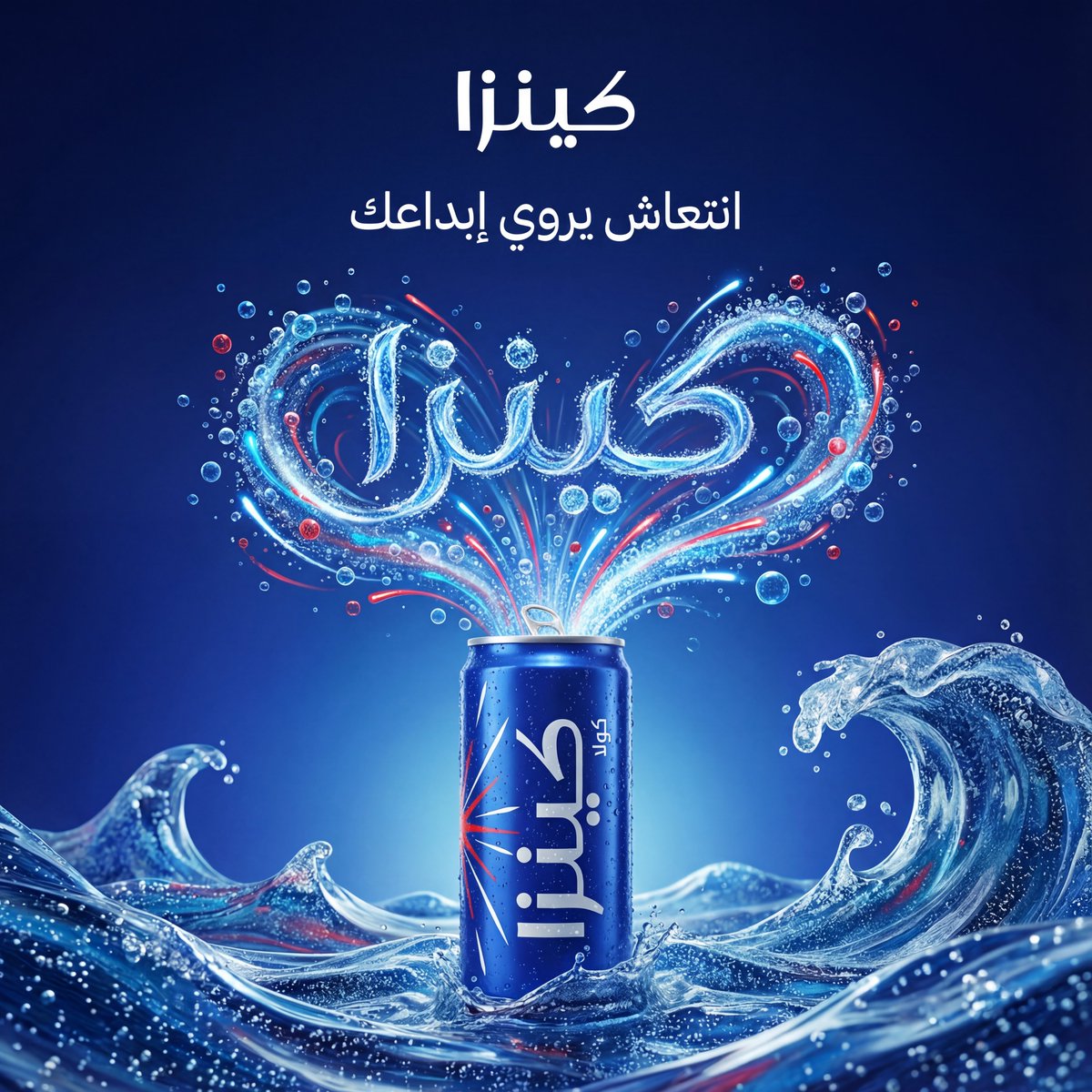
Creative, realistic and surreal advertising design for a product {argument name="product_name" default="[product name]"} from the category {argument name="product_type" default="[product type]"}, where the product appears as a heroic element in the center of the frame and visually forms in a smart way that automatically reflects the spirit and identity of the brand.
A clean background that matches the brand colors, soft cinematic lighting, ultra-realistic materials, precise shadows, and strong visual composition.
{
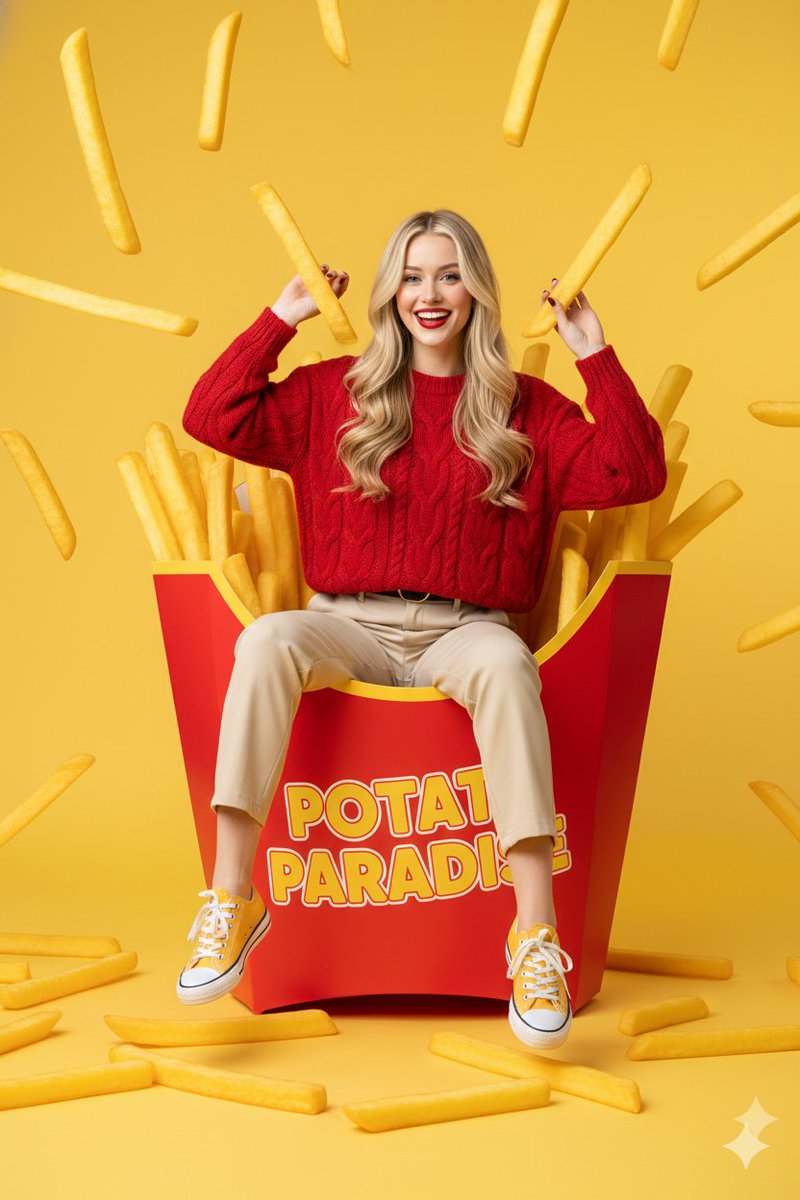
"prompt": "young western woman with long blonde hair sitting playfully inside a giant red french fry carton, surrounded by oversized golden-brown fries, some fries floating in the air, she is wearing a textured red sweater and beige trousers with yellow sneakers, cheerful expression, bright yellow studio background, surreal commercial photography style, high saturation, sharp focus, clean composition, 8k resolution, professional lighting",
"negative_prompt": "low quality, blurry, distorted face, bad anatomy, extra limbs, dull colors, messy background, text, watermark, grainy, realistic size fries",
"aspect_ratio": "3:4",
"style": "surreal commercial photography",
"lighting": "vibrant studio lighting with soft shadows",
"camera": "eye-level medium shot, 50mm lens",
"quality_tags": "masterpiece, ultra-detailed, high-end commercial aesthetic"
}
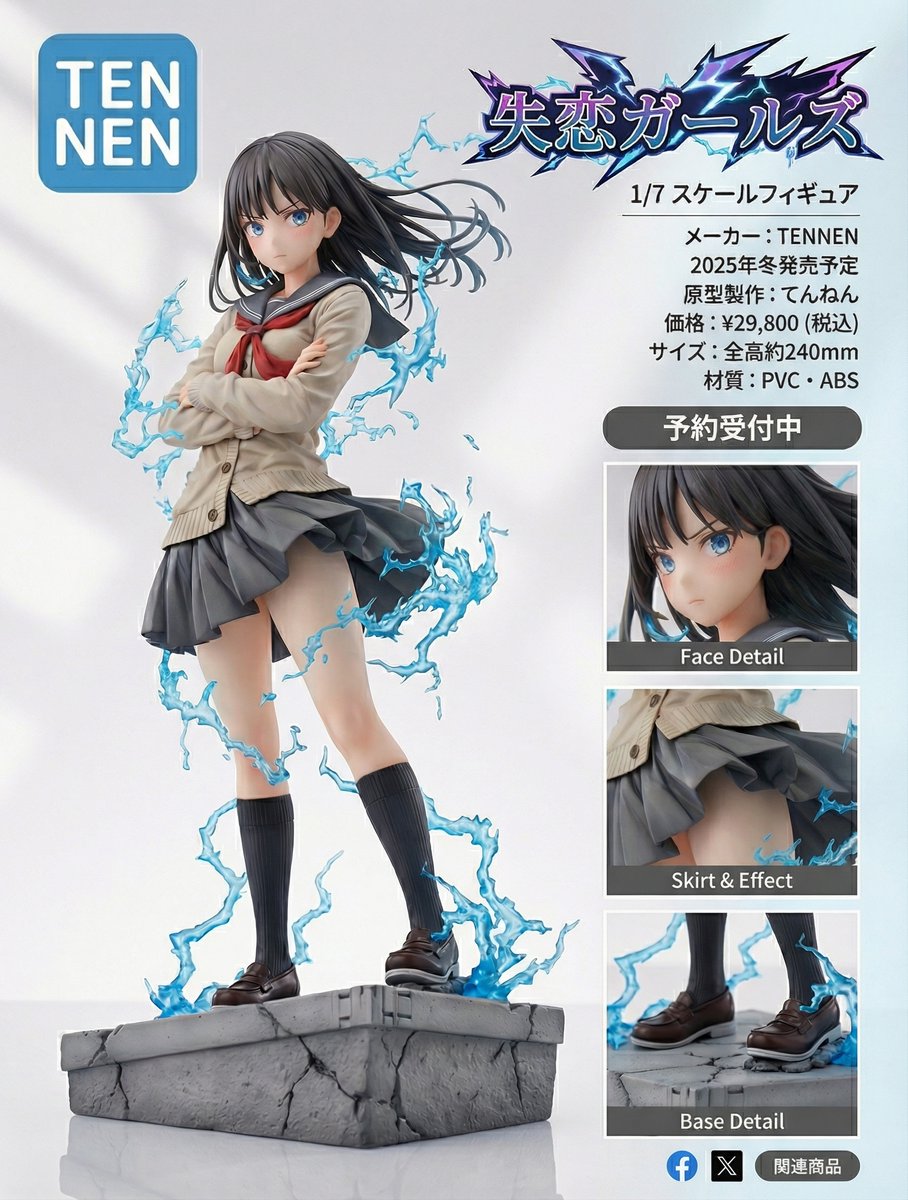
Turn this image into an ultra-detailed figure-style rendering and design a product introduction page.
The product name is “{argument name="product_name_en" default="Heartbreak Girls"}”.
It is a 1/{argument name="scale_en" default="7"} scale figure.
The manufacturer name is “{argument name="manufacturer_en" default="TENNEN"}”.
The logo should be the word {argument name="logo_text_en" default="TENNEN"} inside a rounded blue square. Break the line after “{argument name="logo_top_en" default="TEN"}”, and align the next line “{argument name="logo_bottom_en" default="NEN"}” at the start of the line, placing it as large as possible within the rounded blue square.
Place zoomed-in detail views, etc., so that it looks like a product introduction and has a professional, visually appealing design.
Also make the “{argument name="product_name_en_again" default="Heartbreak Girls"}” lettering look like a logo.
Make it look like a proper product introduction page.
Scheduled for release in {argument name="release_season_en" default="Winter 2025"}.
Prototype sculptor: {argument name="sculptor_name_en" default="Tennen"}.