Goal: Create a character sheet infographic showcasing 10 distinct professional outfits for young women. Canvas: Wide landscape format with a clean white background. Layout: A large Japanese headline at the top center.
Full prompt
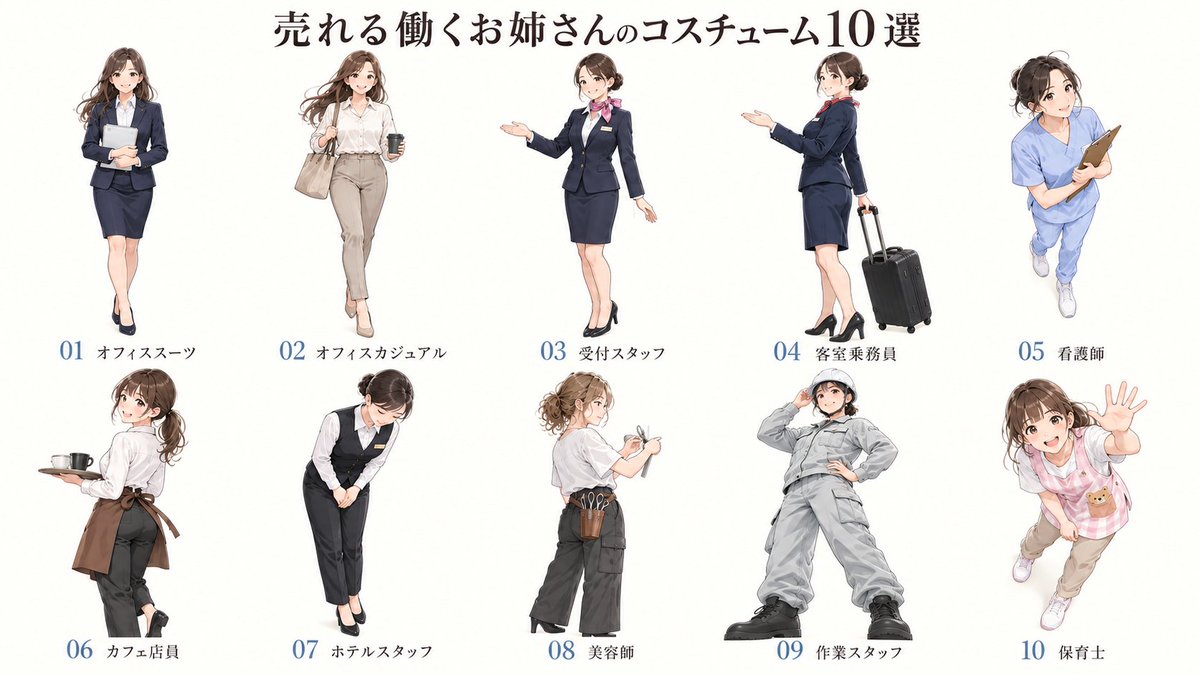
Goal: Create a character sheet infographic showcasing 10 distinct professional outfits for young women.
Canvas: Wide landscape format with a clean white background.
Layout: A large Japanese headline at the top center. Below, arrange 10 full-body anime-style female characters in two rows of five. Each character is evenly spaced and labeled underneath with a number (01-10) and a short Japanese text label indicating their profession.
Sections: The image consists of a header and a grid of 10 character illustrations.
Visual style: High-quality anime illustration style, soft coloring, clean lines, consistent character design (same face/hair type across all figures to show variety of clothing). Professional yet approachable aesthetic.
Text content: Top headline: "売れる働くお姉さんのコスチューム10選". Labels under each figure (left to right, top row then bottom row): "01 オフィススーツ", "02 オフィスカジュアル", "03 受付スタッフ", "04 客室乗務員", "05 看護師", "06 カフェ店員", "07 ホテルスタッフ", "08 美容師", "09 作業スタッフ", "10 保育士".
Subject details:
1. Office Suit: Navy blazer/skirt, holding a tablet, standing straight.
2. Office Casual: White shirt, beige trousers, carrying a tote bag and coffee cup, walking pose.
3. Receptionist: Dark navy suit with pink scarf, welcoming gesture with open hand.
4. Flight Attendant: Navy uniform, pulling a black rolling suitcase, looking back over shoulder.
5. Nurse: Light blue scrubs, holding a clipboard, energetic pose.
6. Cafe Staff: White shirt, brown apron, holding a tray with a mug, turning slightly.
7. Hotel Staff: Black vest/trousers, white shirt, bowing politely.
8. Hairdresser: Grey t-shirt, dark pants, tool belt with scissors/brushes, hair tied up.
9. Worker: Full grey coveralls/jumpsuit, hard hat, hands on hips, confident stance.
10. Childcare Worker: Pink checkered apron over casual clothes, waving enthusiastically.
Completely reproduce the attached image as a single slide in a pptx file.
Make the text fully editable, and crop and use the diagrams and graphs from the original image as they are.
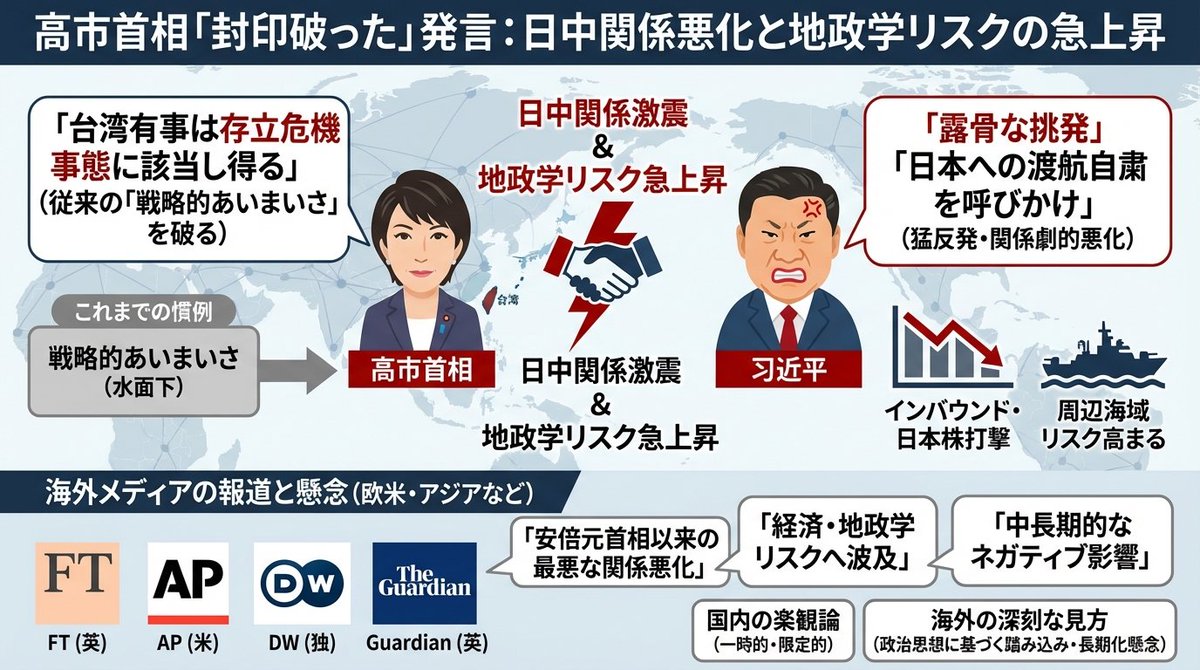
Generate an image that clearly summarizes the following {argument name="news_source_en" default="Yahoo News"} article in a single slide, using diagrams and illustrations.
---
{argument name="news_body_en" default="{paste the Yahoo News article here}"}
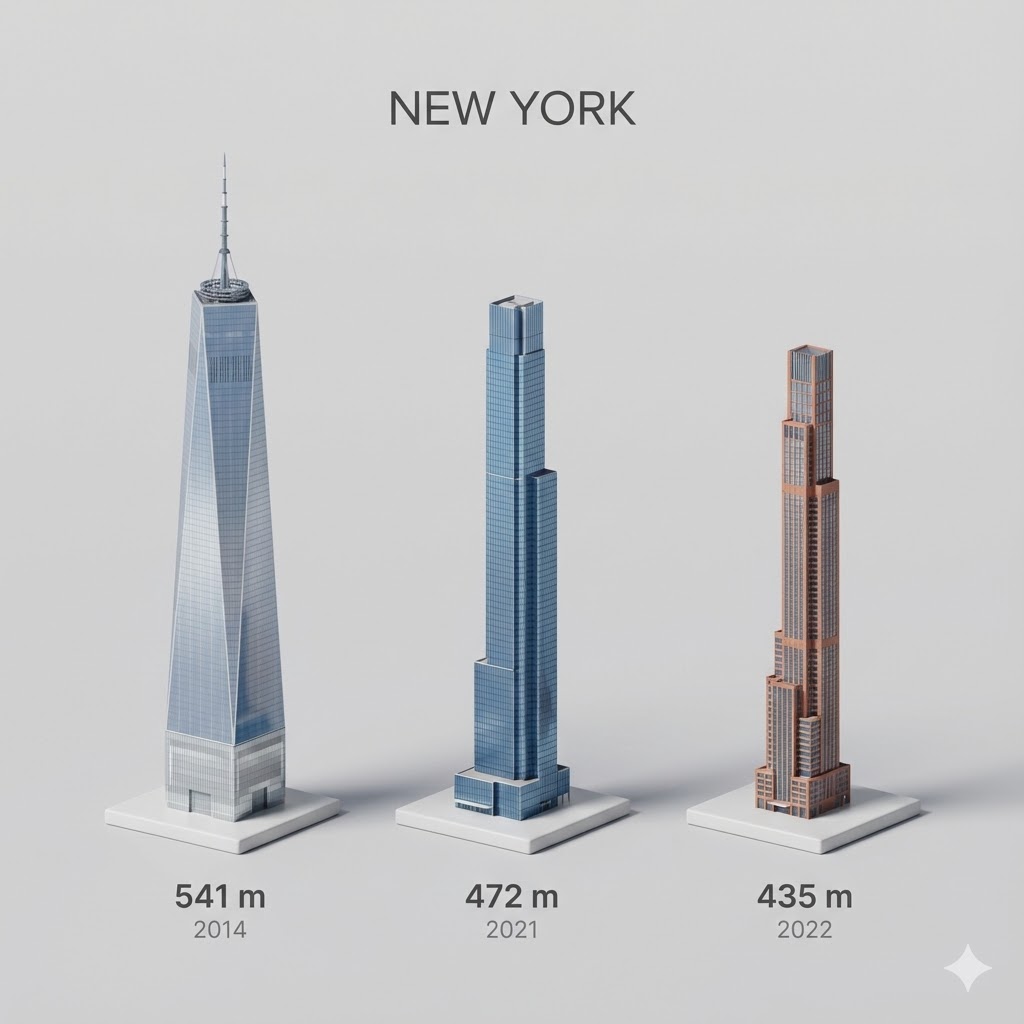
Present a clear, side miniature 3D cartoon view of the tallest buildings in {argument name="city in English" default="YOUR CITY"}. Use minimal textures with realistic materials and soft, lifelike lighting and shadows. Use a clean, minimalistic composition showing exactly the three tallest buildings in {argument name="reference city in English" default="Sopot"}, arranged from left to right in strict descending height order. The tallest must appear visibly tallest, the second must be clearly shorter than the first, and the third must be clearly shorter than the second.
All buildings must follow accurate relative proportions: if a building is taller in real life, it must be taller in the image by the same approximate ratio. No building may be visually stretched or compressed.
Each building should stand separately on a thin, simple ceramic base. Below each base, centered text should display:
Height in meters — semibold sans-serif, medium size
Year built — lighter-weight sans-serif, smaller size, directly beneath the height text
Provide consistent padding, spacing, leading, and kerning. Write “{argument name="city name title" default="YOUR CITY NAME"}” centered above the buildings, using a medium-sized sans-serif font.
No building top should overlap or touch the text above. Use accurate architectural proportions based on real-world references. Maintain a consistent camera angle and identical scale for each building model.
No forced perspective. Use straight-on orthographic-style rendering. Do not exaggerate or stylize size differences beyond proportional accuracy.
Use a square 1080×1080 composition. Use a clean, neutral background. Ensure no extra objects are present.
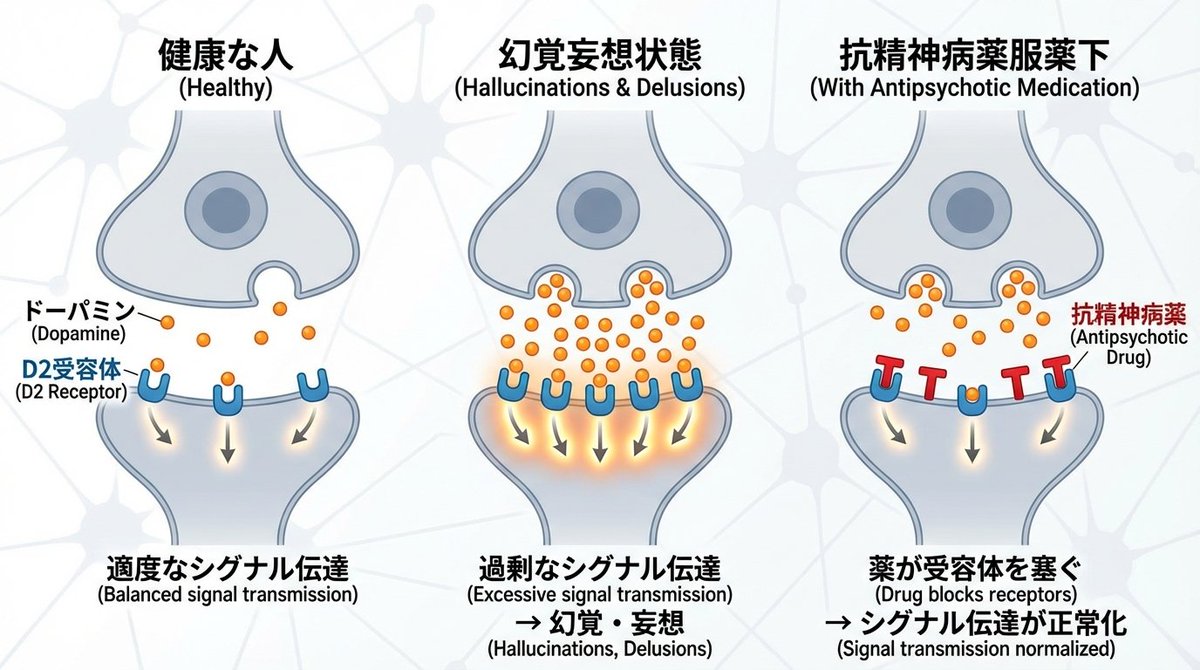
I want an illustrated diagram explaining the roles of dopamine and D2 receptors in the synaptic cleft between neurons, and how they relate to schizophrenia. Antipsychotic drugs exert their effects by blocking D2 receptors. Please diagram this for the three cases: healthy person | hallucination and delusion state | under antipsychotic medication. Generate a horizontally oriented image.