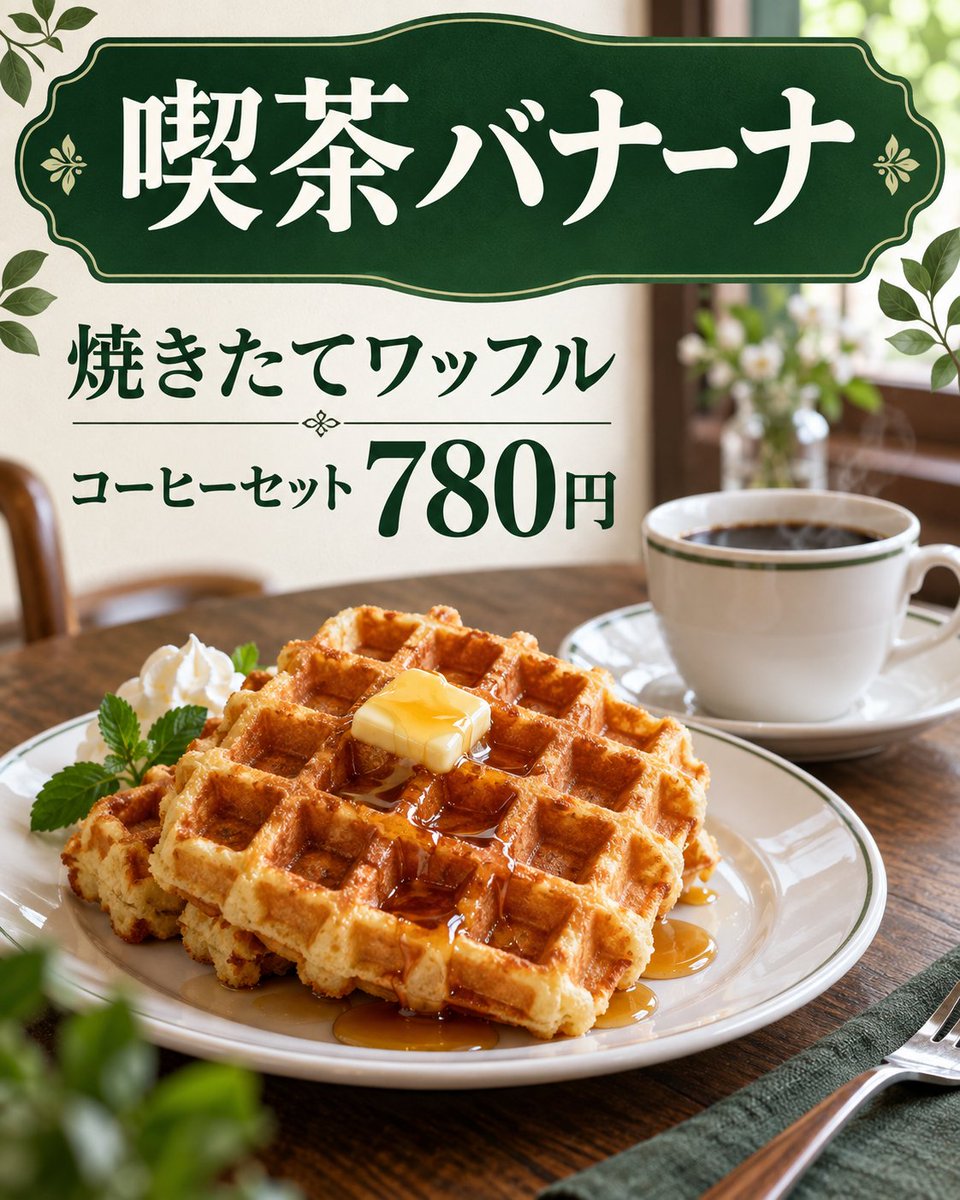
Using REFERENCE_0 as a rough layout sketch, transform it into a polished photorealistic Japanese cafe advertisement while preserving the same overall composition and the same visible Japanese copy.
Fields you can change: shop name, menu item, set label, price, main color theme.
Full prompt
Using REFERENCE_0 as a rough layout sketch, transform it into a polished photorealistic Japanese cafe advertisement while preserving the same overall composition and the same visible Japanese copy. Replace the hand-drawn black-and-white doodle look with a warm, realistic cafe tabletop scene.
Goal: Create a finished menu-poster style image for a cafe waffle set.
Layout to preserve from the reference: Keep exactly 3 main text areas: 1) a large top sign reading 「喫茶バナーナ」, 2) a middle headline reading 「焼きたてワッフル」, 3) a price line reading 「コーヒーセット 780円」 with the price emphasized much larger than the surrounding text.
Visual transformation: Turn the sketched sign into an elegant dark green vintage cafe sign with cream/white Japanese lettering, thin gold trim, and small floral ornaments. Turn the waffle drawing into a realistic plated golden waffle stack with square grid texture, syrup, and a pat of butter. Add whipped cream and a small green herb garnish on the plate. Turn the coffee sketch into a realistic white coffee cup and saucer filled with black coffee.
Scene additions: Place the food on a wooden cafe table in a softly lit interior with a shallow depth-of-field background, window light, blurred plants, and warm natural tones. Add decorative green leaves around the poster edges, especially near the top corners and side edges. Include a fork on a napkin at the lower right, matching the sketched placement but rendered realistically.
Style: Photorealistic food photography combined with clean Japanese cafe-menu graphic design; warm morning light, appetizing texture, elegant dark green typography and accents. Keep the Japanese text legible and accurate. Do not add extra menu items, extra prices, logos, watermarks, or unrelated text.
Customizable text slots: top sign text {argument name="shop name" default="喫茶バナーナ"}, waffle headline {argument name="menu item" default="焼きたてワッフル"}, set label {argument name="set label" default="コーヒーセット"}, price {argument name="price" default="780円"}, main color theme {argument name="main color theme" default="dark green and cream"}.
Analyze the entire composition of the input image. Identify all key subjects present (whether a single person, group/couple, vehicle, or specific object) and their spatial relationships/interactions.
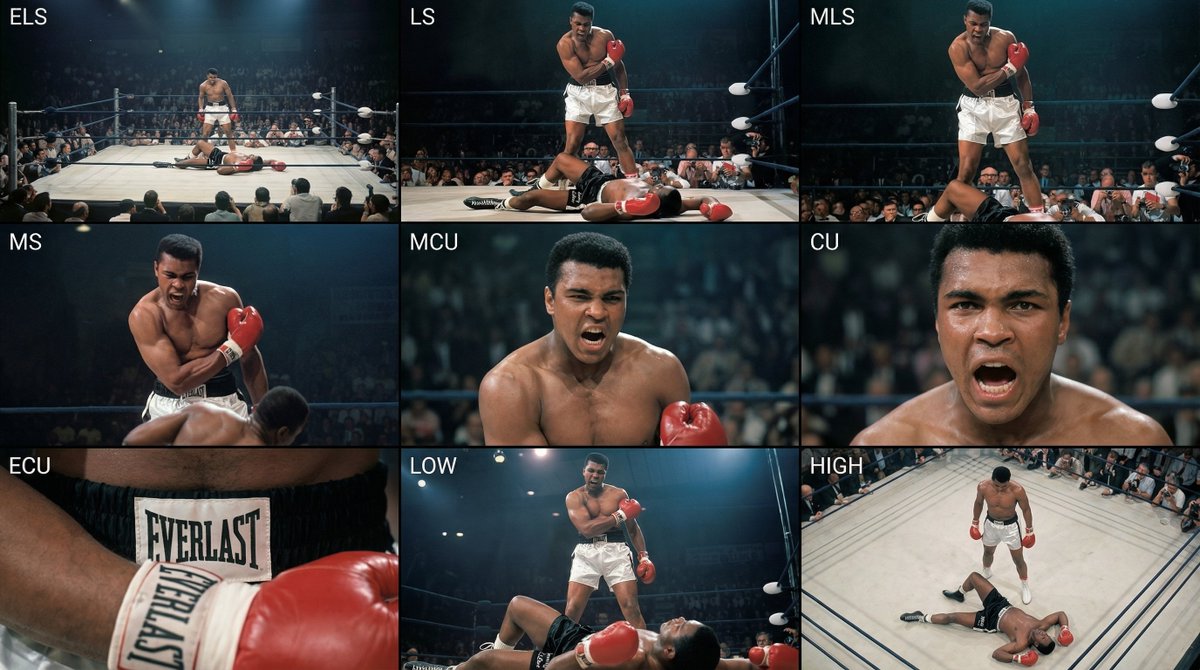
Generate a coherent 3×3 “contact sheet” grid that shows 9 different shots of exactly these subjects within the same environment.
You must adapt standard cinematic shot types to fit the content (for example, if it’s a group, keep the group together; if it’s an object, frame the entire object):
Row 1 (establishing the environment):
Extreme long shot (ELS): the subject appears small within a vast environment.
Long shot (LS): the full subject or group is visible from top to bottom (head to toe / wheels to roof).
Medium long shot (American shot / three-quarter): framed from above the knees (for people) or a 3/4 view (for objects).
Row 2 (core coverage):
4. Medium shot (MS): framed from the waist up (or the central core of an object). Focus on interaction/action.
5. Medium close-up (MCU): framed from the chest up. An intimate framing of the main subject.
6. Close-up (CU): tightly framed on the face or the “front” of the object.
Row 3 (details and angles):
7. Extreme close-up (ECU): intense focus on key features (eyes, hands, signs, textures) with macro-like detail.
8. Low-angle shot (worm’s-eye): look up at the subject from ground level (epic/heroic feeling).
9. High-angle shot (bird’s-eye): look down on the subject from above.
Ensure strict consistency: the same person/object, same clothing, and same lighting must appear in all 9 panels. Depth of field should vary realistically (with background blur in close-up shots).
Create a professional 3×3 cinematic storyboard grid with 9 panels.
The grid should present a specific subject/scene from the input image across a full range of focal lengths.
Top row: wide environmental shot, full-body view, 3/4 cropped (knees-up).
Middle row: waist-up view, chest-up view, face/front close-up.
Bottom row: macro details, low angle, high angle.
All frames must have photo-realistic textures, consistent cinematic color grading, and correct framing tailored to the number and type of subjects or objects being analyzed.
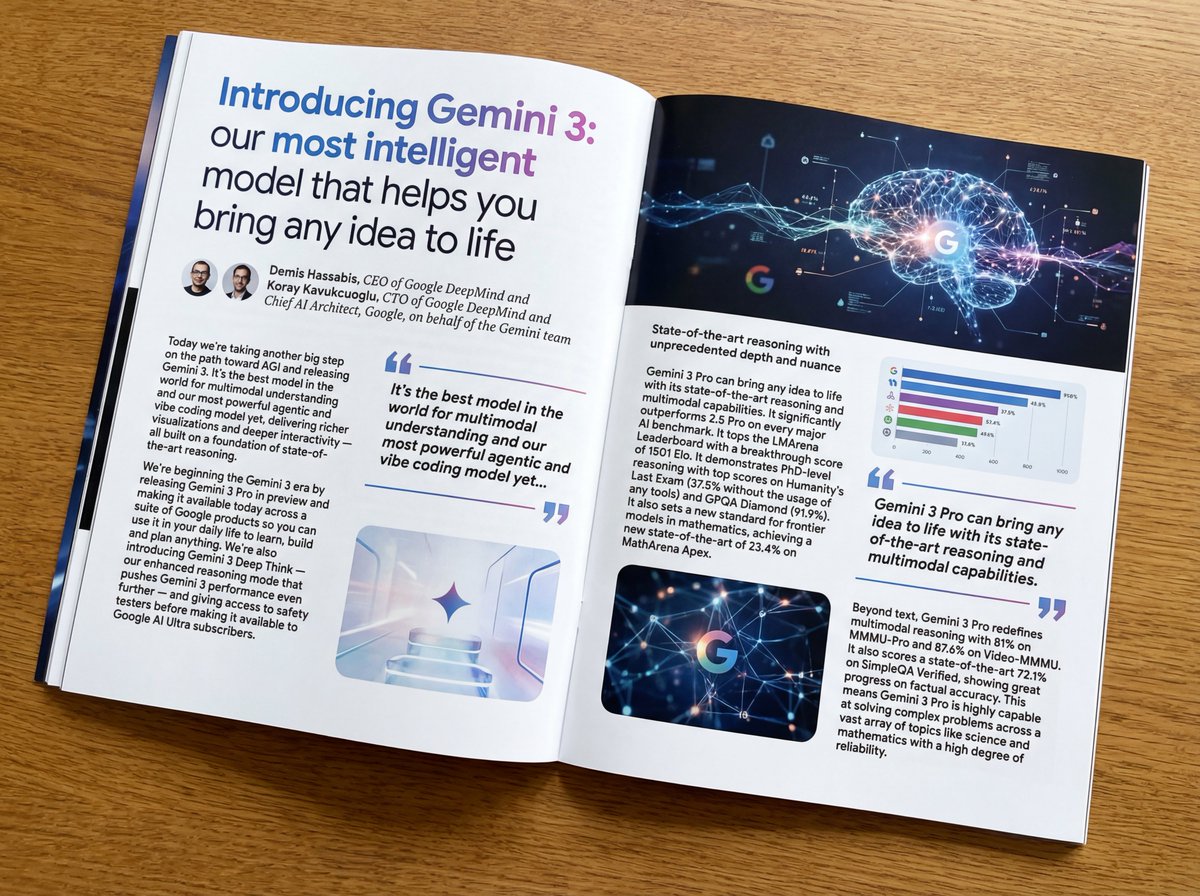
Put this whole text, verbatim, into a photo of a glossy magazine article on a desk, with photos, beautiful typography design, pull quotes, and bold formatting. The text: {argument name="article_text_en" default="[paste the full unformatted article here]"}
Create decorative text based on the word "{argument name="word" default=""}". Write the specified word largely and create decorative text designs associated with the image of the word. Create original designs with flexible ideas, without being constrained by existing fonts. The background should be a single color, white or black, matching the design.