
CasualYandex Games
"Пять Ночей С Фредди" - Объединение
Аккуратно! "Аниматроники"! Они повсюду! Посмотрим, насколько долго ты сможешь продержаться в этой увлекательной игре!
Explore gameYandex Games
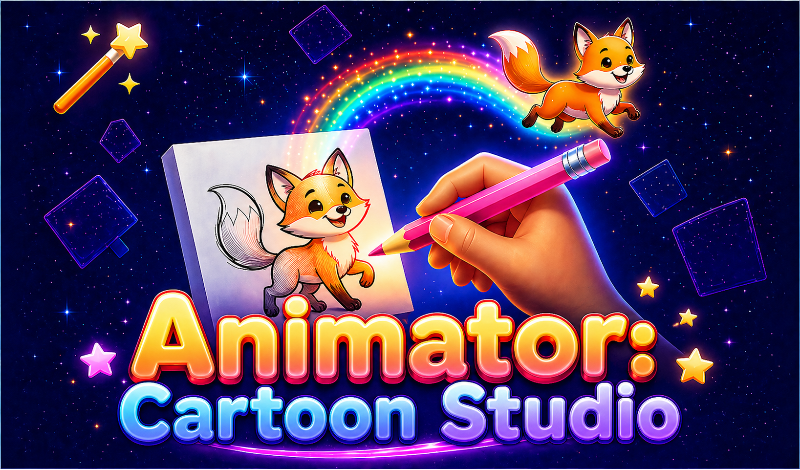
Animator: Cartoon Studio is a creative game-editor where you become a real animator! Draw every frame, animate your favorite characters, and create short clips like in a real animation studio. Right in your browser — no downloads needed.
Open on Yandex Games🎬 What you can do: - Draw with pencil, eraser, fill bucket, and color picker - Create frame-by-frame animation - See the previous frame through "onion skin" — just like professional animators - Choose from 24 beautiful colors or pick your own - Control playback speed from 1 to 30 frames per second - Save cartoons to your personal gallery - Export finished work as GIF, PNG, or video 🖥 Three formats to choose from: - Standard 4:3 — classic format - Widescreen 16:9 — horizontal videos - Vertical 9:16 — clips for social media Perfect for kids and adults alike — from your first doodles to serious animations. Boost your creativity, make funny memes, and share your cartoons with friends!
1. Choose a tool: pencil 🖊, eraser 🧹, fill bucket 🪣, or color picker 💧 2. Adjust brush size and pick a color from the palette 3. Draw your first frame on the canvas 4. Click "➕ New Frame" — a blank sheet appears with a faded shadow of the previous drawing (onion skin) 5. Keep drawing frame by frame to create motion 6. Click "▶ Play" to see your animation in action! 7. Save your cartoon to the gallery or download it as GIF/video to share with friends 💡 Tip: the more frames, the smoother the animation. Start with 5-10 frames for simple movement.
Аккуратно! "Аниматроники"! Они повсюду! Посмотрим, насколько долго ты сможешь продержаться в этой увлекательной игре!
Explore game+1 Speed Keyboard Lucky Escape is a fast-paced brainrot collecting and escape game where luck, upgrades, speed, and survival all come together on one giant keyboard! Launch Lucky Blocks as far as possible with your bazooka, discover increasingly valuable Brainrots, and then run for your life as brainrot chases you back toward the Safe Zone.
Explore gameWeIcome to +1 Speed keyboard Run! Every step = +1 Speed Run, јump, and escape across а world made of candy & chocolate keyboard keys Train your speed and unlock powerful multipliers Become the FASTEST Speed is everything... but оnе wrong move and you're back at the start
Explore game
