Y8 Games

Island Doodle

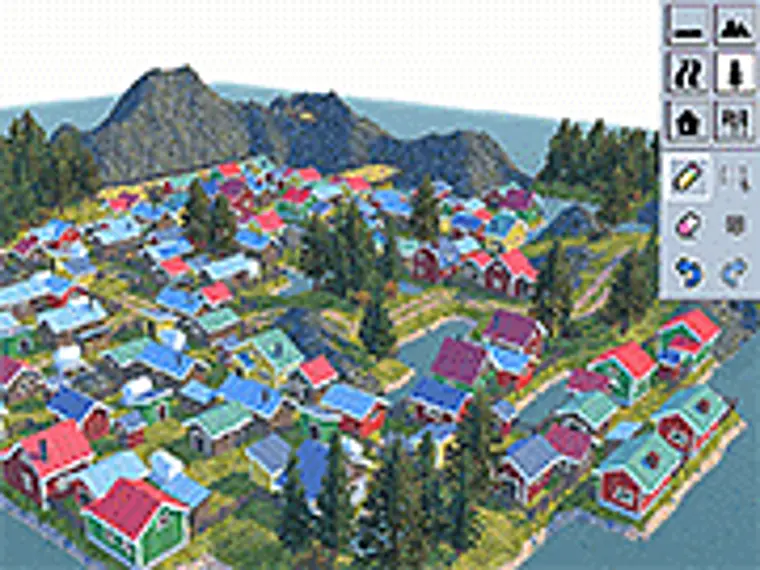
Island Doodle is inspired by the Nordic islands where you can create your own islands. Just a heads up, the game might get a bit slow if you build a lot of land, because the game makes the terrain as you go.

Open on Y8 Games

Controls

Draw Drag to rotate view Zoom In/Out

Official source answers

Frequently asked questions

What is Island Doodle about?
Here’s how you control the game: Drawing: Just click or hold down and drag your left mouse button. Rotating camera: Hold down and drag your right mouse button. Moving camera: Hold down and drag your middle mouse button (the wheel). Zoom in and out: Scroll up and down using the mouse wheel. You can check out example world 4 to see how to make things like rivers and piers. Let’s get building! Enjoy playing this 3D island decorate game here at Y8.com!
Can we play Island Doodle on mobile?
No, Island Doodle is designed for desktop play and works best on computers using a keyboard or mouse.
Is Island Doodle free to play?
Yes, Island Doodle is free to play on Y8 and runs directly in your browser.
Can we play Island Doodle in full screen mode?
Yes, Island Doodle can be played in full screen mode for a more immersive experience.
Back to Arcade