About this game
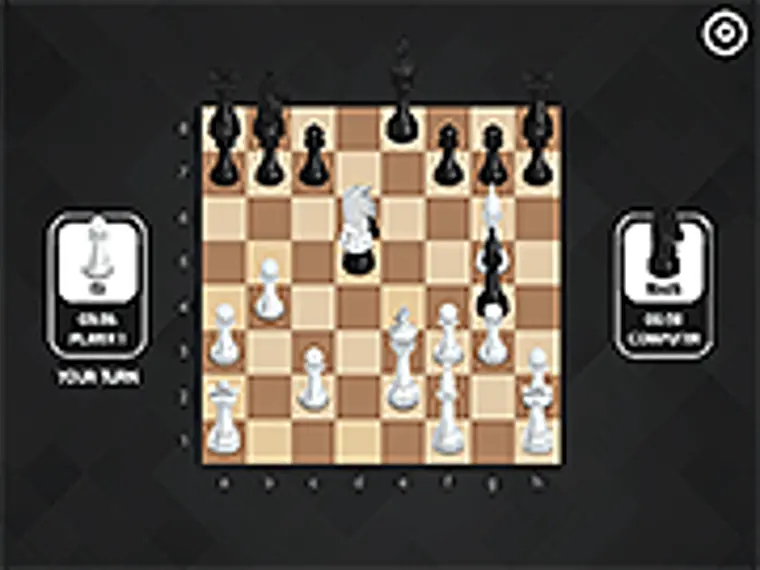
The game can be played with artificial intelligence, together with another person on the same device, as well as with a rival on the network in multiplayer mode. Also in the game there is the possibility of solving chess problems. Enjoy playing this game here at Y8.com!
Controls
Drag to move piece
Official source answers
Frequently asked questions
- What is Classic Chess about?
- Classical chess has sixteen pieces (six different types). 1. King - moves from his field to one of the free adjacent fields, which is not under attack by the opponent's pieces. 2. Queen (queen) - can move to any number of free squares in any direction in a straight line, combining the capabilities of a rook and a bishop. 3. Rook - can move any number of squares horizontally or vertically, provided that there are no pieces in its path. 4. Bishop - can move to any number of squares diagonally, provided that there are no pieces on its way. 5. Knight - moves two squares vertically and then one square horizontally, or vice versa, two squares horizontally and one square vertically. 6. Pawn - moves forward one space only, except for capture. The ultimate goal of each player is to checkmate their opponent. This means that the opponent's king gets into a situation in which a capture is inevitable.
- Can we play Classic Chess on mobile?
- Yes, Classic Chess can be played on mobile devices as well as on desktop computers. It runs directly in the browser and does not require any downloads.
- Is Classic Chess free to play?
- Yes, Classic Chess is free to play on Y8 and runs directly in your browser.
- Can we play Classic Chess in full screen mode?
- Yes, Classic Chess can be played in full screen mode for a more immersive experience.