Explore games

Find your next browser game across your favorite platforms.

SimulationYandex Games

Car Crash Multiplayer

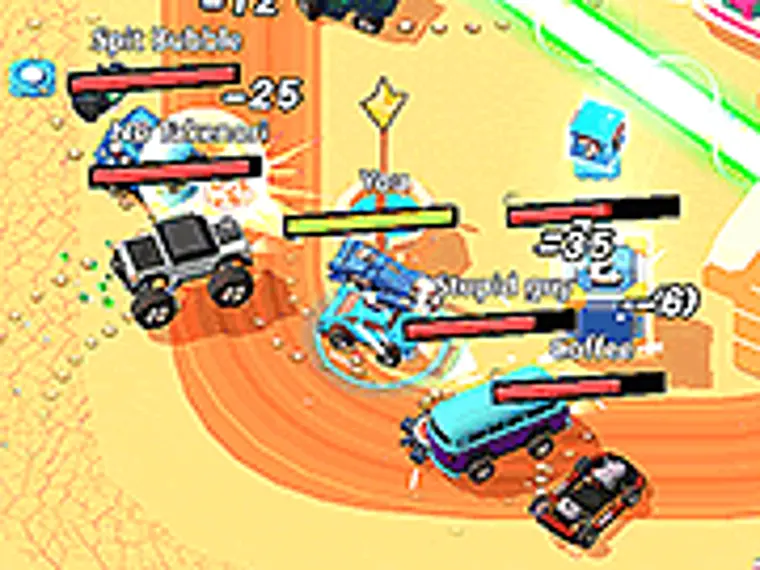
💥 Car Crash Multiplayer is an online crash simulator where all the fun is in the collisions, stunts and spectacular destruction! 🏟️ Drive into a huge arena packed with ramps and obstacles, speed up and cause total chaos together with other players online. 🚗 Pick one of 10 cars to match your style — built for heavy ramming, flashy drifting, pure speed or careful driving. 🎥 Switch the camera angle, turn on your headlights and blinkers — it's easier to line up your hits and stay in full control. 👥 Gather your friends in one room and find out who pulls off the wildest, cleanest crash! Ready to cause maximum mayhem? 🔥

Explore game
SimulationYandex Games

Car Crash Sandbox

Car Crash Sandbox is a fun simulation game that gives you complete freedom to wreck and destroy cars. Experience many different modes, from extreme crashes to drifting. Enjoy realistic destruction physics that let you watch cars get crushed, shattered and destroyed in collisions. The game features a wide variety of cars, each of which can be customized to suit your preferences. Enjoy vibrant graphics, addictive gameplay and plenty of room for experimentation in this amazing driving simulator. Whether you just want to have fun or test your driving skills, Car Crash Sandbox will provide you with an unforgettable gaming experience.

Explore game
ArcadeGamePix

Car Crash Test

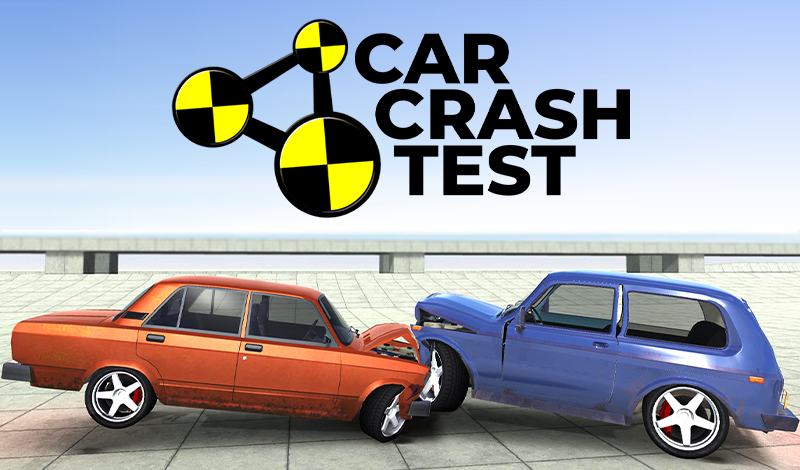
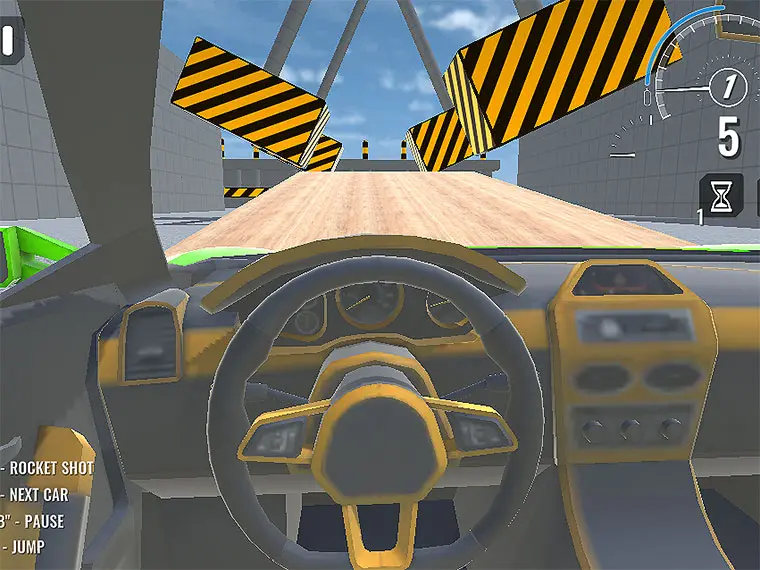
Car Crash is an exciting game with realistic physics and excellent three—dimensional graphics, in which you have to test the strength of the car by breaking it in various ways! • Crash cars • Get coins for it • Buy cars and cards • Crash cars again! The machines are controlled by standard WASD keys or arrows on the keyboard. • C - change the camera view - In the standard first view, you can rotate the camera with the mouse. • Space - handbrake • Left Shift - Nitro (for advertising) There are buttons on the game screen: • Level reset (R key) • Main menu (H key) • Time dilation (T key) - It is more convenient to perform these actions from the keyboard, but you can also click on the buttons with the mouse. - To make the mouse visible - press the Escape or TAB key.

Explore game