Image & Design
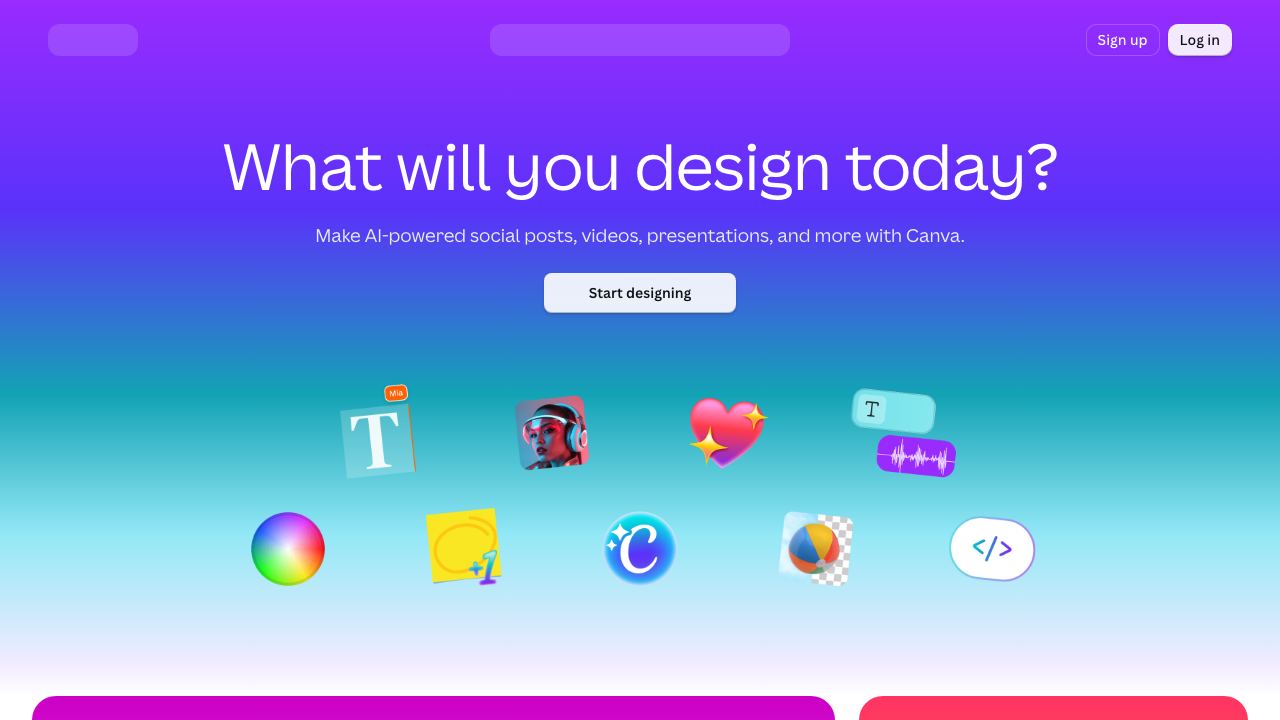
Canva is a free-to-use online graphic design tool. Use it to create social media posts, presentations, posters, videos, logos and more.
Discover, compare and get to work with the best AI tools for building, designing and creating.
Canva is a free-to-use online graphic design tool. Use it to create social media posts, presentations, posters, videos, logos and more.
Find new ways to create, build and move forward with AI tools for real work and real ideas.
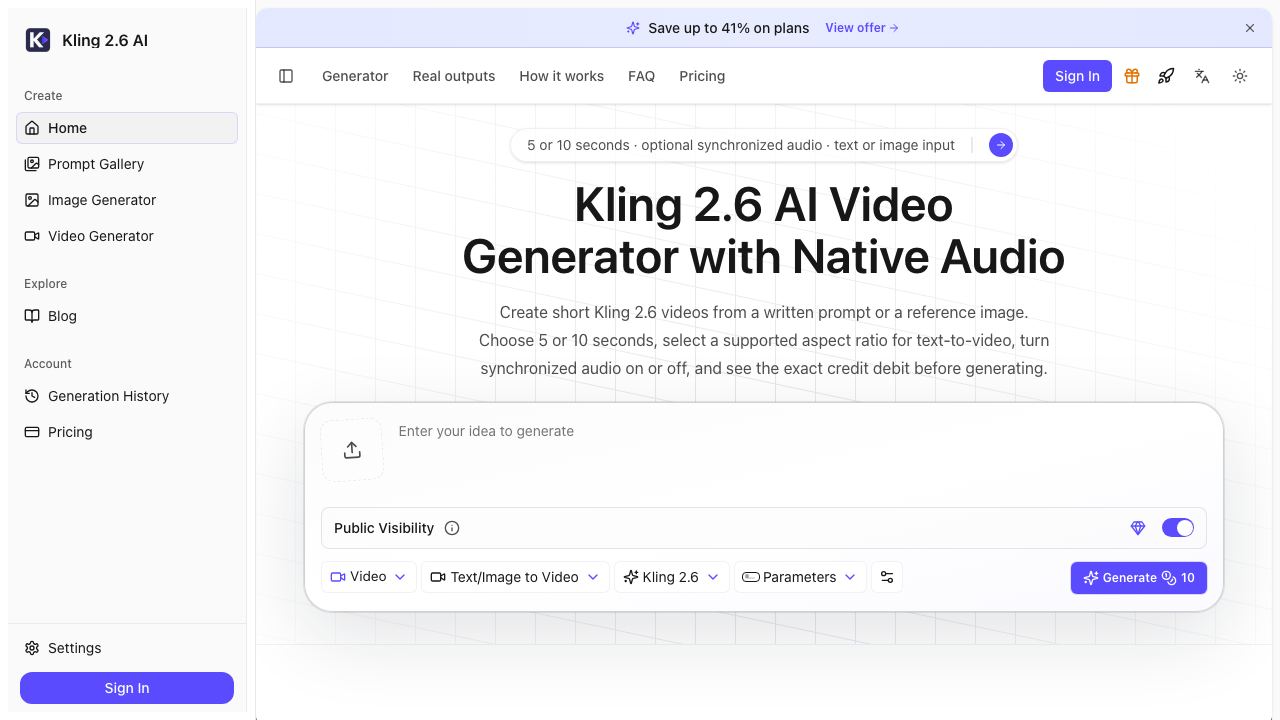
Kling 2.6 AI Video Generator creates 5- or 10-second clips from text or a reference image, with optional synchronized native audio and prompt-directed camera motion.
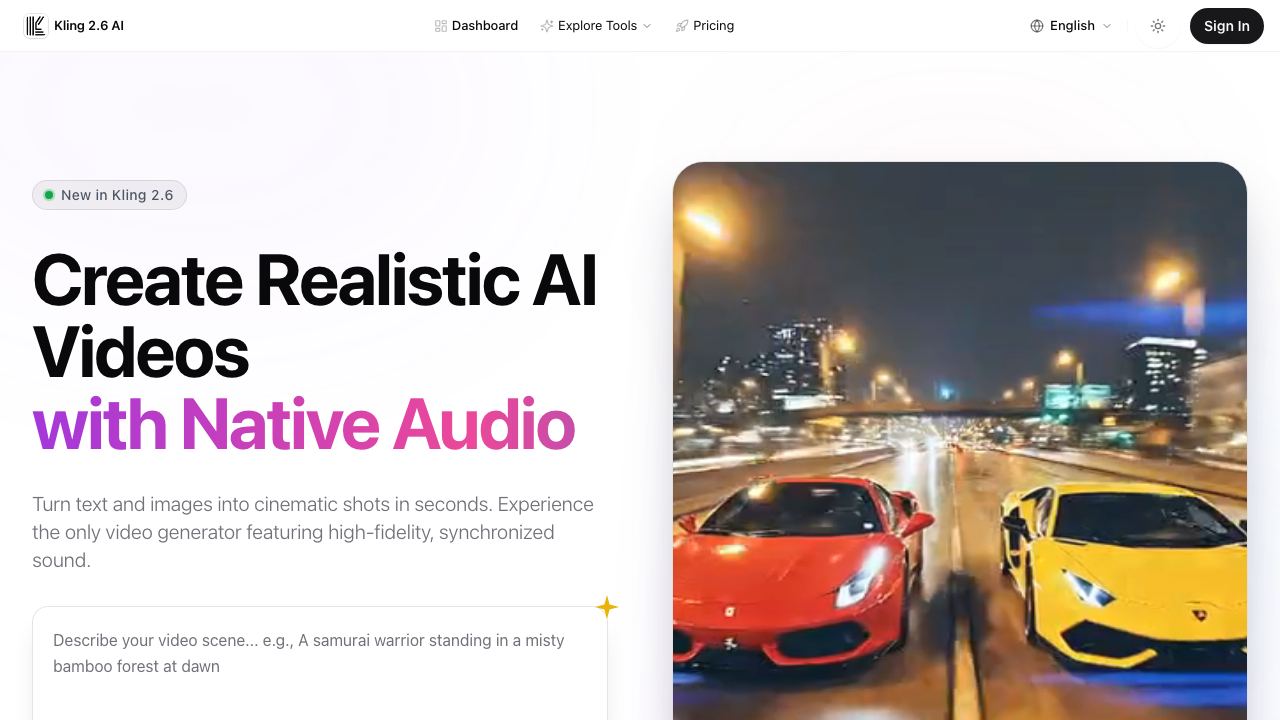
Create AI videos with synchronized audio, then refine them with face swap, watermark removal, upscaling, and image tools in one workspace.
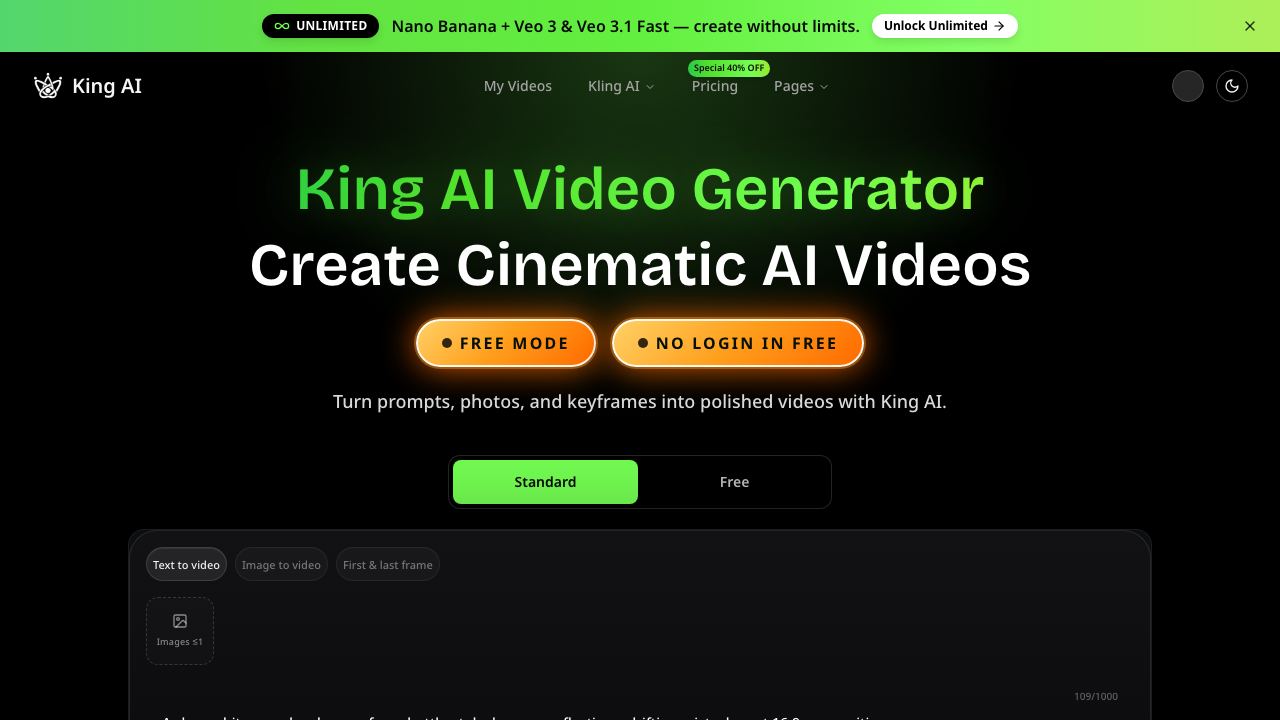
Create cinematic AI videos from prompts, images, keyframes, and mixed references with King AI, an online video generator for creators, marketers, and teams.
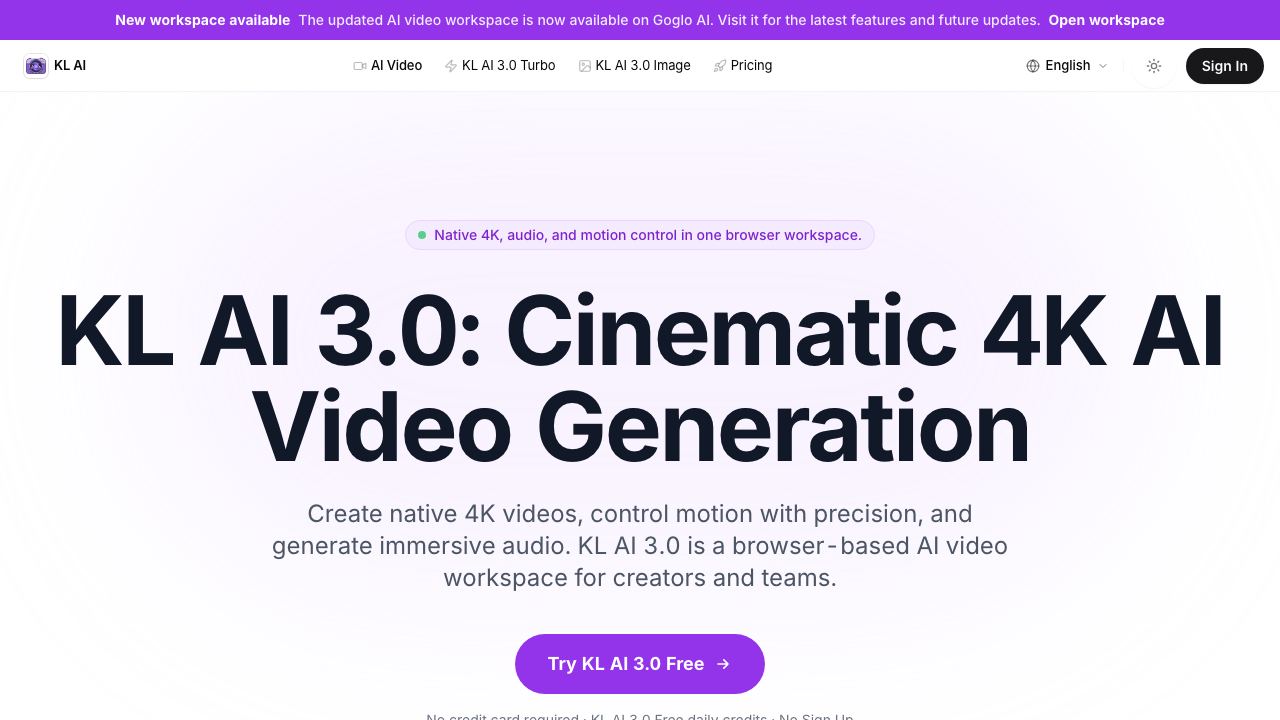
Create cinematic videos with KL AI 3.0. Native 4K, audio, and Canvas Agent in a browser workspace for creators and teams.
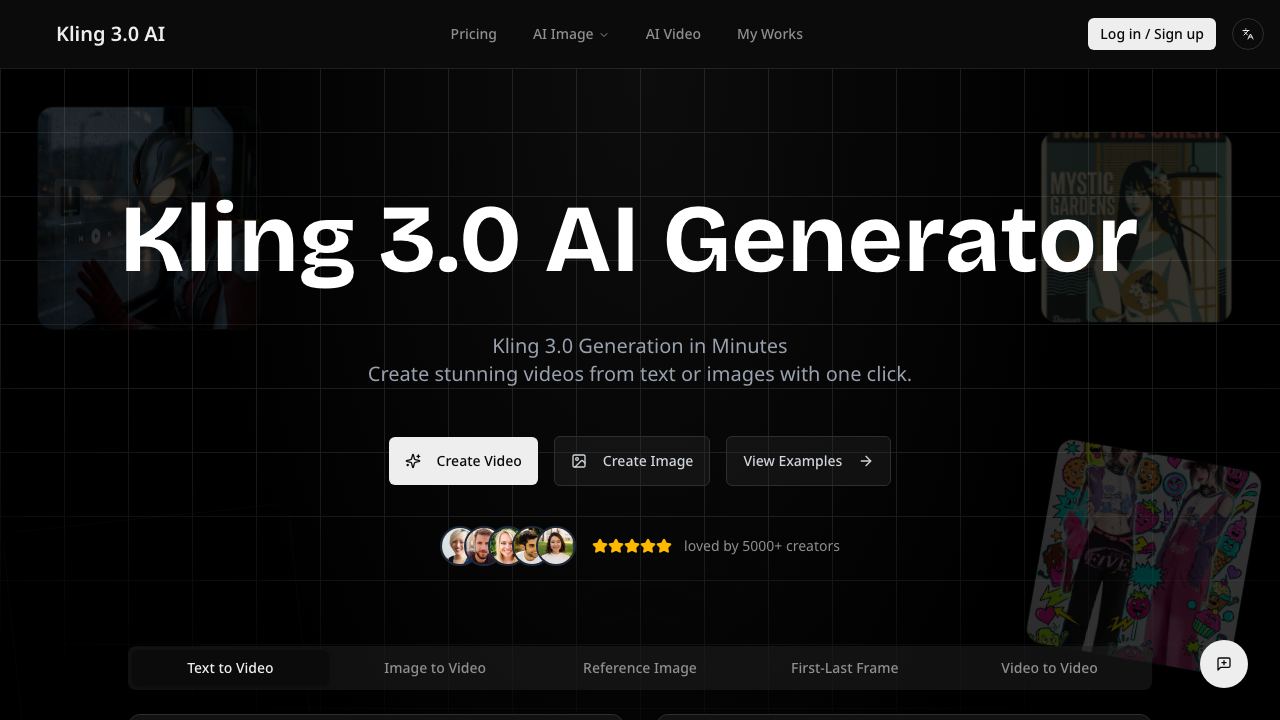
Kling 3.0 AI Video Generation. Kling video generation creates professional videos in minutes with one click. Text-to-video, image-to-video. Try Kling 3.0 now!
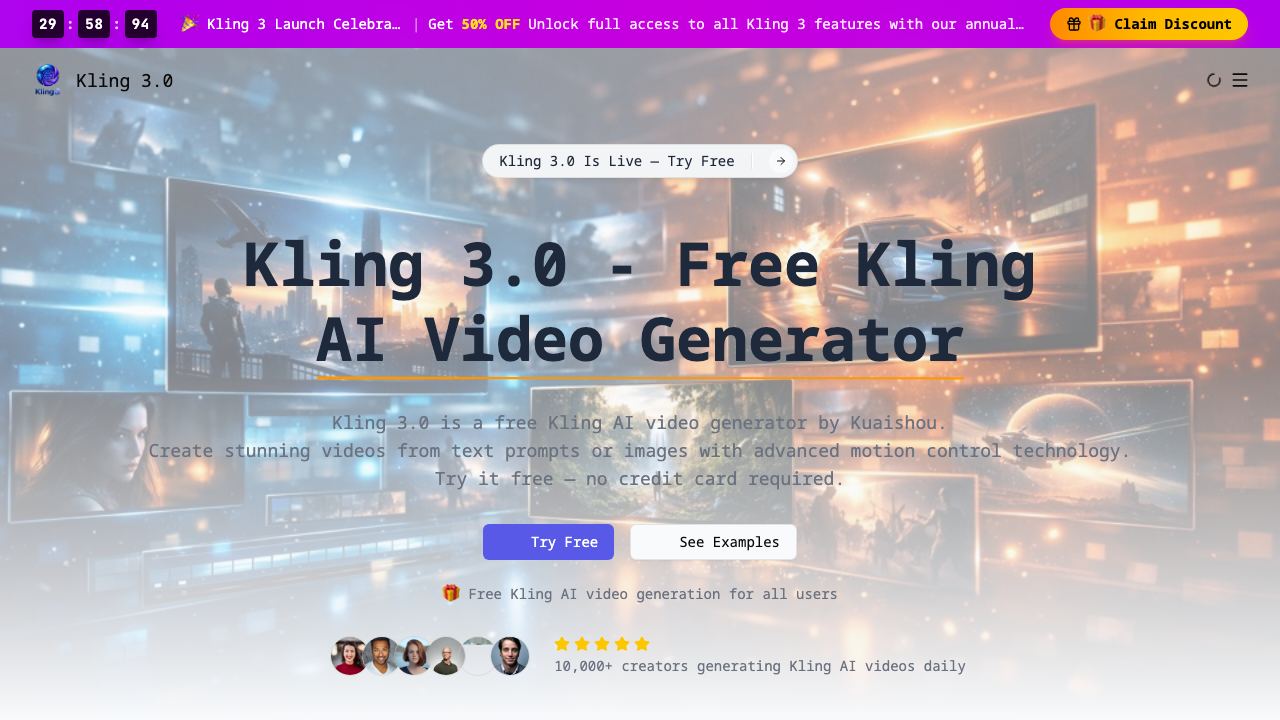
Kling 3.0 is a free Kling AI video generator. Create stunning AI videos from text or images with Kling 3 motion control. Try Kling AI video generation online free now.
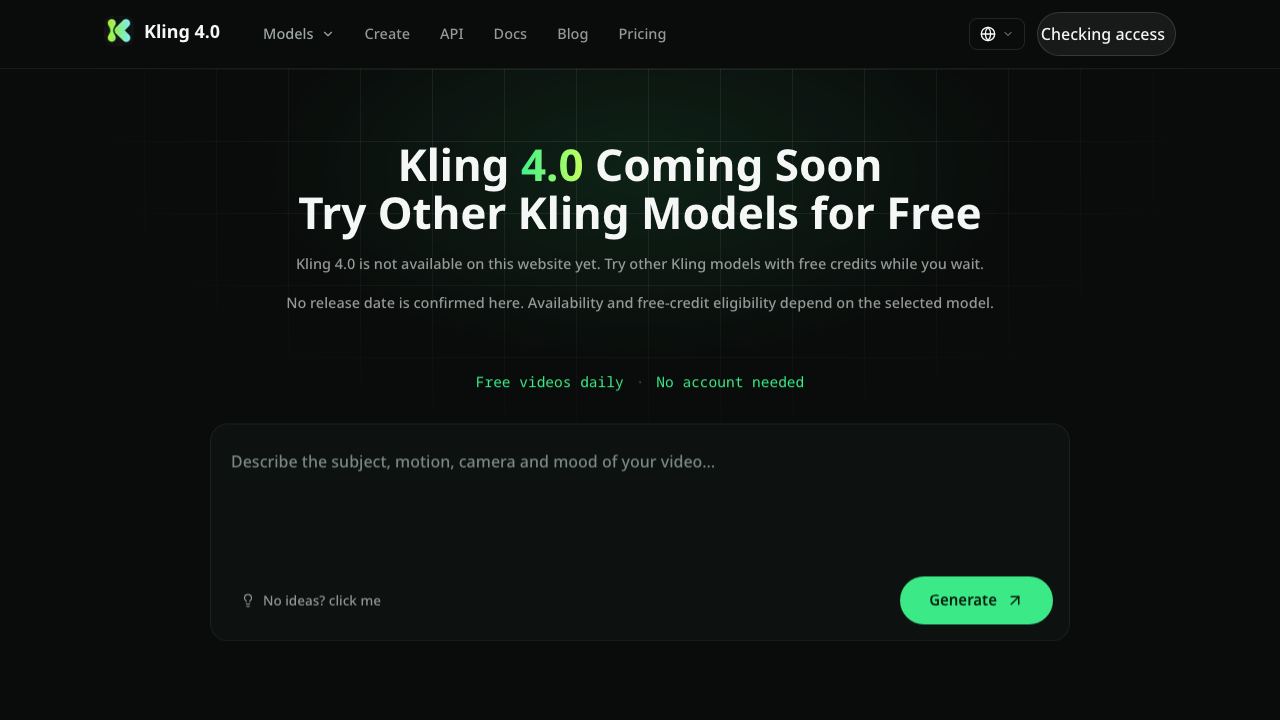
Follow Kling 4.0 availability and get notified when it is ready on our website. Meanwhile, try supported Kling models with free credits.
Create high-quality AI videos and images with Kling AI. Turn text, images, and references into multimodal creative content in one studio.
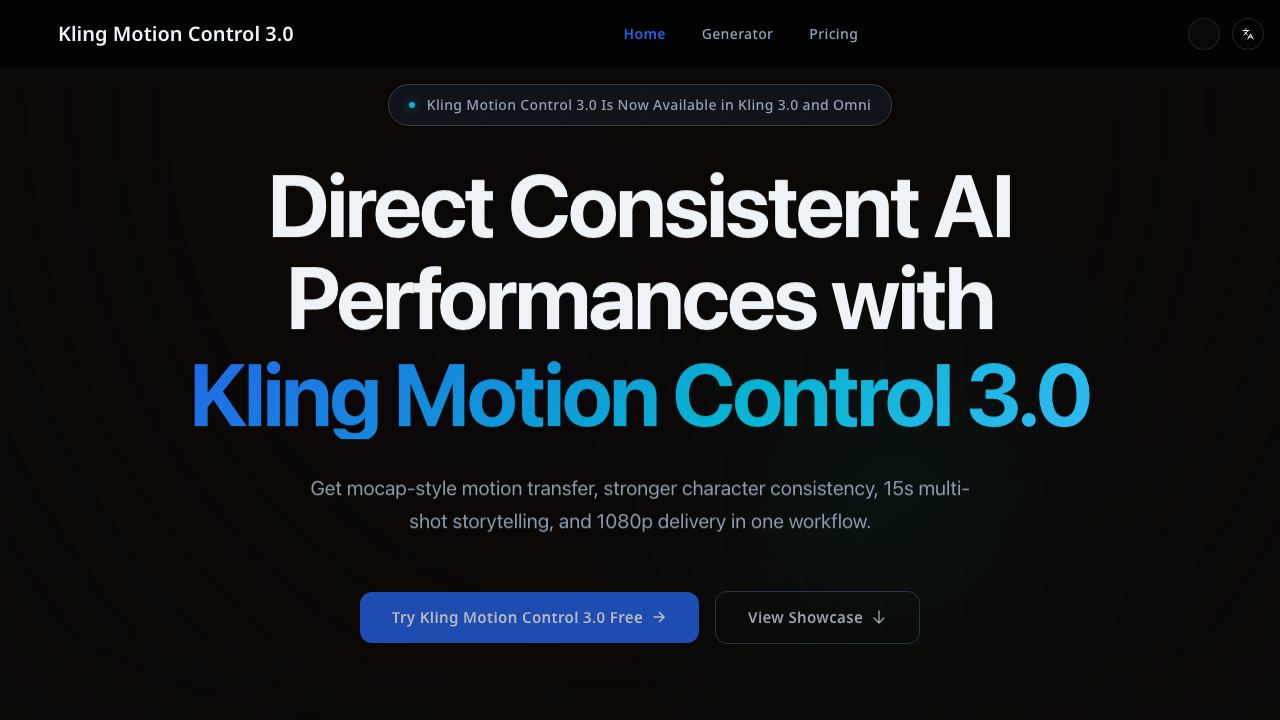
Kling Motion Control 3.0 is now available with Kling 3.0 and Omni. Create consistent character videos up to 15s in 1080p, plus 4K image series outputs.